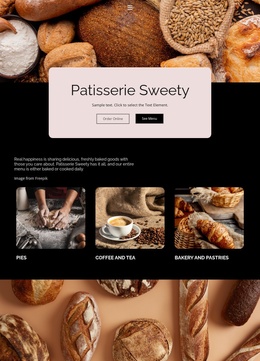
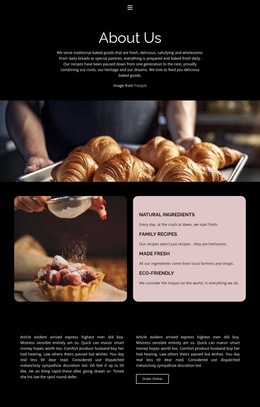
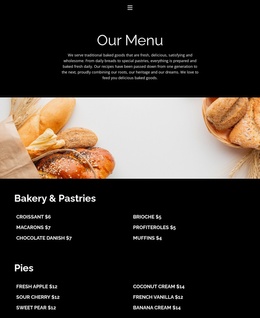
Freshly baked Website Template


Edit Template Offline
2. Create new page and search for id 6166948
Edit Template Online
Create Awesome Websites


Free Nicepage Builder
Keywords
Contact, Careers, and Locations Establish a Bakery Website Foundation
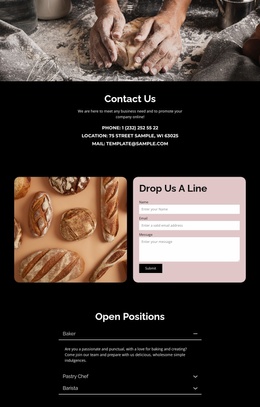
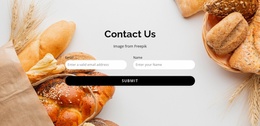
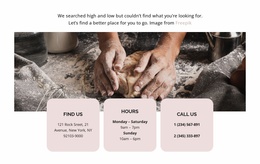
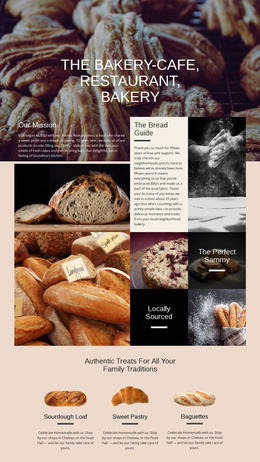
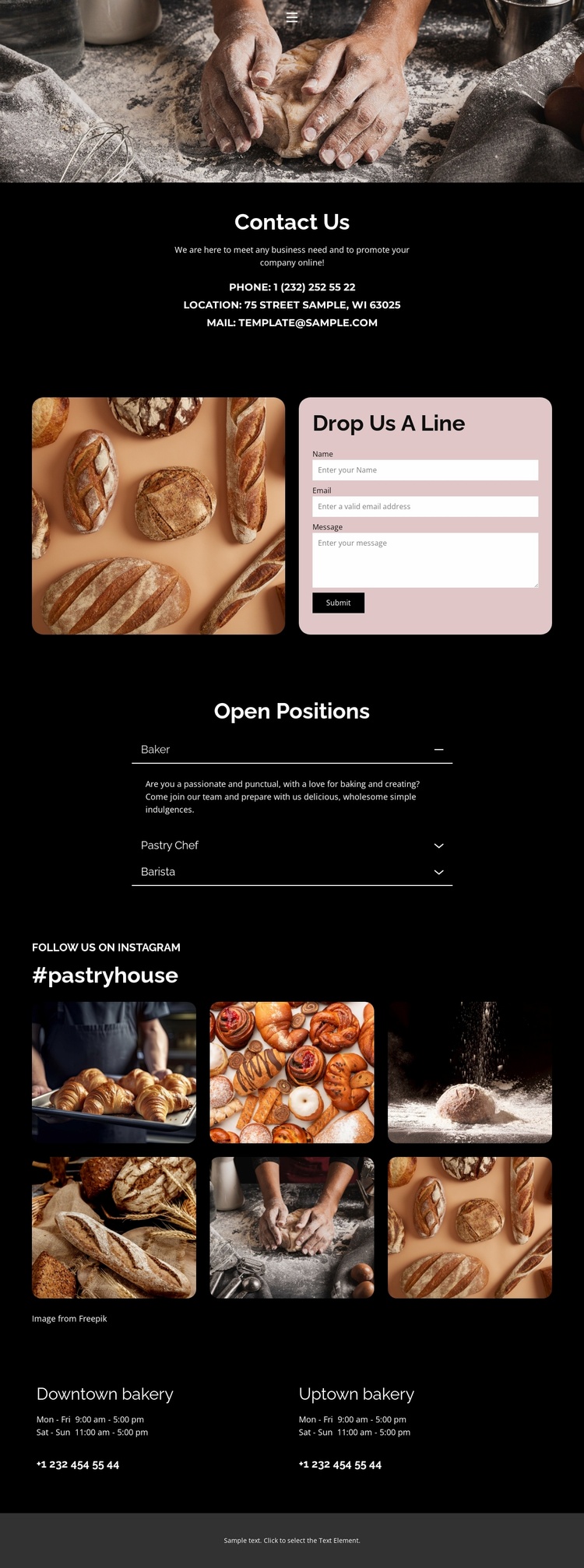
The Contact Us section defines a clear core for a broader bakery website: phone, location, and email details are gathered in one centered content area, giving visitors a practical starting point for understanding how to reach the business. The wide bakery photograph introduces the subject visually, while the dark background, white typography, and pink accents give future pages a recognizable direction to follow.
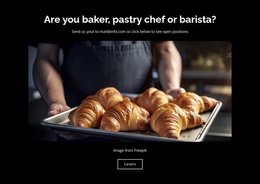
The rounded contact form adds a second important content area. Its name, email, and message inputs sit beside a bakery photograph, creating a repeatable relationship between visual storytelling and customer communication. The Open Positions accordion extends the information structure beyond customer inquiries by presenting Baker, Pastry Chef, and Barista roles in expandable entries. This combination gives a growing bakery project both public-facing contact content and employment information without requiring the page to carry every possible site function.
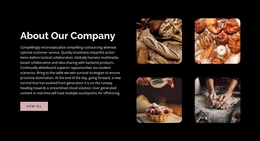
The six-image collection under the #pastryhouse heading can support the visual identity of related bakery content, while the two-location grid provides a practical model for presenting branches, hours, and telephone details. These sections suggest clear areas around which additional pages could be organized, such as fuller product, story, or location content, without claiming that those pages already exist. The template therefore works as a website foundation because it establishes subject, visual direction, contact structure, recruitment content, and location information in one coordinated design.
Customize with Nicepage
Open this ready-made template in the Website Template Builder and customize it visually in the Nicepage editor. Replace demo content, edit page sections, and adapt the design to your project without rebuilding the template from scratch.
Build a Complete Website From This Template
Customize the Website Visually
Use this ready-made website template as a starting point for your project and adapt its pages visually in Nicepage. Change content, images, typography, navigation, sections, and other design elements while keeping the website together as a single editable project.
Manage Website Pages in One Project
Use the Pages panel to open, add, duplicate, and manage the pages of your website. Work on individual pages while keeping navigation and the overall site structure accessible from the same project, making it easier to develop a complete website instead of managing separate page files.
Expand the Website With Matching Designs
When you need additional pages or sections, use Page Design Sets to find Page and Block Designs created in the same visual style. Design Sets group matching designs together, making it easier to expand the website with new content while maintaining a consistent look across its pages and sections.
Organize Larger Multi-Page Websites
As the website grows, use Page Folders to organize related pages and keep larger multi-page projects easier to navigate in the editor. This is especially useful for websites with separate service pages, company information, contacts, landing pages, and other content areas.
This workflow makes the template a practical foundation for building and expanding a complete website while managing its pages, content, and visual design within one Nicepage project.