Pizza cafe restaurant Template


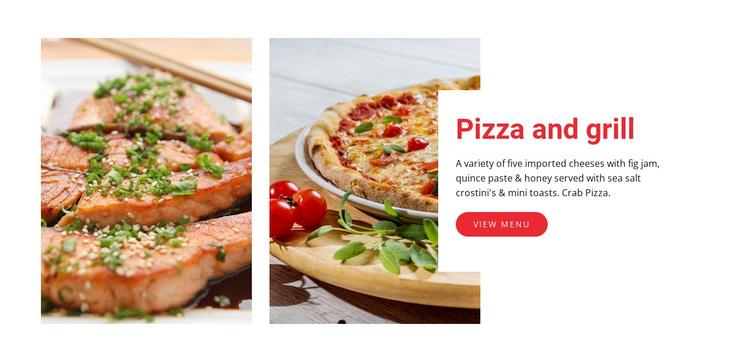
Two Tall Photos Give This Featured Offering More Presence Than a Simple Card
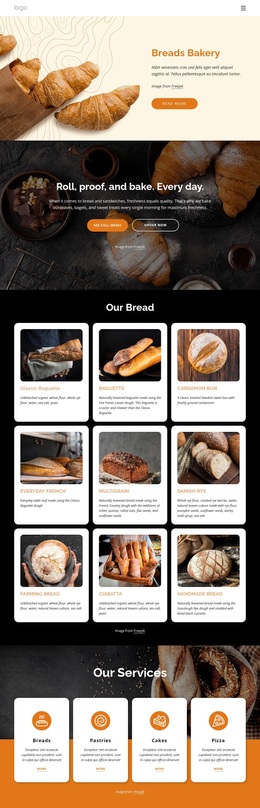
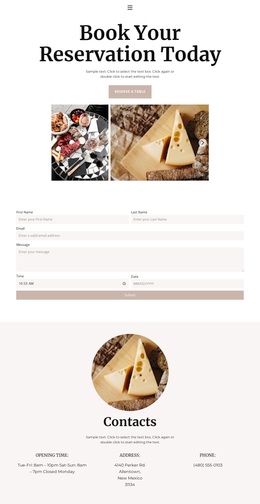
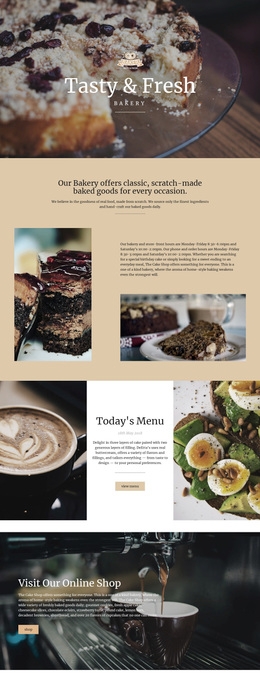
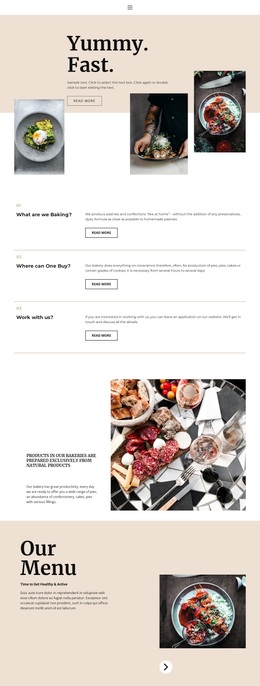
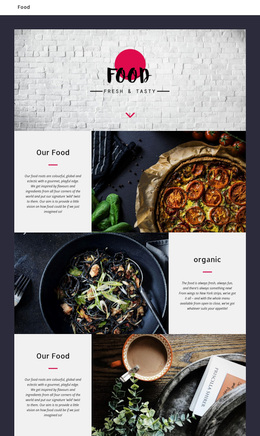
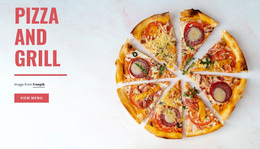
Two tall food photographs make this block immediately different from a basic text panel or compact card grid. They occupy the left side as a paired visual statement, while the white card on the right keeps the “Pizza and grill” heading, detailed description, and view menu button in one controlled composition. The visible food references—imported cheeses, fig jam, quince paste, honey, sea salt crostini, mini toasts, and crab pizza—give the design enough content specificity to communicate a featured offering rather than an empty decorative layout.
This combination makes the section a useful choice when a restaurant page needs one offering to receive both visual emphasis and a direct menu destination. The centered white panel provides reading contrast against the warm photography, and the vivid red button creates a clear accent that can stand out without adding another competing action. Strong vertical spacing keeps the rectangular composition open while preserving the relationship between the two images and the text. Among ready-made section alternatives, this design suits a project that wants a compact food presentation with editorial image weight instead of a conventional row of smaller product cards.
Customize with Nicepage
Open this ready-made template in the Template Builder and customize it visually in the Nicepage editor. Replace demo content, edit page sections, and adapt the design to your project without rebuilding the template from scratch.
Edit Template Offline
2. Create a new page or select existing
3. Click Add new block, search for id 59026 and click enter
Edit Template Online
Create Awesome Websites


Free Nicepage Builder
Keywords
Start With a Ready-Made Template
Choose a Design for a New Page
Use a ready-made template as a starting point instead of creating every page from a blank canvas. When adding a new page in Nicepage, browse available designs, compare different layouts, and choose an option that already fits the general purpose and visual direction of your project.
Browse Different Page Designs
Explore Page Designs using search, thematic categories, Design Sets, and full-page previews. The collection includes layouts for different subjects and page purposes, making it easier to compare alternatives before selecting a design to customize.
Customize the Selected Template
After choosing a design, create the page and continue editing it visually in Nicepage. Replace the demo content, adjust images, typography, colors, sections, and other elements, and adapt the ready-made layout to your own content instead of rebuilding the design from the beginning.
Explore More Design Directions
If the first option does not match your project closely enough, return to the design collection and compare other templates before committing to a layout. This makes the template library useful not only for faster page creation, but also for exploring different visual approaches and finding a suitable starting point for a new project.
This workflow gives you access to a broad collection of ready-made designs that can be selected, compared, and customized according to the needs of each new page or project.