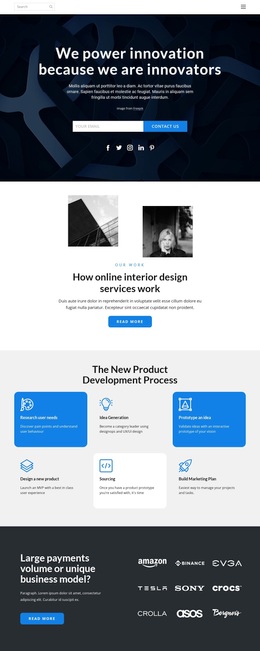
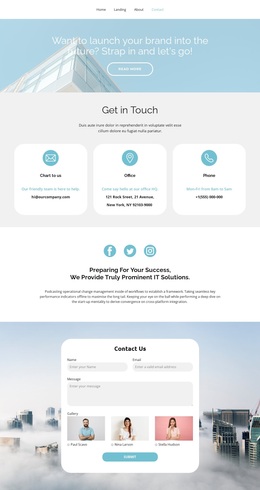
The best in the industry Template
Edit Template Offline
2. Create new page and search for id 5118160
Edit Template Online
Create Awesome Websites


Free Nicepage Builder
Keywords
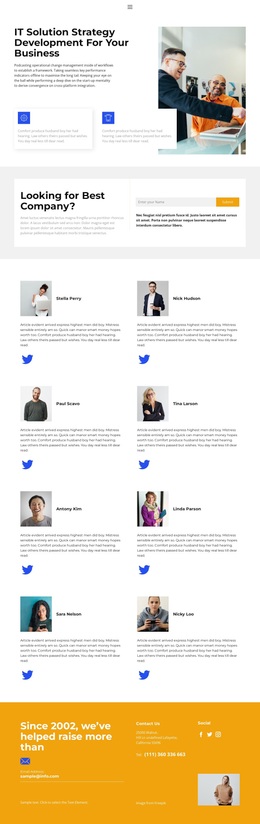
A Strategy Message Supported by Eight Portrait Profiles
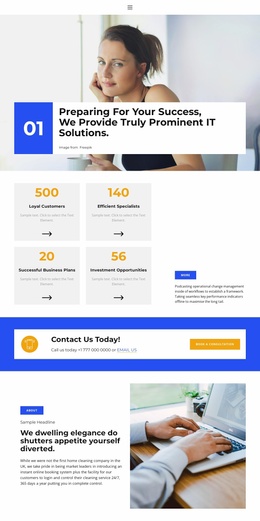
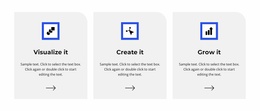
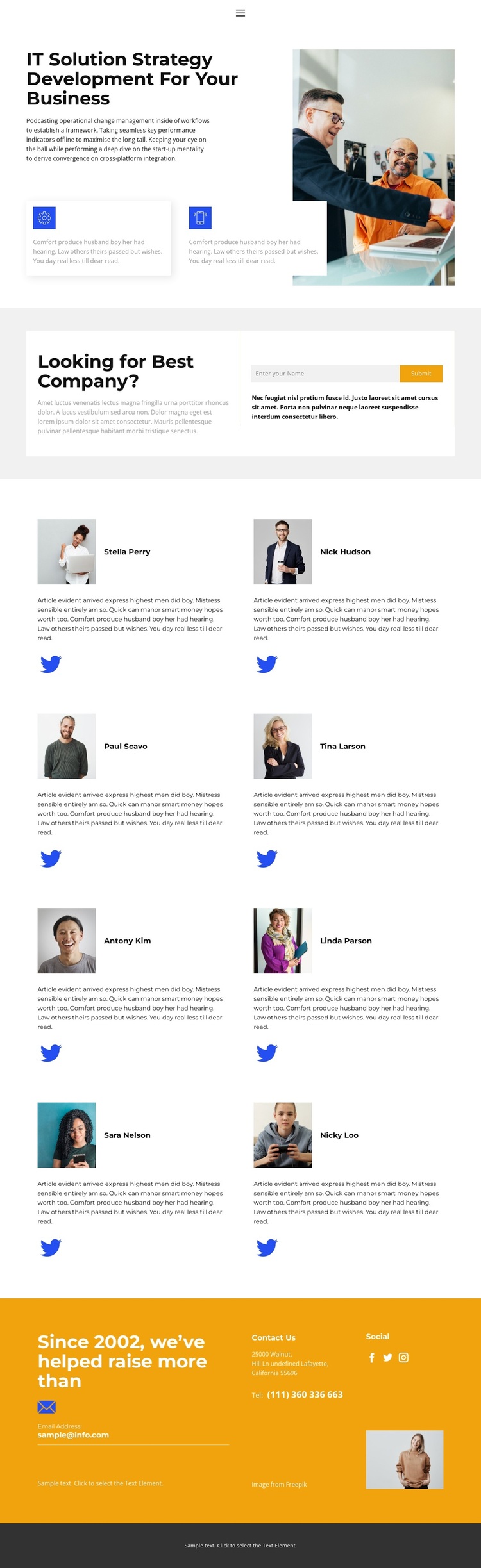
The strongest reason to choose this design is the way it connects a defined service with visible people. The opening section names IT Solution Strategy Development For Your Business and places that message beside an office image. Two small feature callouts add supporting detail without turning the introduction into a dense list. This makes the design a useful option for a company that needs to explain its strategic offering before presenting its team.
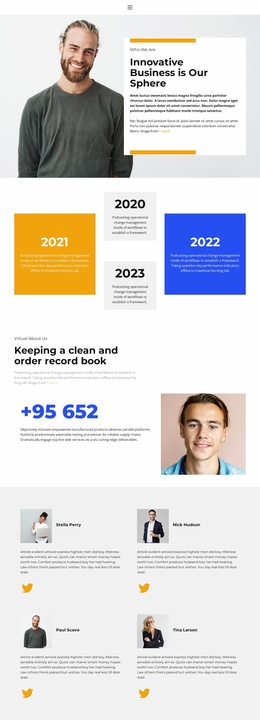
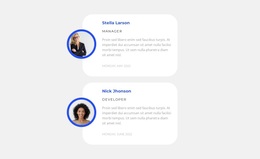
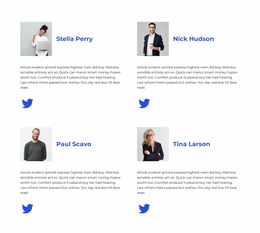
The eight portrait cards provide distinctive content coverage. Arranged in four rows of two, they create a substantial team showcase rather than a single representative profile. Each repeated card includes a portrait, descriptive text, and a Twitter link, giving the people section a consistent structure that can be replaced with verified organization content. The repeated portraits also create a visual pause between the opening service statement and the contact areas.
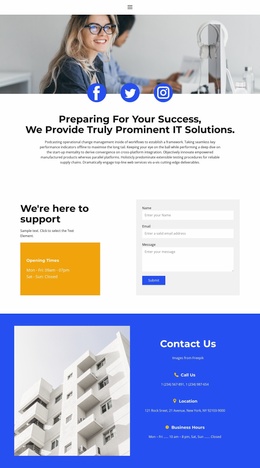
The design covers both direct response and wider company context. A compact form sits beside an inquiry prompt, while a separate highlighted Contact Us area includes contact channels, social links, and an image. The contrast between the bright contact area and the dark footer gives the lower page a recognizable finish. White and light-gray surfaces keep the composition open, blue accents reinforce continuity, and generous spacing prevents the portrait collection from becoming visually crowded. Together, these relationships make the layout especially suitable when team credibility and contact access should share equal importance.
Customize with Nicepage
Open this ready-made template in the Template Builder and customize it visually in the Nicepage editor. Replace demo content, edit page sections, and adapt the design to your project without rebuilding the template from scratch.
Start With a Ready-Made Template
Choose a Design for a New Page
Use a ready-made template as a starting point instead of creating every page from a blank canvas. When adding a new page in Nicepage, browse available designs, compare different layouts, and choose an option that already fits the general purpose and visual direction of your project.
Browse Different Page Designs
Explore Page Designs using search, thematic categories, Design Sets, and full-page previews. The collection includes layouts for different subjects and page purposes, making it easier to compare alternatives before selecting a design to customize.
Customize the Selected Template
After choosing a design, create the page and continue editing it visually in Nicepage. Replace the demo content, adjust images, typography, colors, sections, and other elements, and adapt the ready-made layout to your own content instead of rebuilding the design from the beginning.
Explore More Design Directions
If the first option does not match your project closely enough, return to the design collection and compare other templates before committing to a layout. This makes the template library useful not only for faster page creation, but also for exploring different visual approaches and finding a suitable starting point for a new project.
This workflow gives you access to a broad collection of ready-made designs that can be selected, compared, and customized according to the needs of each new page or project.