Unique design experiences, services, and products Template



Edit Template Offline
2. Create new page and search for id 3151793
Edit Template Online
Create Awesome Websites


Free Nicepage Builder
Keywords
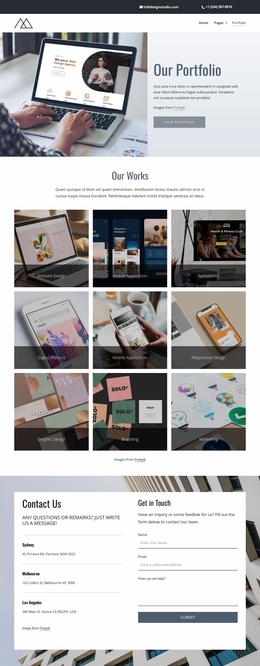
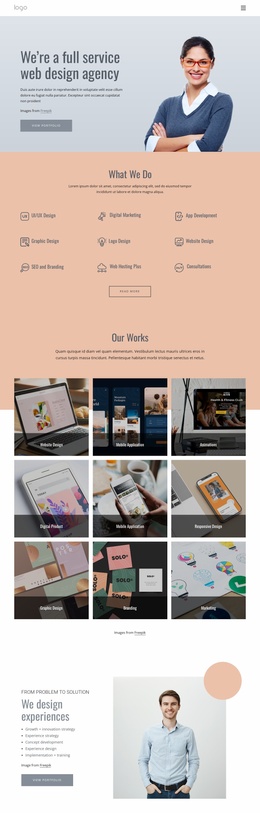
Three service categories framed by visual proof
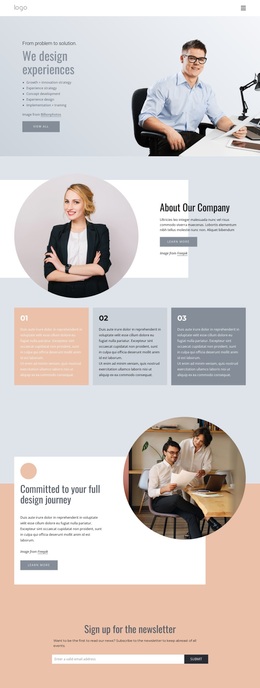
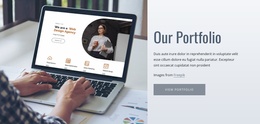
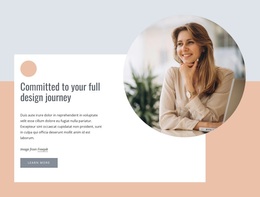
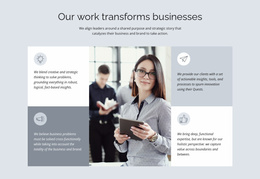
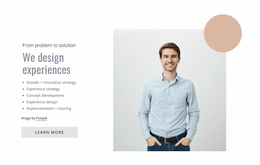
The design gives its subject a wider range of content than a simple service list. The hero establishes a customer-experience direction through a large professional photograph and the heading “We design experiences,” while the About Our Company section adds a circular portrait and explanatory text. Three numbered capability cards then create a compact bridge between the company story and the specific services that follow.
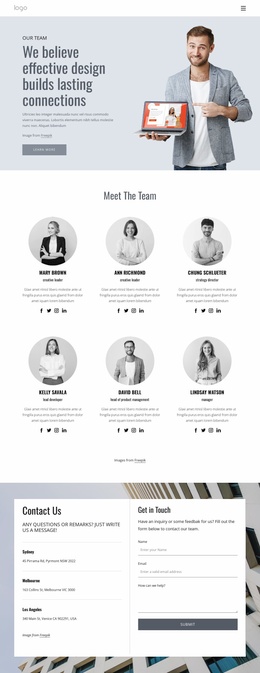
The strongest reason to choose this option is the way its offer is supported by several different forms of content. Development, Management, and Support 24/7 appear as three image-led service cards, making the categories easy to distinguish without turning the page into dense text. The portfolio area adds three work examples with images, labels, and descriptions, so the design can present examples alongside the services. Four testimonial-style quote panels around a central portrait provide another layer of social-proof structure, although the displayed names and quotations are demo material rather than verified business claims.
The page also accommodates two communication modes. A peach newsletter band supports a lighter subscription request, while the Contact Us section provides instructions, contact details, and a message form for more direct inquiries. Combined with the distinctive palette, circular photo treatments, generous spacing, and dark footer, these relationships make the template a strong option for a business services project that needs both visual storytelling and practical content coverage.
Customize with Nicepage
Open this ready-made template in the Template Builder and customize it visually in the Nicepage editor. Replace demo content, edit page sections, and adapt the design to your project without rebuilding the template from scratch.
Start With a Ready-Made Template
Choose a Design for a New Page
Use a ready-made template as a starting point instead of creating every page from a blank canvas. When adding a new page in Nicepage, browse available designs, compare different layouts, and choose an option that already fits the general purpose and visual direction of your project.
Browse Different Page Designs
Explore Page Designs using search, thematic categories, Design Sets, and full-page previews. The collection includes layouts for different subjects and page purposes, making it easier to compare alternatives before selecting a design to customize.
Customize the Selected Template
After choosing a design, create the page and continue editing it visually in Nicepage. Replace the demo content, adjust images, typography, colors, sections, and other elements, and adapt the ready-made layout to your own content instead of rebuilding the design from the beginning.
Explore More Design Directions
If the first option does not match your project closely enough, return to the design collection and compare other templates before committing to a layout. This makes the template library useful not only for faster page creation, but also for exploring different visual approaches and finding a suitable starting point for a new project.
This workflow gives you access to a broad collection of ready-made designs that can be selected, compared, and customized according to the needs of each new page or project.