Trends Of Design Template


Edit Template Offline
2. Create new page and search for id 14351
Edit Template Online
Create Awesome Websites


Free Nicepage Builder
Keywords
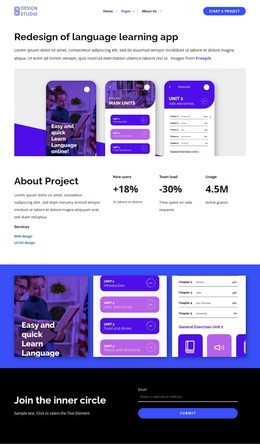
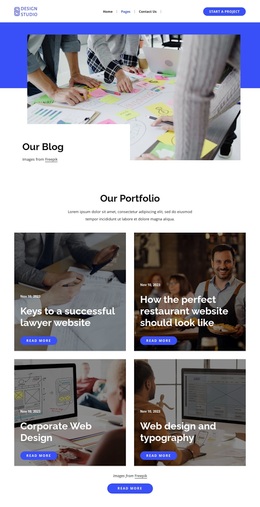
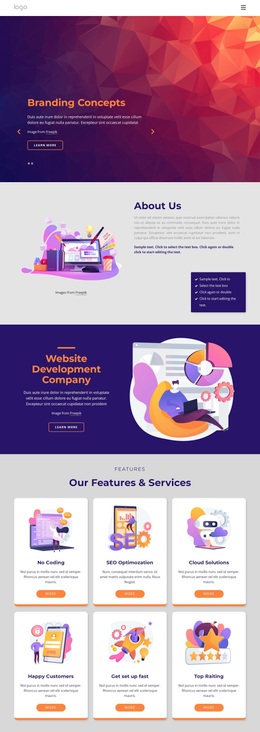
Glitch, Ruined, and Gradient Examples Give the Design Its Character
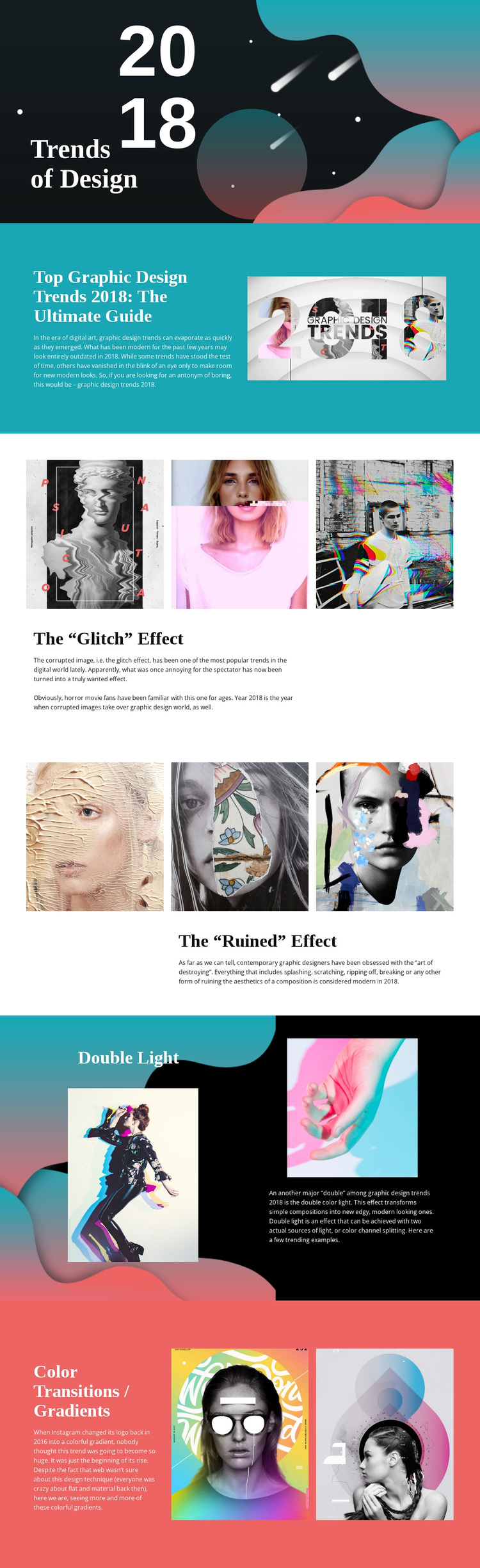
The strongest reason to choose this design is the way it treats graphic design trends as visual subjects rather than as a plain list of topics. The opening places the 2018 title beside an abstract composition, immediately establishing a publication-like setting. The guide section then introduces the broader theme before the page narrows its attention to recognizable visual directions, including glitch, ruined, double light, and color transitions or gradients.
The image treatment makes those categories especially distinctive. Three examples appear in the glitch section and another three in the ruined section, allowing each effect to be understood through visual variation. Double Light receives two examples in a darker split block, while gradients receive two colorful references in the closing section. This changing balance between image groups and explanatory text gives the design more range than a layout built around identical service cards or uniform text panels.
The palette reinforces that choice. Cyan and coral fields contrast with black and white areas, while large serif headings and compact sans-serif copy create an editorial hierarchy. Generous spacing prevents the collage-like imagery from becoming visually crowded. The result suits a design article, inspiration page, trend guide, or visual reference project where examples should carry as much meaning as the written explanation. Its value lies in the relationship between topic, evidence, and experimental presentation.
Customize with Nicepage
Open this ready-made template in the Template Builder and customize it visually in the Nicepage editor. Replace demo content, edit page sections, and adapt the design to your project without rebuilding the template from scratch.
Start With a Ready-Made Template
Choose a Design for a New Page
Use a ready-made template as a starting point instead of creating every page from a blank canvas. When adding a new page in Nicepage, browse available designs, compare different layouts, and choose an option that already fits the general purpose and visual direction of your project.
Browse Different Page Designs
Explore Page Designs using search, thematic categories, Design Sets, and full-page previews. The collection includes layouts for different subjects and page purposes, making it easier to compare alternatives before selecting a design to customize.
Customize the Selected Template
After choosing a design, create the page and continue editing it visually in Nicepage. Replace the demo content, adjust images, typography, colors, sections, and other elements, and adapt the ready-made layout to your own content instead of rebuilding the design from the beginning.
Explore More Design Directions
If the first option does not match your project closely enough, return to the design collection and compare other templates before committing to a layout. This makes the template library useful not only for faster page creation, but also for exploring different visual approaches and finding a suitable starting point for a new project.
This workflow gives you access to a broad collection of ready-made designs that can be selected, compared, and customized according to the needs of each new page or project.