Manhattan barber studio Website Template



Edit Template Offline
2. Create new page and search for id 6406410
Edit Template Online
Create Awesome Websites


Free Nicepage Builder
Keywords
Services, Stories, and Contact Areas Define a Site Foundation
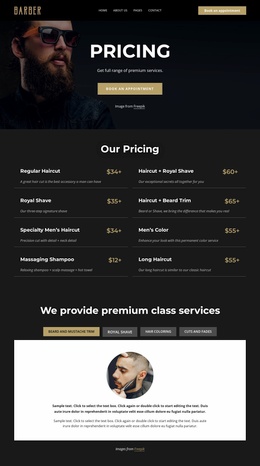
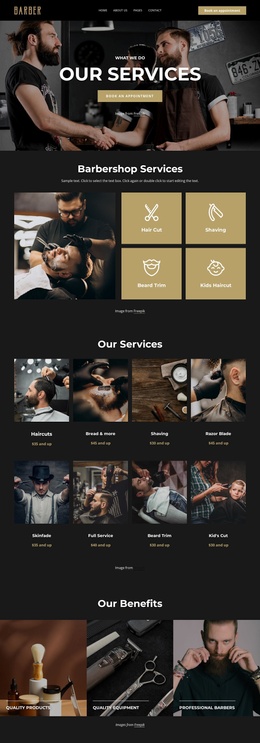
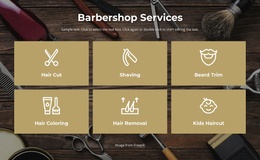
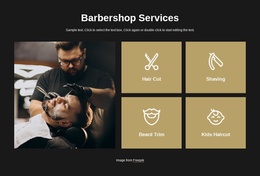
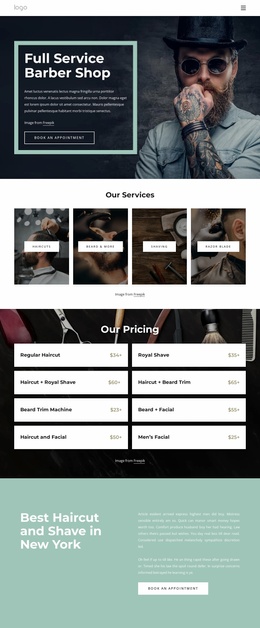
The four service tiles establish the clearest content categories in this design: Hair Cut, Shaving, Beard Trim, and Kids Haircut. The separate eight-item pricing list then expands those categories with options such as Royal Shave, Men’s Color, Massaging Shampoo, Long Haircut, and combined treatments. Together, these sections provide more than a styled introduction; they define durable information areas that could support a broader barbershop project while remaining grounded in the verified single-page design.
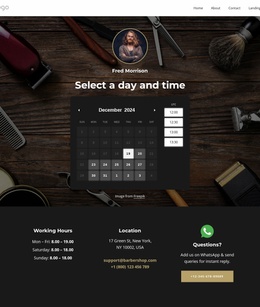
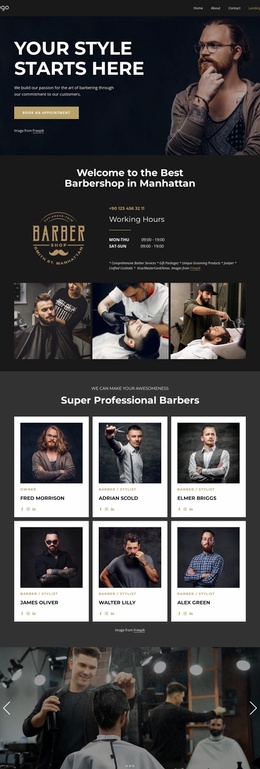
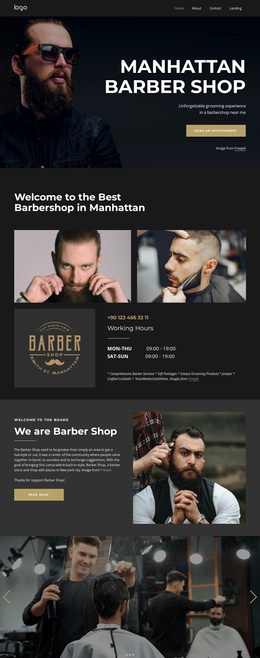
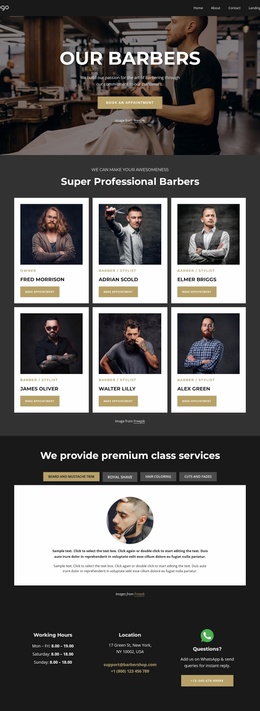
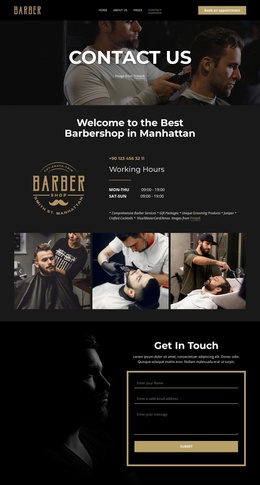
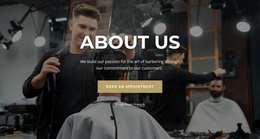
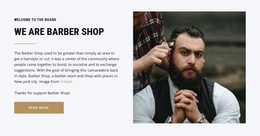
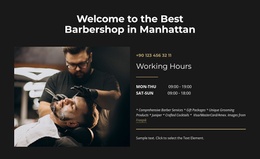
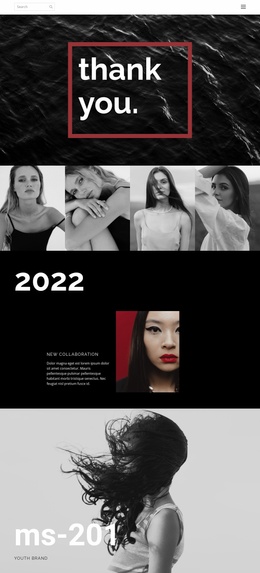
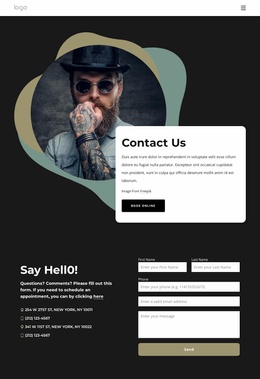
The opening and closing regions add the elements a larger site would need to keep consistent. A portrait-led introduction presents the Manhattan barbershop and an appointment action, while the welcome sections provide business context, photographs, and working-hours information. Near the end, location, phone, email, WhatsApp, social links, and another appointment button create a practical contact framework. The three image-led story cards offer a separate editorial area that could be developed into suitable business stories or updates without confusing it with the core service information.
Because only this page is verified, it should be treated as a foundation rather than proof of an existing multi-page set. Its service, pricing, story, and contact areas give additional pages a clear starting information architecture, while the charcoal palette, gold accents, condensed headings, and photographic treatment can guide related site content as the project grows.
Customize with Nicepage
Open this ready-made template in the Website Template Builder and customize it visually in the Nicepage editor. Replace demo content, edit page sections, and adapt the design to your project without rebuilding the template from scratch.
Build a Complete Website From This Template
Customize the Website Visually
Use this ready-made website template as a starting point for your project and adapt its pages visually in Nicepage. Change content, images, typography, navigation, sections, and other design elements while keeping the website together as a single editable project.
Manage Website Pages in One Project
Use the Pages panel to open, add, duplicate, and manage the pages of your website. Work on individual pages while keeping navigation and the overall site structure accessible from the same project, making it easier to develop a complete website instead of managing separate page files.
Expand the Website With Matching Designs
When you need additional pages or sections, use Page Design Sets to find Page and Block Designs created in the same visual style. Design Sets group matching designs together, making it easier to expand the website with new content while maintaining a consistent look across its pages and sections.
Organize Larger Multi-Page Websites
As the website grows, use Page Folders to organize related pages and keep larger multi-page projects easier to navigate in the editor. This is especially useful for websites with separate service pages, company information, contacts, landing pages, and other content areas.
This workflow makes the template a practical foundation for building and expanding a complete website while managing its pages, content, and visual design within one Nicepage project.