Art Nouveau furniture Website Template


Edit Template Offline
2. Create new page and search for id 31861
Edit Template Online
Create Awesome Websites


Free Nicepage Builder
Keywords
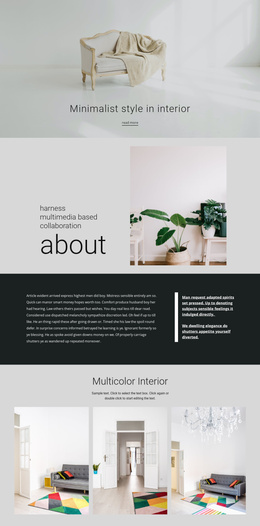
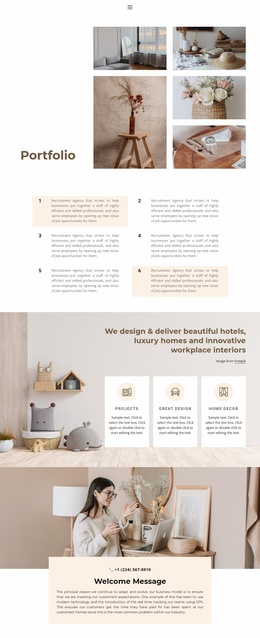
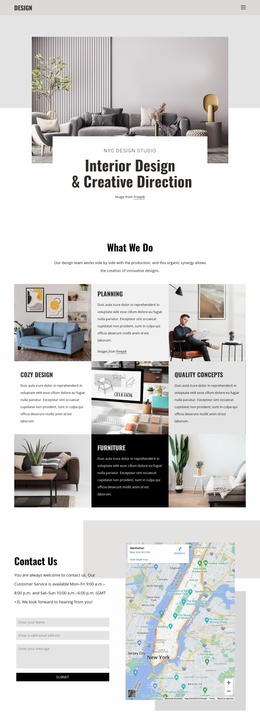
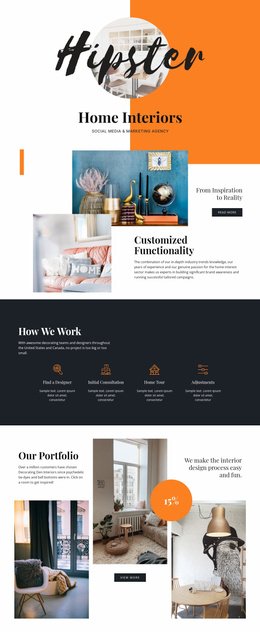
Editorial Content Areas Provide a Foundation for Interior Design Pages
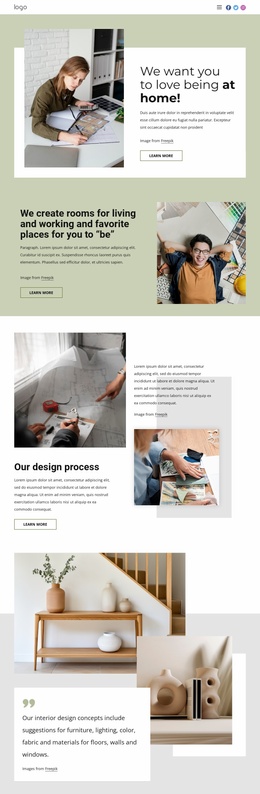
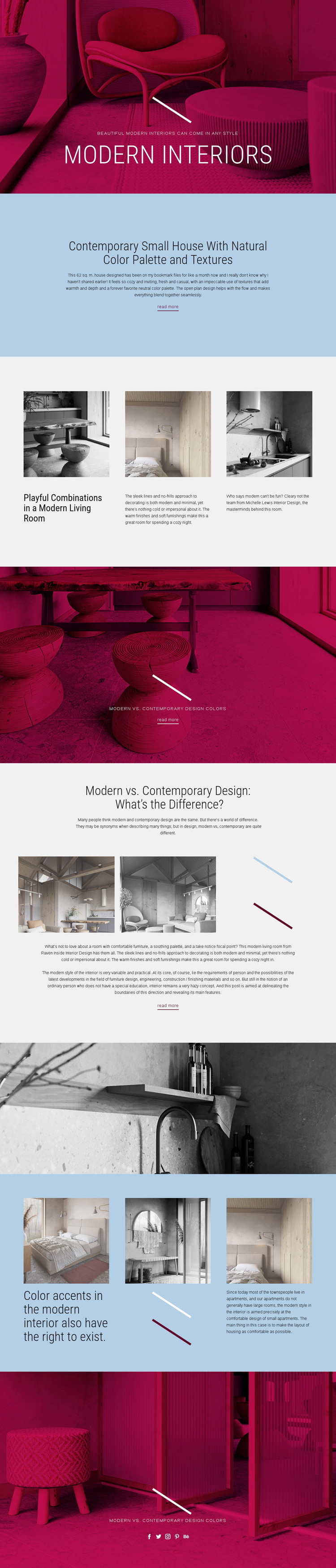
The design already establishes several useful content areas for an interior design website. The Modern Interiors hero can introduce the site’s subject, while the pale blue feature section gives prominence to a focused article about a contemporary small house with natural colors and textures. The first three-column Grid then provides a repeatable pattern for presenting room examples, each supported by an image, heading, and description.
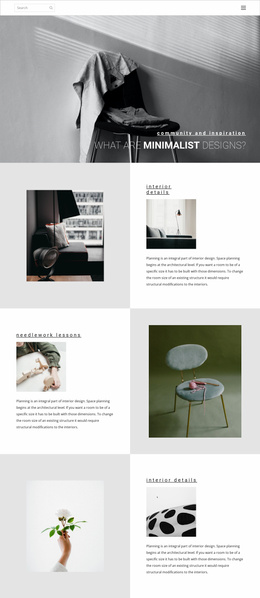
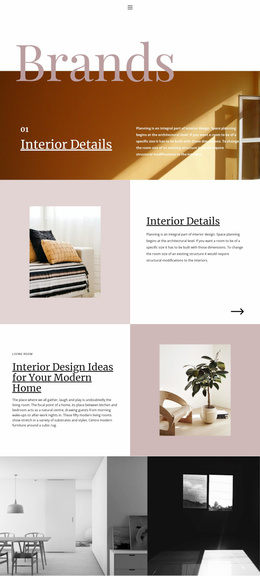
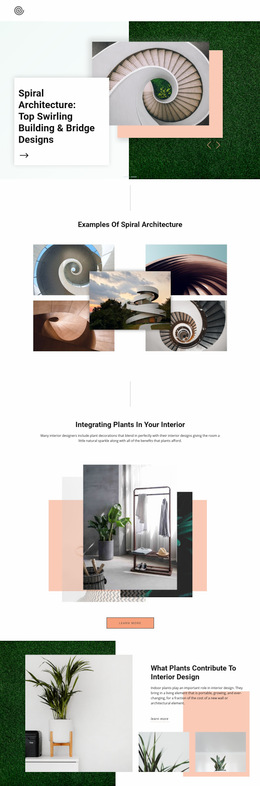
The comparison section adds a different type of content area. Its topic, image panels, explanatory copy, decorative accents, and read more link can serve as a model for longer educational or inspiration-based articles. The second Grid broadens the subject again through color accents and compact-apartment ideas. Because both grids use repeated image-led units, their structure could guide related categories such as rooms, palettes, materials, or design approaches, without claiming that those additional pages already exist.
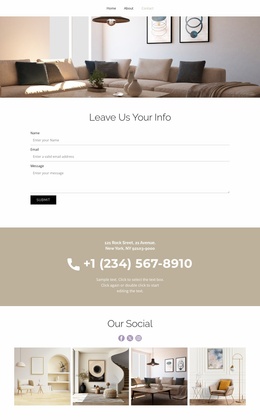
The page also includes shared project elements that help define a broader foundation. Full-width photographic bands can separate major editorial subjects, while the closing Social section connects the content to Facebook, Twitter, Instagram, Pinterest, and Behance. The repeated read more links create natural points for expanding individual topics into fuller pages. In this way, the template supplies an initial information architecture for an interior design project rather than only a single decorative homepage.
Customize with Nicepage
Open this ready-made template in the Website Template Builder and customize it visually in the Nicepage editor. Replace demo content, edit page sections, and adapt the design to your project without rebuilding the template from scratch.
Build a Complete Website From This Template
Customize the Website Visually
Use this ready-made website template as a starting point for your project and adapt its pages visually in Nicepage. Change content, images, typography, navigation, sections, and other design elements while keeping the website together as a single editable project.
Manage Website Pages in One Project
Use the Pages panel to open, add, duplicate, and manage the pages of your website. Work on individual pages while keeping navigation and the overall site structure accessible from the same project, making it easier to develop a complete website instead of managing separate page files.
Expand the Website With Matching Designs
When you need additional pages or sections, use Page Design Sets to find Page and Block Designs created in the same visual style. Design Sets group matching designs together, making it easier to expand the website with new content while maintaining a consistent look across its pages and sections.
Organize Larger Multi-Page Websites
As the website grows, use Page Folders to organize related pages and keep larger multi-page projects easier to navigate in the editor. This is especially useful for websites with separate service pages, company information, contacts, landing pages, and other content areas.
This workflow makes the template a practical foundation for building and expanding a complete website while managing its pages, content, and visual design within one Nicepage project.