Wonderful travel and tours Website Template

Edit Template Offline
2. Create new page and search for id 1088389
Edit Template Online
Create Awesome Websites


Free Nicepage Builder
Keywords
Tour Categories and Destination Content Establish a Site Foundation
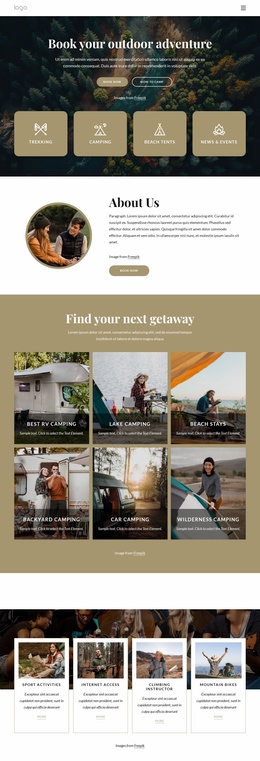
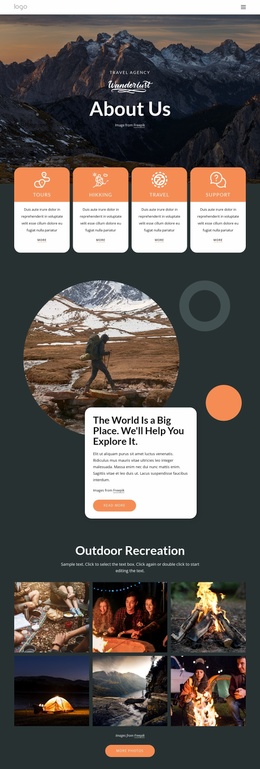
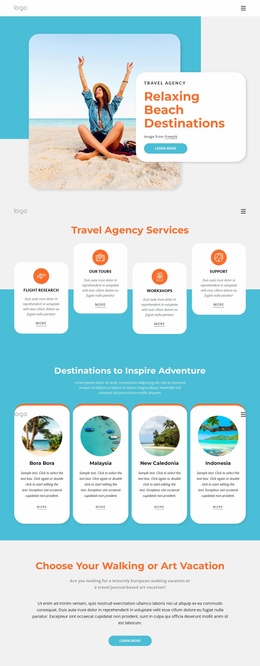
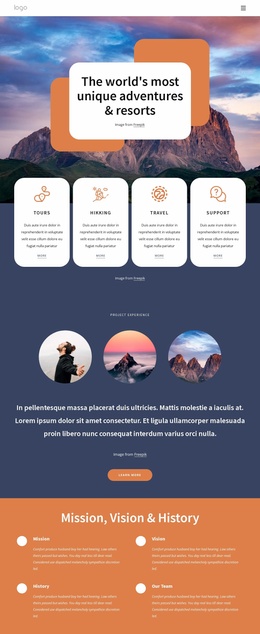
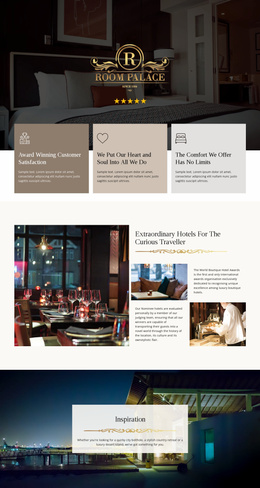
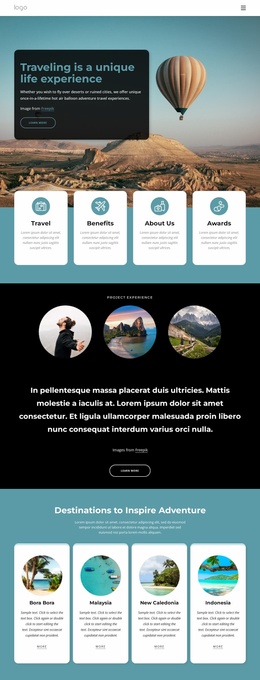
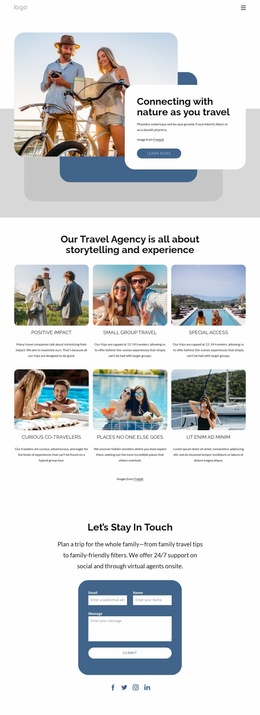
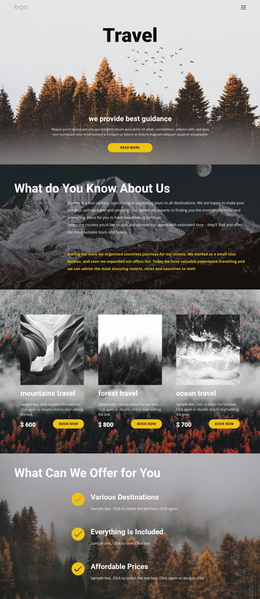
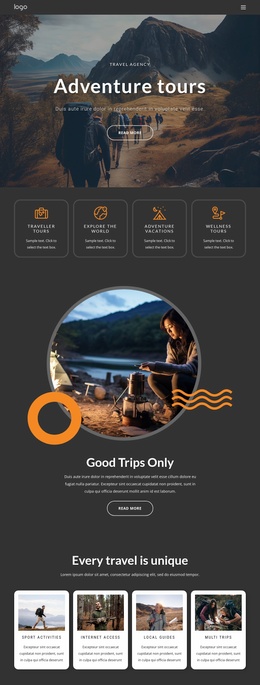
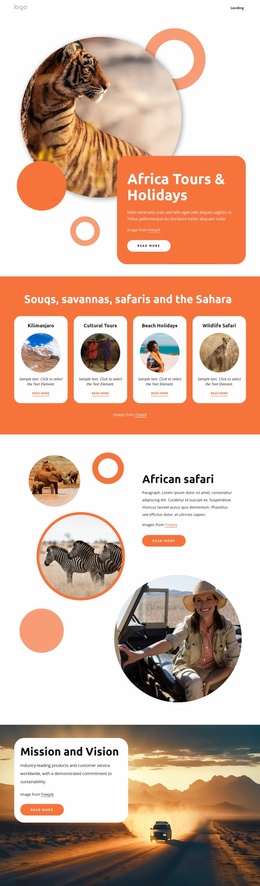
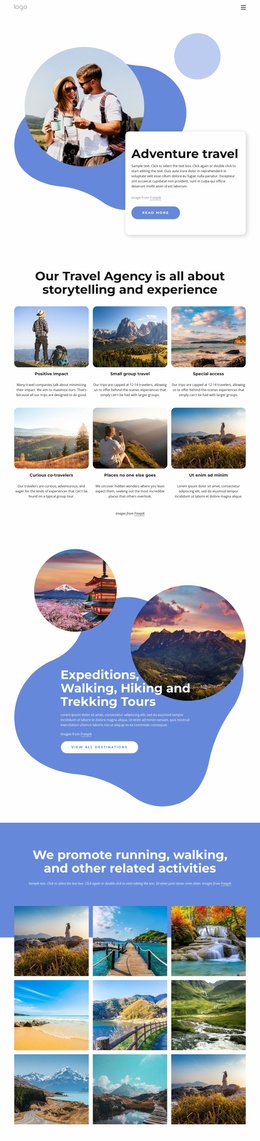
The page already defines several content areas that a broader travel website could build around. The four offering cards introduce Traveller Tours, Explore The World, Adventure Vacations, and Luxurious Hotels, giving the project an initial grouping of services or travel directions. The Mountains, Waterfalls, and Road Travel cards add a separate destination layer, so the design distinguishes what the agency offers from the kinds of experiences visitors may want to explore.
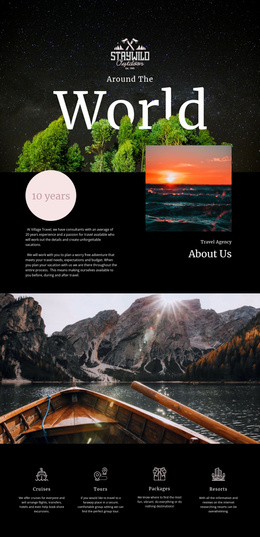
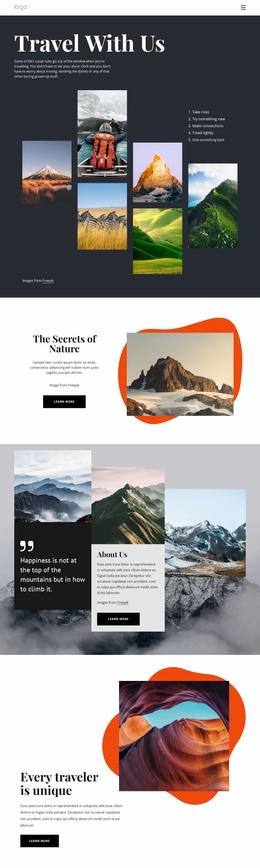
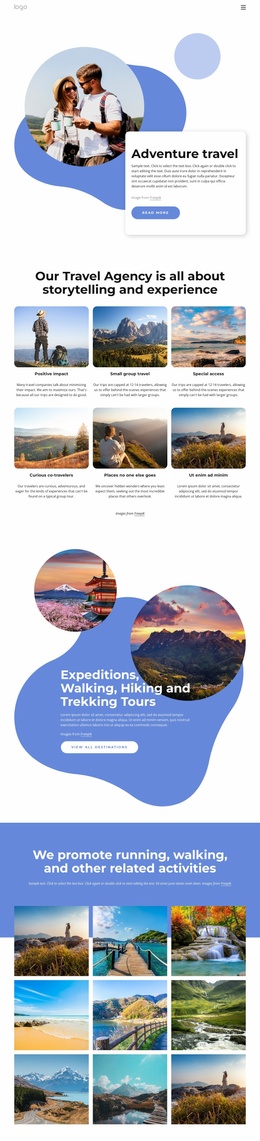
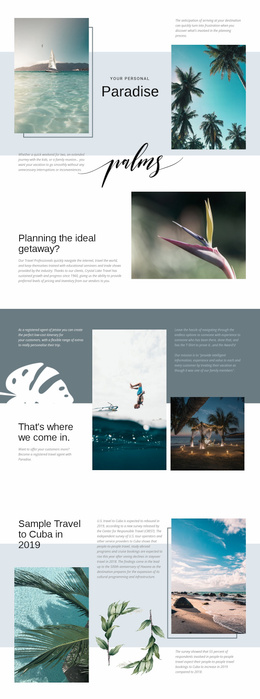
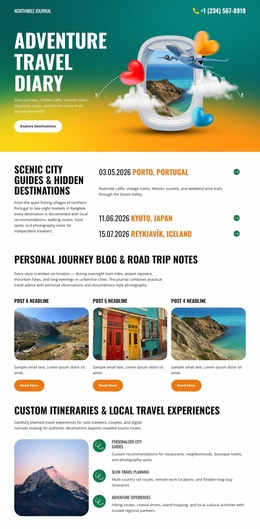
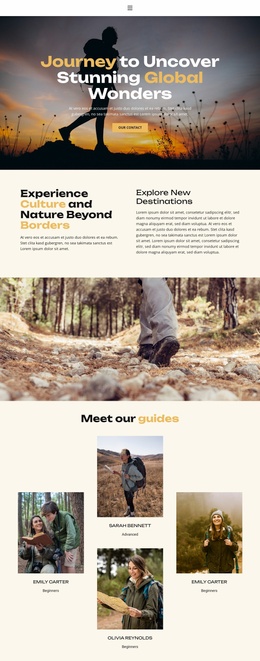
Other sections support the project’s informational range. About Us provides agency context, while Backpacking Trips and Freedom create focused experience stories. The three-image gallery supplies a visual portfolio area, and the Hot Air Balloon Festival feature can represent a highlighted article, event, or destination story without being treated as a verified real event. These regions give future pages or related content clear thematic starting points while preserving the page’s established visual system.
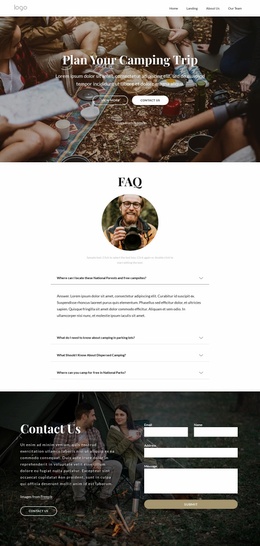
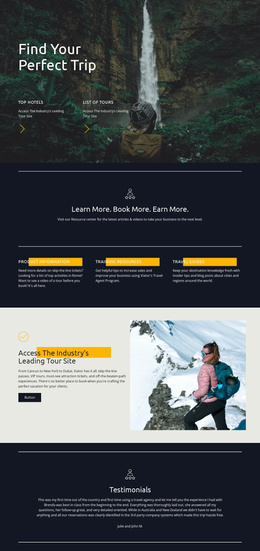
The closing Get in touch block adds a communication area with name, email, and message fields. That makes the design more than a collection of images: it contains agency introduction, offerings, destinations, editorial-style features, visual proof, and inquiry content. As a website-project foundation, it offers a coherent starting information architecture that could be expanded with additional pages only if the wider project requires them.
Customize with Nicepage
Open this ready-made template in the Website Template Builder and customize it visually in the Nicepage editor. Replace demo content, edit page sections, and adapt the design to your project without rebuilding the template from scratch.
Build a Complete Website From This Template
Customize the Website Visually
Use this ready-made website template as a starting point for your project and adapt its pages visually in Nicepage. Change content, images, typography, navigation, sections, and other design elements while keeping the website together as a single editable project.
Manage Website Pages in One Project
Use the Pages panel to open, add, duplicate, and manage the pages of your website. Work on individual pages while keeping navigation and the overall site structure accessible from the same project, making it easier to develop a complete website instead of managing separate page files.
Expand the Website With Matching Designs
When you need additional pages or sections, use Page Design Sets to find Page and Block Designs created in the same visual style. Design Sets group matching designs together, making it easier to expand the website with new content while maintaining a consistent look across its pages and sections.
Organize Larger Multi-Page Websites
As the website grows, use Page Folders to organize related pages and keep larger multi-page projects easier to navigate in the editor. This is especially useful for websites with separate service pages, company information, contacts, landing pages, and other content areas.
This workflow makes the template a practical foundation for building and expanding a complete website while managing its pages, content, and visual design within one Nicepage project.