We specialize in fresh and diversified styles Website Template


Edit Template Offline
2. Create new page and search for id 5166543
Edit Template Online
Create Awesome Websites


Free Nicepage Builder
Keywords
Services, Portfolio, and Contact Content Establish a Website Foundation
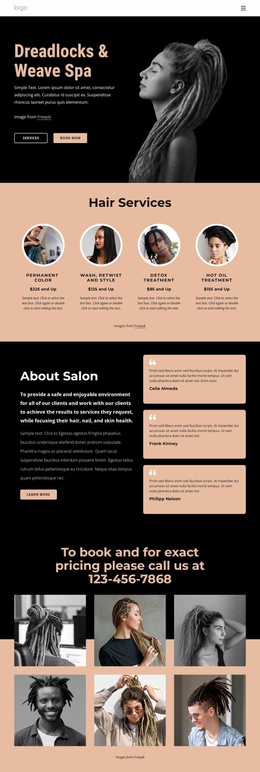
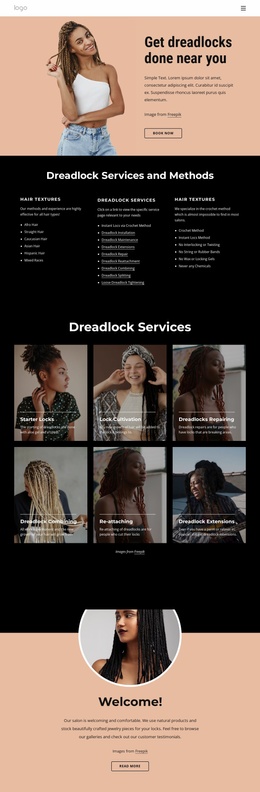
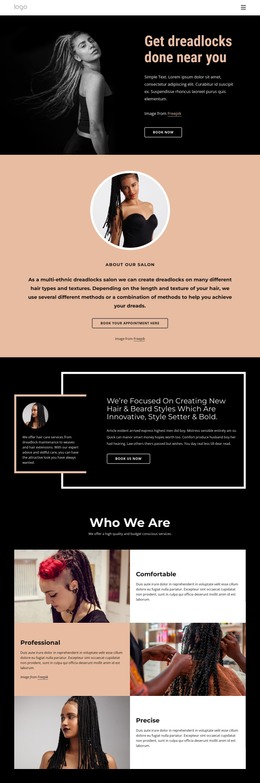
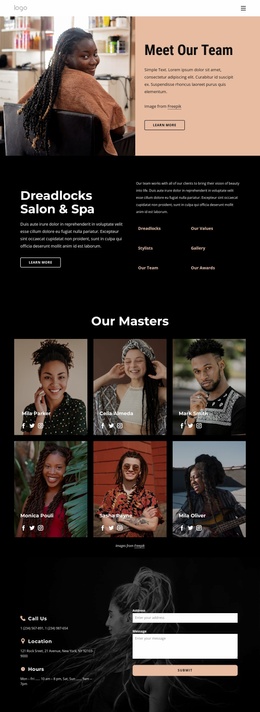
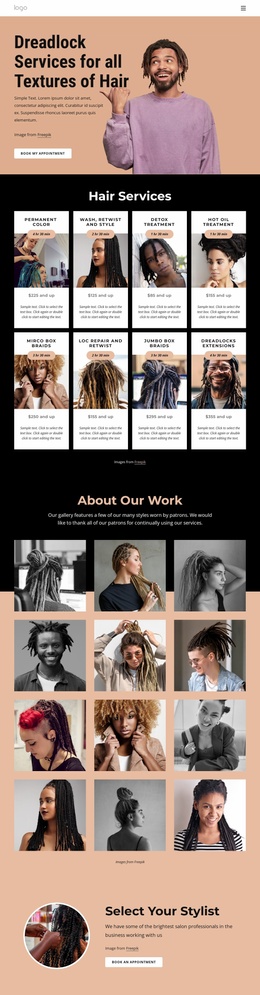
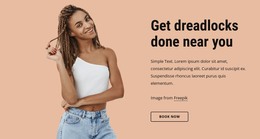
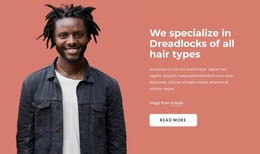
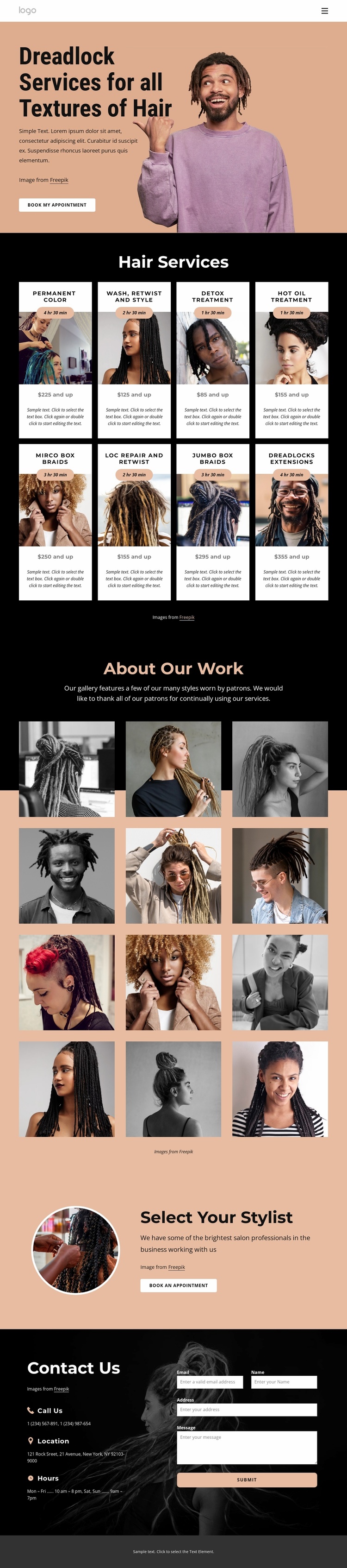
The design already defines several major content areas that a hair-care website may need. Its hero introduces dreadlock services for different hair textures and connects the opening message with a Book My Appointment action. The eight-card Hair Services section adds breadth: each repeated card combines an image with a service name, duration, price, and description, creating a useful base for organizing a wider service offering. This is more substantial than a purely decorative homepage because visitors can understand the available categories before deciding where to inquire.
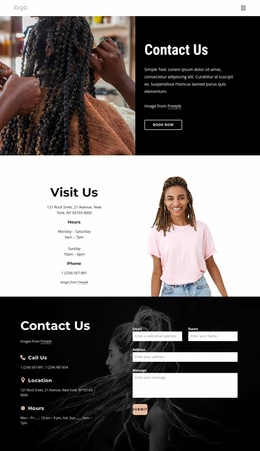
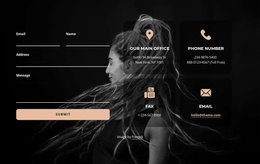
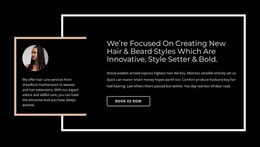
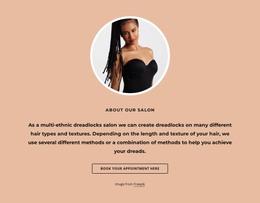
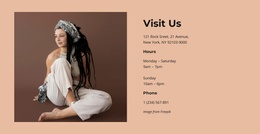
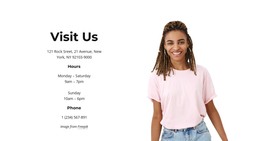
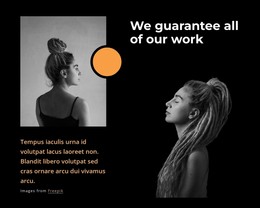
The twelve-image About Our Work gallery supplies a dedicated portfolio area, giving future site content a clear place for visual examples. The Select Your Stylist section introduces a separate people-focused area through a circular portrait, explanatory copy, and another booking action. At the bottom, the three contact-information labels and inquiry form establish the practical endpoint for questions and appointments. Together, these areas suggest a natural project structure: service information, work examples, stylist presentation, and contact content can remain part of one visual system while additional pages or sections are added later if the project requires them. The current design verifies one page, not a complete multi-page site, so expansion should be treated as a possible foundation rather than an existing feature.
Customize with Nicepage
Open this ready-made template in the Website Template Builder and customize it visually in the Nicepage editor. Replace demo content, edit page sections, and adapt the design to your project without rebuilding the template from scratch.
Build a Complete Website From This Template
Customize the Website Visually
Use this ready-made website template as a starting point for your project and adapt its pages visually in Nicepage. Change content, images, typography, navigation, sections, and other design elements while keeping the website together as a single editable project.
Manage Website Pages in One Project
Use the Pages panel to open, add, duplicate, and manage the pages of your website. Work on individual pages while keeping navigation and the overall site structure accessible from the same project, making it easier to develop a complete website instead of managing separate page files.
Expand the Website With Matching Designs
When you need additional pages or sections, use Page Design Sets to find Page and Block Designs created in the same visual style. Design Sets group matching designs together, making it easier to expand the website with new content while maintaining a consistent look across its pages and sections.
Organize Larger Multi-Page Websites
As the website grows, use Page Folders to organize related pages and keep larger multi-page projects easier to navigate in the editor. This is especially useful for websites with separate service pages, company information, contacts, landing pages, and other content areas.
This workflow makes the template a practical foundation for building and expanding a complete website while managing its pages, content, and visual design within one Nicepage project.

Design Set (21)
-

-
-
-
-
-
-
-
-
-
-
-
-
-
-
Customize Any TemplateDownload
-