Skiers’ Paradise Awaits Website Template


Edit Template Offline
2. Create new page and search for id 6425958
Edit Template Online
Create Awesome Websites


Free Nicepage Builder
Keywords
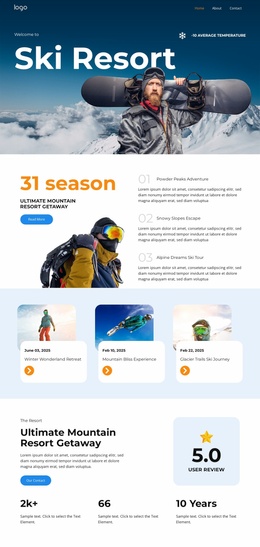
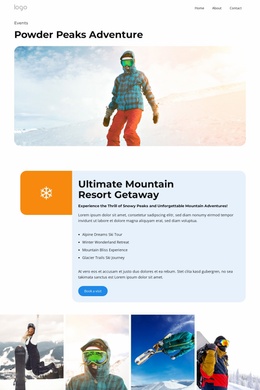
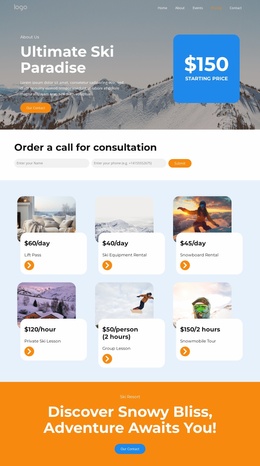
Navigation, amenities, and gallery content establish a resort site foundation
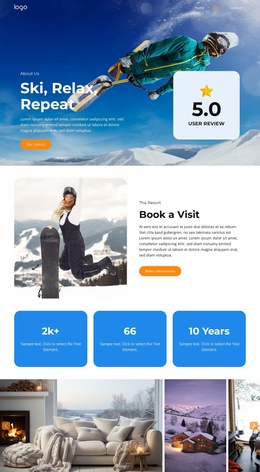
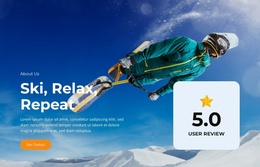
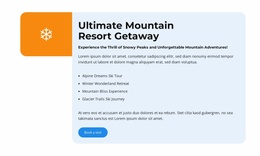
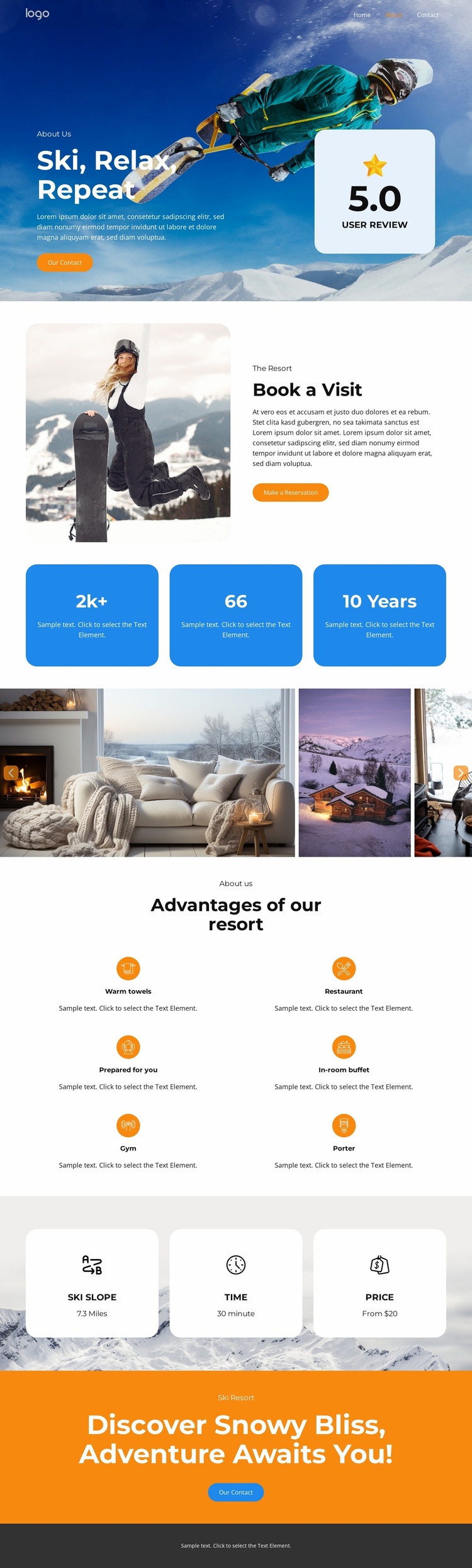
The header already identifies several content directions for a broader resort project: Home, About, Events, Pricing, and Contact. That navigation is supported by a page structure that separates the resort introduction from practical visitor information. The “Ski, Relax, Repeat” hero provides a strong opening identity, while the “Reserve a Visit” section creates a dedicated area for accommodation context and a reservation action.
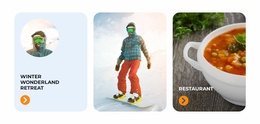
The design also establishes reusable content categories that could guide related pages. Six amenity cards cover warm towels, a restaurant, guest preparation, an in-room buffet, a gym, and a porter. Three additional information cards address ski access, travel time, and price labels. Together, these regions suggest clear directions for organizing resort services, visitor guidance, and booking-related information without claiming that additional pages already exist in the template.
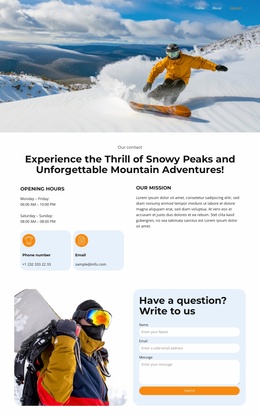
The six-image winter gallery contributes a visual content area that could support the resort’s broader presentation, showing interiors, resort views, and mountain scenes in one coordinated strip. The blue, white, and orange palette, rounded cards, and spacious layout provide a recognizable design language for related content areas. Finally, the orange closing panel returns to “Our Contact,” so the foundation includes both informational coverage and a visible response destination. The existing page can therefore anchor a wider project while remaining accurate as a single confirmed page.
Customize with Nicepage
Open this ready-made template in the Website Template Builder and customize it visually in the Nicepage editor. Replace demo content, edit page sections, and adapt the design to your project without rebuilding the template from scratch.
Build a Complete Website From This Template
Customize the Website Visually
Use this ready-made website template as a starting point for your project and adapt its pages visually in Nicepage. Change content, images, typography, navigation, sections, and other design elements while keeping the website together as a single editable project.
Manage Website Pages in One Project
Use the Pages panel to open, add, duplicate, and manage the pages of your website. Work on individual pages while keeping navigation and the overall site structure accessible from the same project, making it easier to develop a complete website instead of managing separate page files.
Expand the Website With Matching Designs
When you need additional pages or sections, use Page Design Sets to find Page and Block Designs created in the same visual style. Design Sets group matching designs together, making it easier to expand the website with new content while maintaining a consistent look across its pages and sections.
Organize Larger Multi-Page Websites
As the website grows, use Page Folders to organize related pages and keep larger multi-page projects easier to navigate in the editor. This is especially useful for websites with separate service pages, company information, contacts, landing pages, and other content areas.
This workflow makes the template a practical foundation for building and expanding a complete website while managing its pages, content, and visual design within one Nicepage project.