Get in touch with glamour One Page Template


Edit Template Offline
2. Create new page and search for id 6085205
Edit Template Online
Create Awesome Websites


Free Nicepage Builder
Keywords
Three Salon Destinations Keep Location Information on One Continuous Page
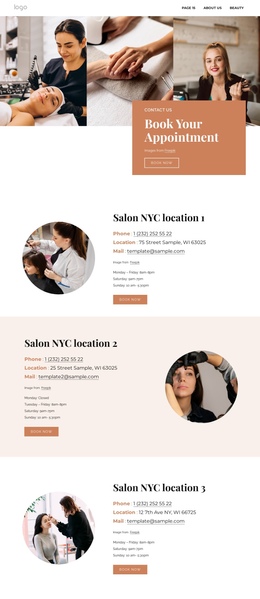
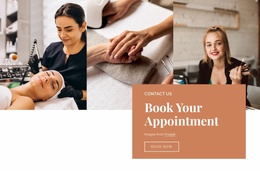
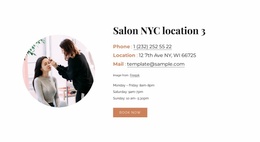
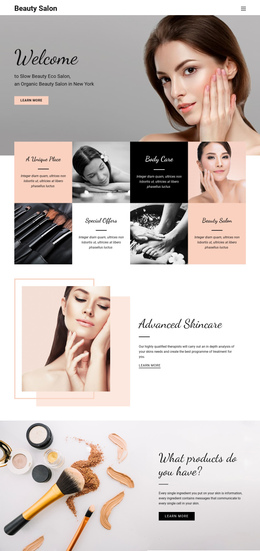
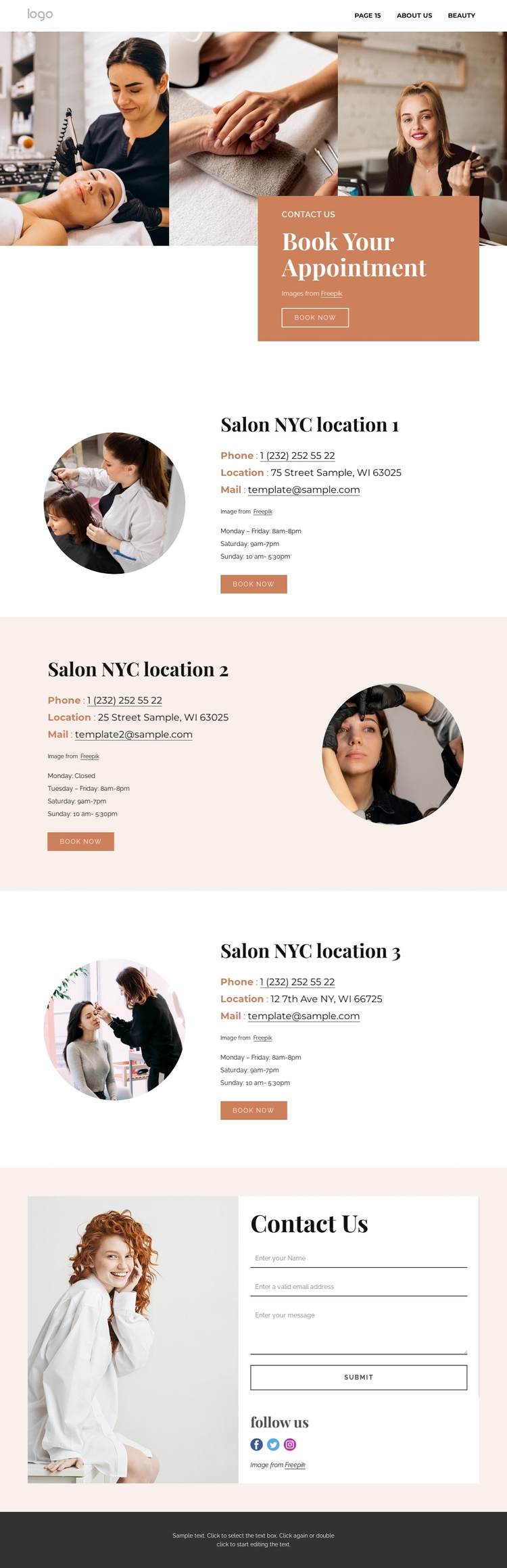
The page’s sections can be read as a sequence of meaningful destinations rather than as one undifferentiated contact block. The opening appointment area gives visitors an introduction and an immediate booking action. From there, the three location sections provide separate information stops, each with its own image, contact details, opening hours, and “Book Now” button. This arrangement allows visitors to compare locations while remaining within the same document.
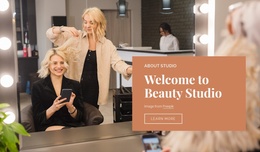
The repeated structure supports a predictable content journey, but the split direction changes in the second location. That reversal prevents the long page from becoming visually repetitive while preserving the same role for each location section. The final Contact Us block becomes the closing communication destination, combining a large salon image with a contact form, social links, and the “Follow us” heading. It serves visitors who need a general inquiry or want to continue through social channels after reviewing the location content. The dark footer provides a clear endpoint after the form. Navigation and mobile navigation can expose the page’s major areas, but the template analysis does not verify anchor links, so those should be treated as an implementation choice rather than an existing fact. The underlying section order already supports a one-page information architecture: appointment introduction, location one, location two, location three, general contact, and footer. That sequence is broader than a single conversion message because it gives several distinct content destinations within one continuous salon page.
Customize with Nicepage
Open this ready-made template in the One Page Template Builder and customize it visually in the Nicepage editor. Replace demo content, edit page sections, and adapt the design to your project without rebuilding the template from scratch.
Build a Navigable One-Page Website
Connect the Menu to Page Sections
Organize the website as a sequence of sections on a single page and use the Menu For One-Page Site to connect menu items with individual page Blocks. Visitors can jump directly to sections such as About, Services, Testimonials, or Contact without opening separate pages.
Keep the Website on One URL
A one-page template can combine several parts of a small website within one continuous page. Arrange the Header, introduction, services, portfolio, company information, reviews, contact details, and other relevant sections in the order that fits the project while keeping them accessible through the same page navigation.
Make Long Pages Easier to Navigate
For longer one-page websites, keep navigation labels short and connected to meaningful sections so visitors can move through the page without relying only on scrolling. You can also use the Back To Top element to provide a quick way back to the beginning after longer sections.
This workflow makes the template suitable for compact websites that need several distinct content sections while keeping the complete visitor experience on one URL.