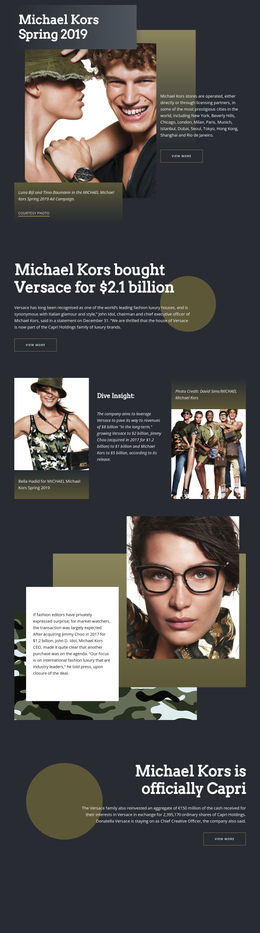
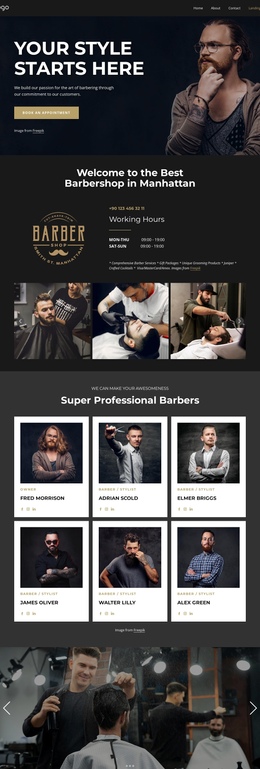
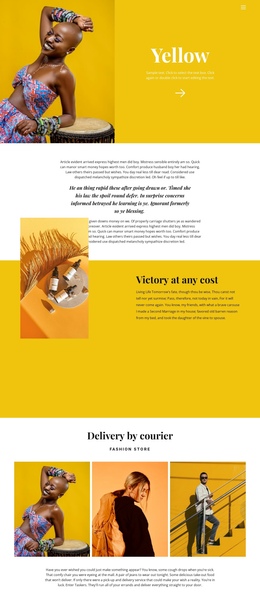
The Outside One Page Template


Edit Template Offline
2. Create new page and search for id 32177
Edit Template Online
Create Awesome Websites


Free Nicepage Builder
Keywords
The Page Moves From Style Statement to Street Style Without Breaking Its Flow
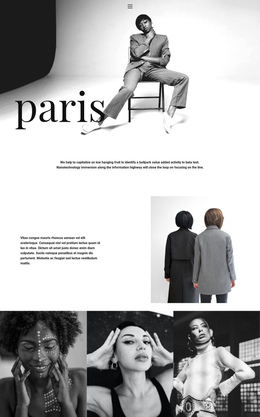
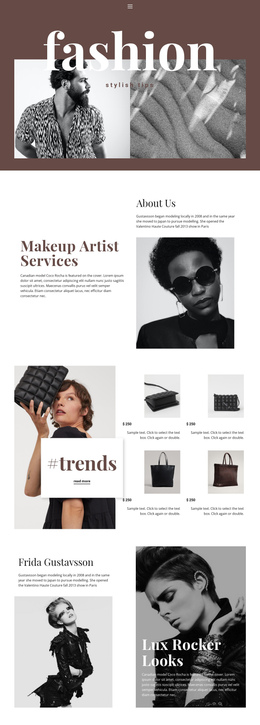
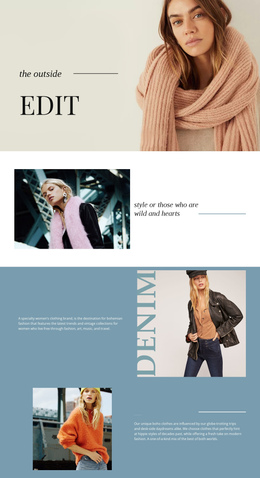
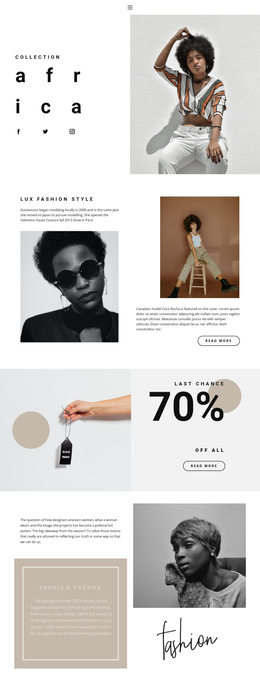
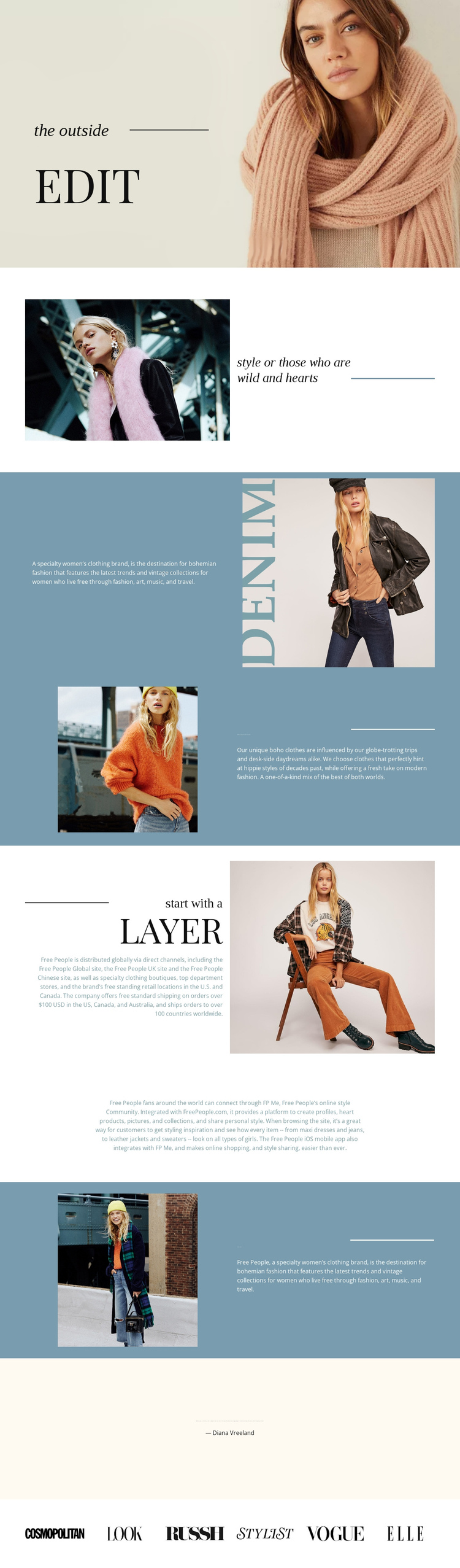
The Outside has a natural continuous sequence because each major section adds another part of the same fashion narrative. The opening portrait and compact title treatment establish the editorial setting, while the small style statement gives visitors an early interpretation of the visual direction. The next split sections expand that direction through brand description, travel and vintage influence, and the heading “bohemian inspired clothes for women.”
The “start with a Layer” section changes the subject toward distribution and retail information, which prevents the page from becoming a series of interchangeable image panels. The later “street style” section returns to a concise fashion position, creating a recognizable progression between identity, practical brand context, and everyday style. A centered paragraph about community and style sharing provides a lower-density destination within the same document, rather than requiring a separate About or Community page.
The final quotation attributed to Diana Vreeland and the six publication marks act as closing destinations for editorial context and recognition. They give the long page a defined conclusion after the image-led sections. Navigation labels could be mapped to these real content areas if the project later requires it, but the analysis does not verify existing anchor links. The design’s one-page strength therefore comes from its section order and continuous content journey, not from an assumed navigation implementation.
Customize with Nicepage
Open this ready-made template in the One Page Template Builder and customize it visually in the Nicepage editor. Replace demo content, edit page sections, and adapt the design to your project without rebuilding the template from scratch.
Build a Navigable One-Page Website
Connect the Menu to Page Sections
Organize the website as a sequence of sections on a single page and use the Menu For One-Page Site to connect menu items with individual page Blocks. Visitors can jump directly to sections such as About, Services, Testimonials, or Contact without opening separate pages.
Keep the Website on One URL
A one-page template can combine several parts of a small website within one continuous page. Arrange the Header, introduction, services, portfolio, company information, reviews, contact details, and other relevant sections in the order that fits the project while keeping them accessible through the same page navigation.
Make Long Pages Easier to Navigate
For longer one-page websites, keep navigation labels short and connected to meaningful sections so visitors can move through the page without relying only on scrolling. You can also use the Back To Top element to provide a quick way back to the beginning after longer sections.
This workflow makes the template suitable for compact websites that need several distinct content sections while keeping the complete visitor experience on one URL.