fashion One Page Template


Edit Template Offline
2. Create new page and search for id 23697
Edit Template Online
Create Awesome Websites


Free Nicepage Builder
Keywords
Three Labeled Category Destinations Create a Continuous Browse
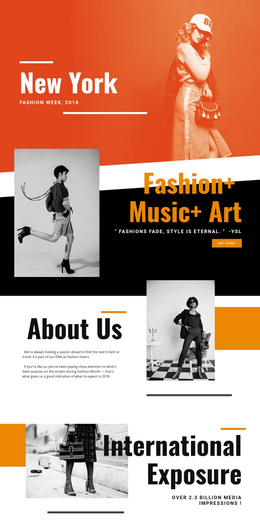
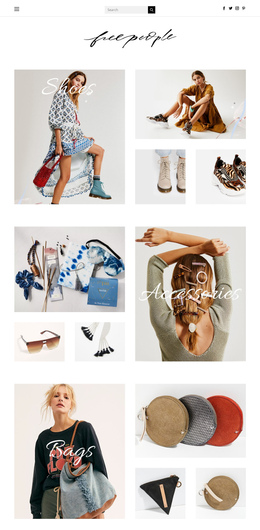
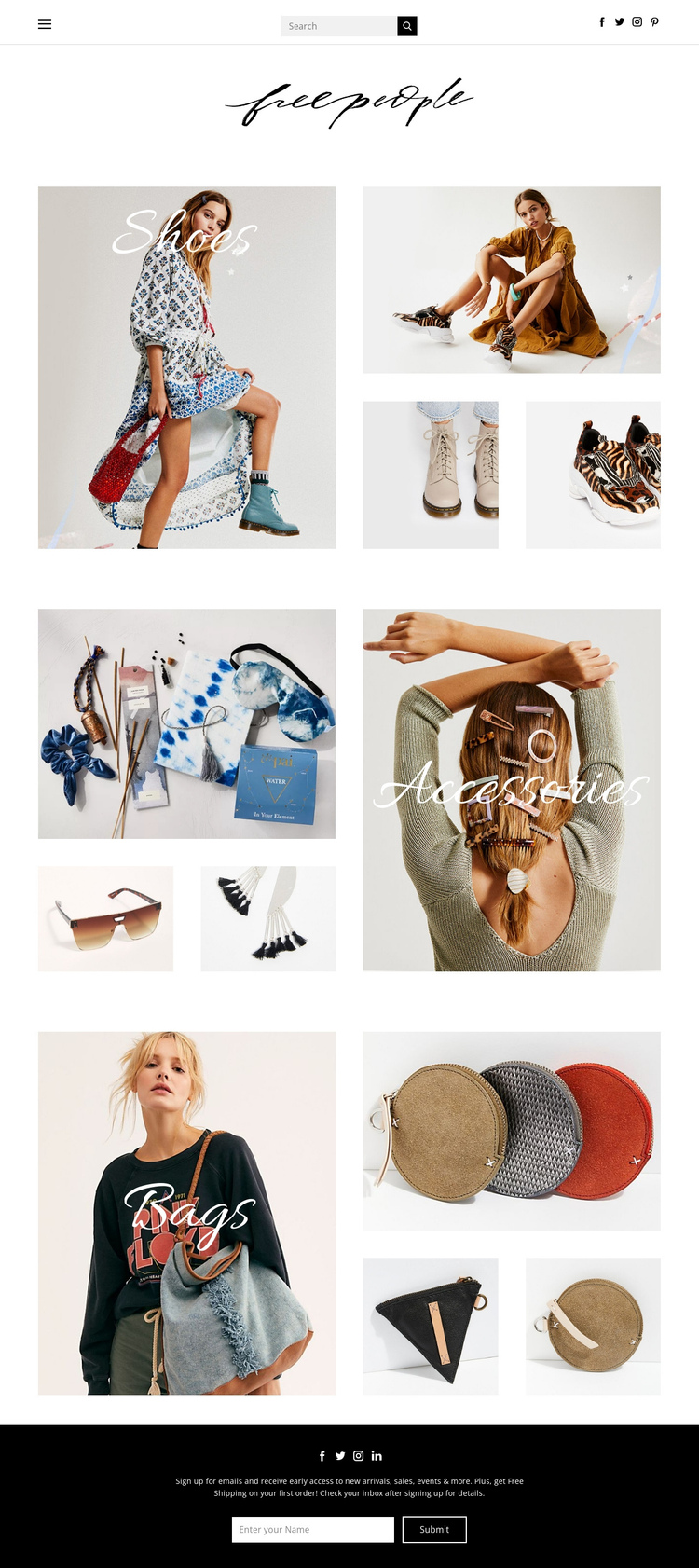
The page works as a continuous information journey because its three central grids are substantial destinations rather than minor decorative elements. Shoes appears first, followed by Accessories and Bags, giving the visitor a simple sequence through the storefront’s main product categories. Each section uses a prominent label over the lead fashion image, a tall image, and two smaller supporting images, so the repeated structure makes the next destination recognizable while the composition remains visually varied.
The header provides the orientation point for the journey, with the wordmark centered and navigation, social links, and search access distributed across the top. After the category sequence, the dark footer serves as a clear final destination that combines social links with the email sign-up form. This arrangement allows the page to contain brand recognition, category browsing, and ongoing contact without separating those roles into multiple URLs. The form is important here as the concluding section of the content sequence, not merely as a generic conversion device. The template’s one-page strength comes from the order and scale of its sections: a compact branded beginning, three image-led category stops, and a distinct footer ending.
Customize with Nicepage
Open this ready-made template in the One Page Template Builder and customize it visually in the Nicepage editor. Replace demo content, edit page sections, and adapt the design to your project without rebuilding the template from scratch.
Build a Navigable One-Page Website
Connect the Menu to Page Sections
Organize the website as a sequence of sections on a single page and use the Menu For One-Page Site to connect menu items with individual page Blocks. Visitors can jump directly to sections such as About, Services, Testimonials, or Contact without opening separate pages.
Keep the Website on One URL
A one-page template can combine several parts of a small website within one continuous page. Arrange the Header, introduction, services, portfolio, company information, reviews, contact details, and other relevant sections in the order that fits the project while keeping them accessible through the same page navigation.
Make Long Pages Easier to Navigate
For longer one-page websites, keep navigation labels short and connected to meaningful sections so visitors can move through the page without relying only on scrolling. You can also use the Back To Top element to provide a quick way back to the beginning after longer sections.
This workflow makes the template suitable for compact websites that need several distinct content sections while keeping the complete visitor experience on one URL.