Celebrate a Fashion Milestone One Page Template


Edit Template Offline
2. Create new page and search for id 6548870
Edit Template Online
Create Awesome Websites


Free Nicepage Builder
Keywords
A Continuous Journey Through the Opening Event
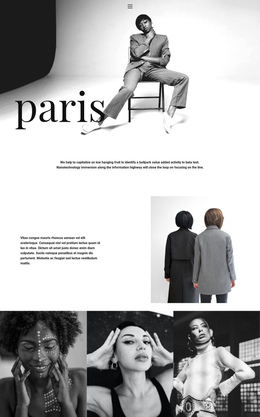
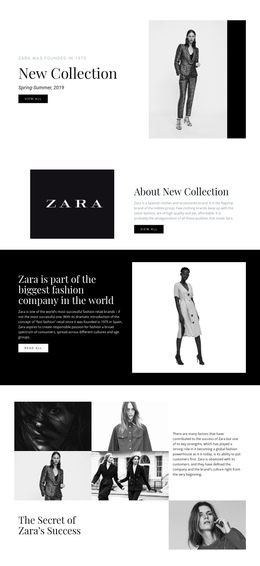
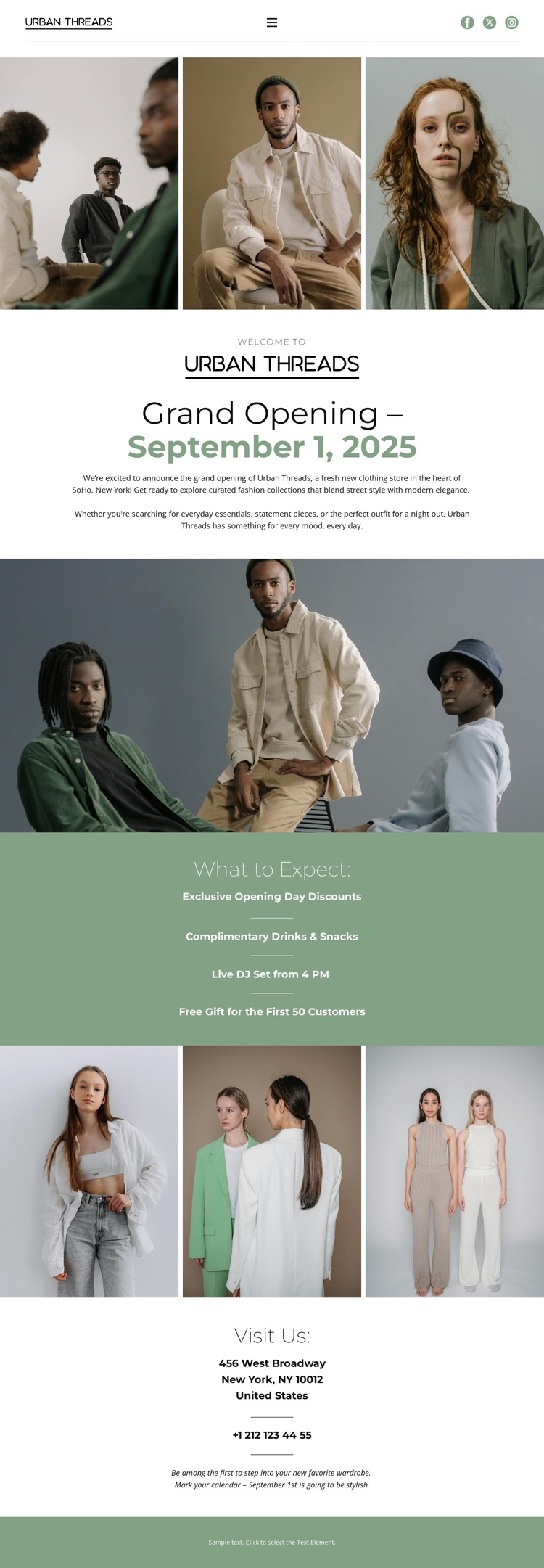
The page’s section order supports a single-document content journey. Visitors first encounter three adjacent fashion portraits and the Urban Threads mark, then reach the centered Grand Opening message and displayed date. A large editorial image creates separation before the What to Expect panel, where four opening-day highlights can function as a distinct information destination within the same long page.
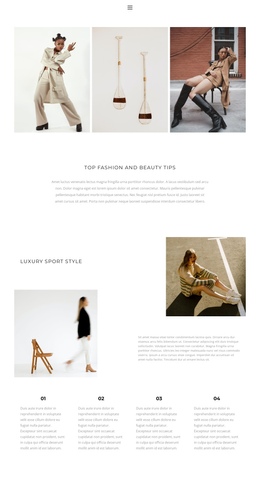
The three-image apparel showcase provides another identifiable stopping point after the event details, while the Visit Us block supplies the practical closing destination. This progression lets the design present atmosphere, event context, activities, apparel, and store-contact information without splitting those subjects across separate pages. The narrow muted green footer then gives the continuous document a clear endpoint.
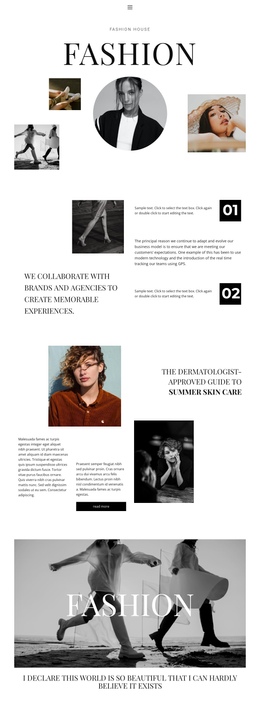
The mobile-navigation component is consistent with a page that may need simple movement between several meaningful areas, although the analysis does not verify anchor links in the existing design. The one-page value comes from the real sequence of sections rather than from claiming a specific navigation setup. Each major area has a different role: imagery introduces the fashion context, centered text names the event, the sage panel explains what to expect, the gallery extends the apparel story, and Visit Us finishes the information path. That makes the page suitable for presenting a complete opening announcement on one URL.
Customize with Nicepage
Open this ready-made template in the One Page Template Builder and customize it visually in the Nicepage editor. Replace demo content, edit page sections, and adapt the design to your project without rebuilding the template from scratch.
Build a Navigable One-Page Website
Connect the Menu to Page Sections
Organize the website as a sequence of sections on a single page and use the Menu For One-Page Site to connect menu items with individual page Blocks. Visitors can jump directly to sections such as About, Services, Testimonials, or Contact without opening separate pages.
Keep the Website on One URL
A one-page template can combine several parts of a small website within one continuous page. Arrange the Header, introduction, services, portfolio, company information, reviews, contact details, and other relevant sections in the order that fits the project while keeping them accessible through the same page navigation.
Make Long Pages Easier to Navigate
For longer one-page websites, keep navigation labels short and connected to meaningful sections so visitors can move through the page without relying only on scrolling. You can also use the Back To Top element to provide a quick way back to the beginning after longer sections.
This workflow makes the template suitable for compact websites that need several distinct content sections while keeping the complete visitor experience on one URL.