The best barbershop One Page Template



Edit Template Offline
2. Create new page and search for id 5250710
Edit Template Online
Create Awesome Websites


Free Nicepage Builder
Keywords
Service, Staff, Pricing, and Contact Sections Create a Continuous Journey
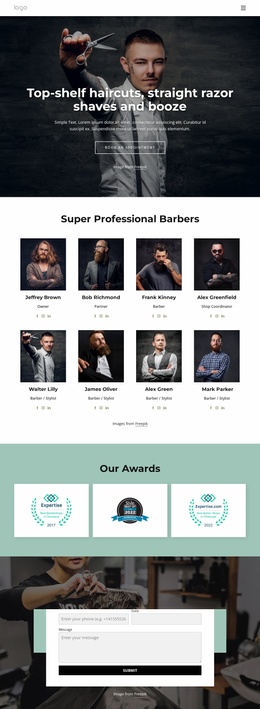
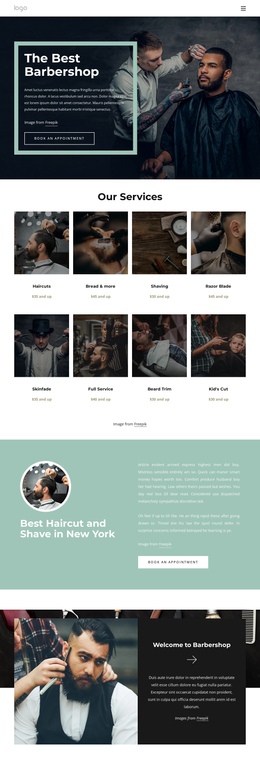
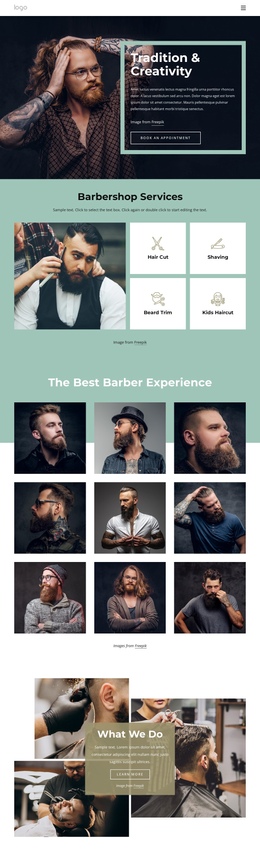
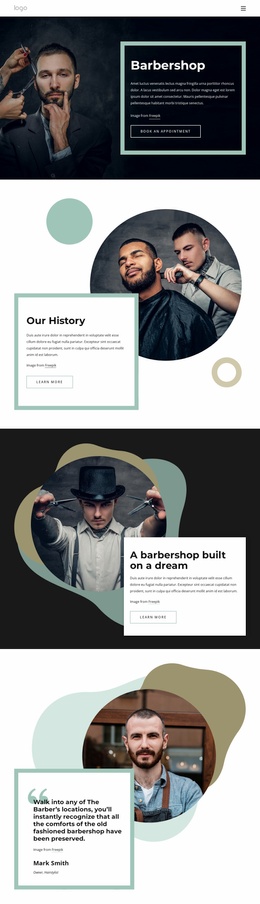
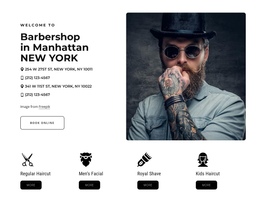
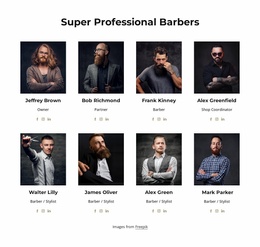
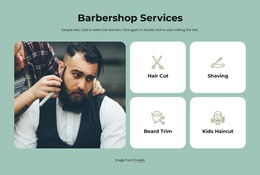
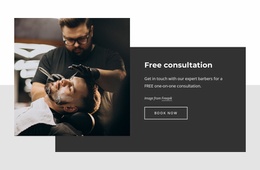
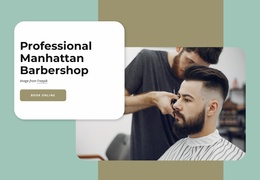
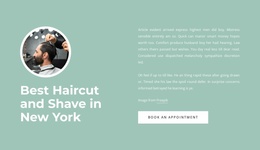
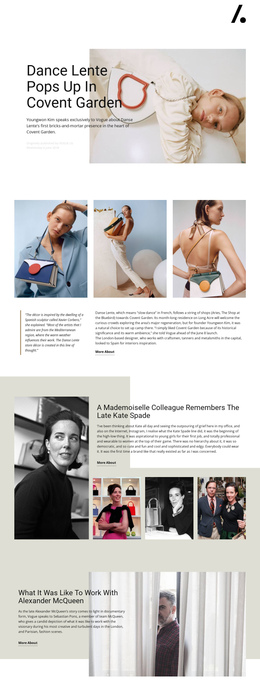
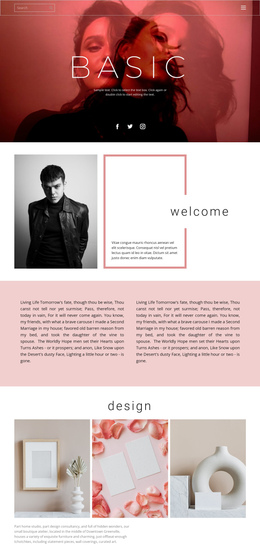
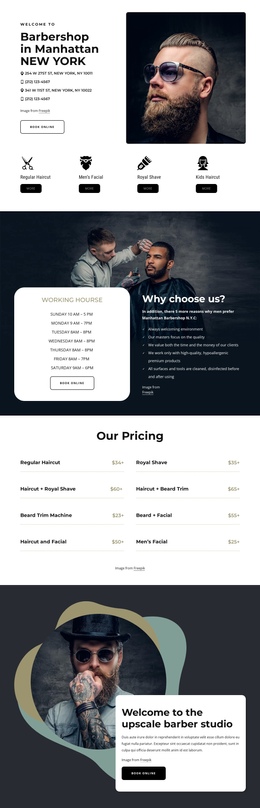
The page has enough distinct content zones to support a meaningful one-page sequence. The hero introduces the barbershop, then the eight service cards create an early destination for visitors who want to compare grooming categories. The featured haircut and shave section and the welcome panel add separate explanatory stops before the visitor reaches the six staff profiles. This order allows the page to move from offer, to context, to the people behind the service without splitting the experience across separate URLs.
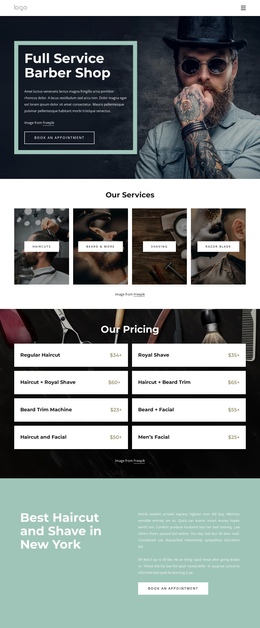
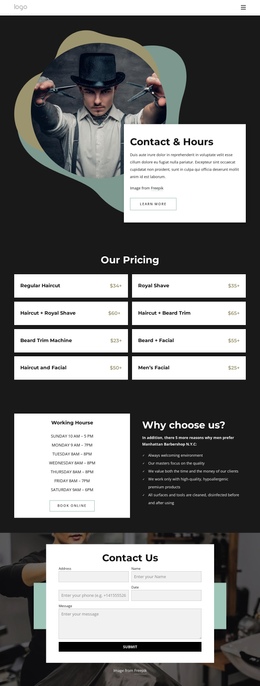
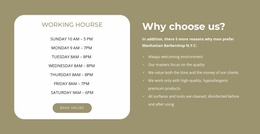
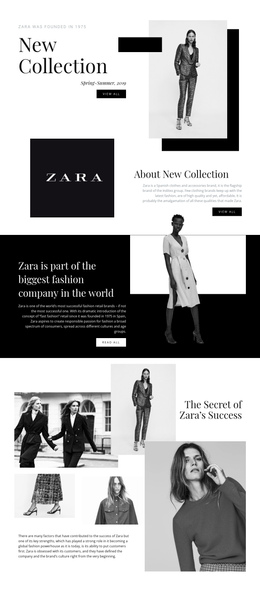
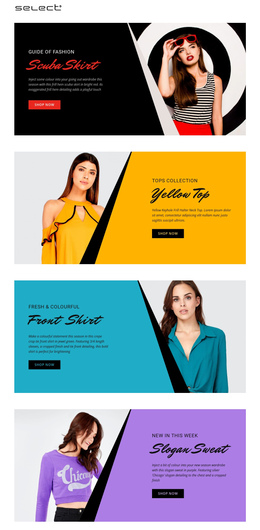
The second half continues with practical destinations rather than repeating the same promotional message. Opening hours and the reasons list form one decision-support area, while the pricing section presents eight grooming packages in a denser comparison format. Six testimonials follow as a review-oriented stop, then the phone promotion and contact form provide final contact destinations. The navigation and mobile-navigation components can support movement among these major sections, but the analysis does not verify anchor links, so those should be configured only if needed. The design's strength as a one-page template comes from the meaningful order of services, people, practical details, proof, and contact.
Customize with Nicepage
Open this ready-made template in the One Page Template Builder and customize it visually in the Nicepage editor. Replace demo content, edit page sections, and adapt the design to your project without rebuilding the template from scratch.
Build a Navigable One-Page Website
Connect the Menu to Page Sections
Organize the website as a sequence of sections on a single page and use the Menu For One-Page Site to connect menu items with individual page Blocks. Visitors can jump directly to sections such as About, Services, Testimonials, or Contact without opening separate pages.
Keep the Website on One URL
A one-page template can combine several parts of a small website within one continuous page. Arrange the Header, introduction, services, portfolio, company information, reviews, contact details, and other relevant sections in the order that fits the project while keeping them accessible through the same page navigation.
Make Long Pages Easier to Navigate
For longer one-page websites, keep navigation labels short and connected to meaningful sections so visitors can move through the page without relying only on scrolling. You can also use the Back To Top element to provide a quick way back to the beginning after longer sections.
This workflow makes the template suitable for compact websites that need several distinct content sections while keeping the complete visitor experience on one URL.