Sports every day One Page Template


Edit Template Offline
2. Create new page and search for id 3964143
Edit Template Online
Create Awesome Websites


Free Nicepage Builder
Keywords
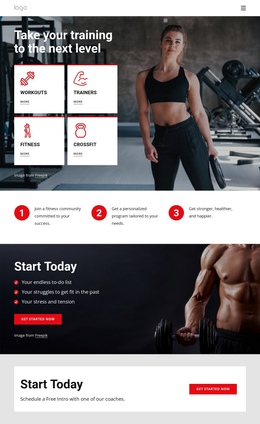
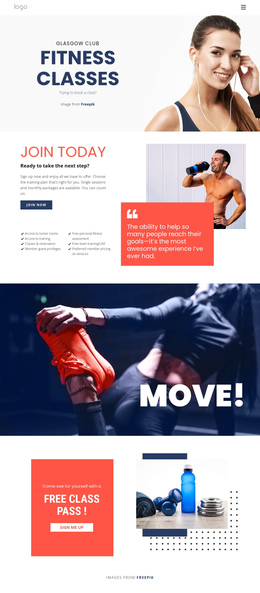
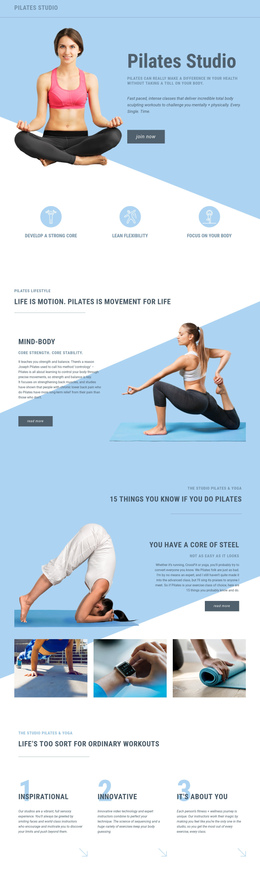
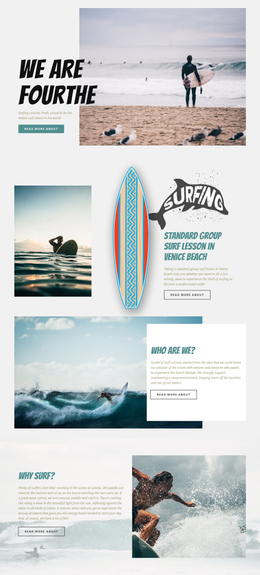
Gallery, classes, and contact content create distinct destinations on one page
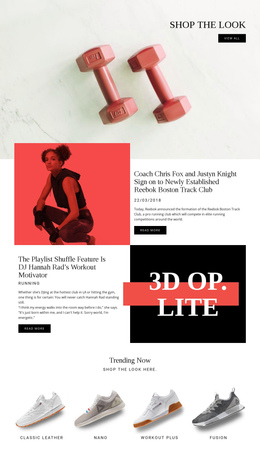
The page contains several information zones that can be explored in sequence without separating the experience into individual pages. The membership hero introduces the club, and the four-image gallery immediately provides a visual destination for the fitness theme. The running section then changes the pace with explanatory text, a highlighted three-item list, and a supporting image. These shifts give the long layout recognizable stages rather than one uninterrupted promotional panel.
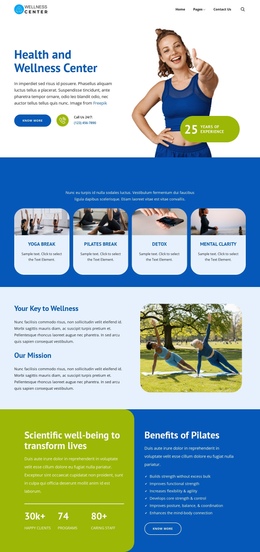
The four feature cards—Community, Workouts, Support, and Ratings—can function as another grouped destination, while the Clubs & Events Membership banner marks a clear transition back to membership information. Farther down, the three participation options distinguish On-site classes, Solo workout, and Online. The wellness statement and Benefits of sport training section add further reading and promotional points before the second membership block and final inquiry area.
This sequence supports a one-page information architecture because the visitor can move from introduction to visual context, guidance, club features, membership, participation formats, and contact content on the same document. The Join Us form serves as the final content destination rather than being treated only as a campaign endpoint. The HTML confirms a fuller navigation menu structure, although the preview shows a compact menu control, so navigation details should be adapted to the final implementation rather than assumed from the visual preview alone.
Customize with Nicepage
Open this ready-made template in the One Page Template Builder and customize it visually in the Nicepage editor. Replace demo content, edit page sections, and adapt the design to your project without rebuilding the template from scratch.
Build a Navigable One-Page Website
Connect the Menu to Page Sections
Organize the website as a sequence of sections on a single page and use the Menu For One-Page Site to connect menu items with individual page Blocks. Visitors can jump directly to sections such as About, Services, Testimonials, or Contact without opening separate pages.
Keep the Website on One URL
A one-page template can combine several parts of a small website within one continuous page. Arrange the Header, introduction, services, portfolio, company information, reviews, contact details, and other relevant sections in the order that fits the project while keeping them accessible through the same page navigation.
Make Long Pages Easier to Navigate
For longer one-page websites, keep navigation labels short and connected to meaningful sections so visitors can move through the page without relying only on scrolling. You can also use the Back To Top element to provide a quick way back to the beginning after longer sections.
This workflow makes the template suitable for compact websites that need several distinct content sections while keeping the complete visitor experience on one URL.