Surfing One Page Template


Edit Template Offline
2. Create new page and search for id 16800
Edit Template Online
Create Awesome Websites


Free Nicepage Builder
Keywords
A Continuous Journey Through Surfing Content and Offers
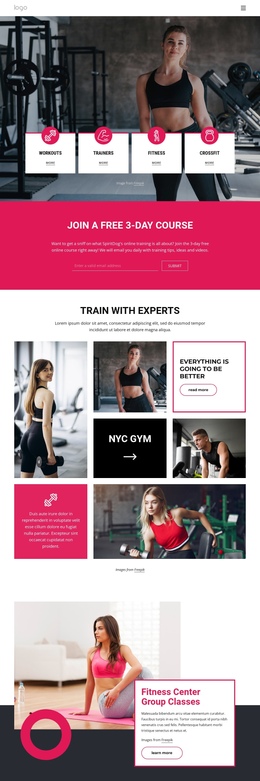
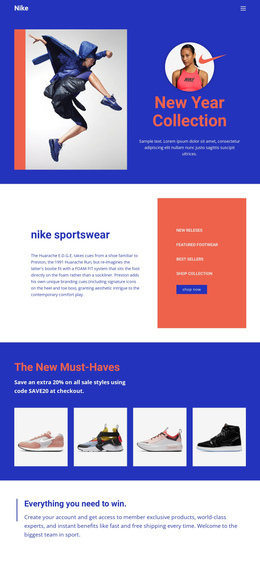
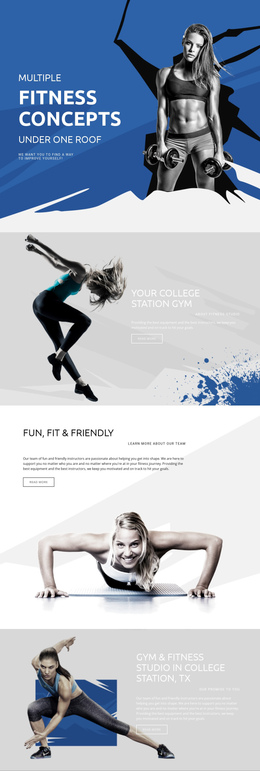
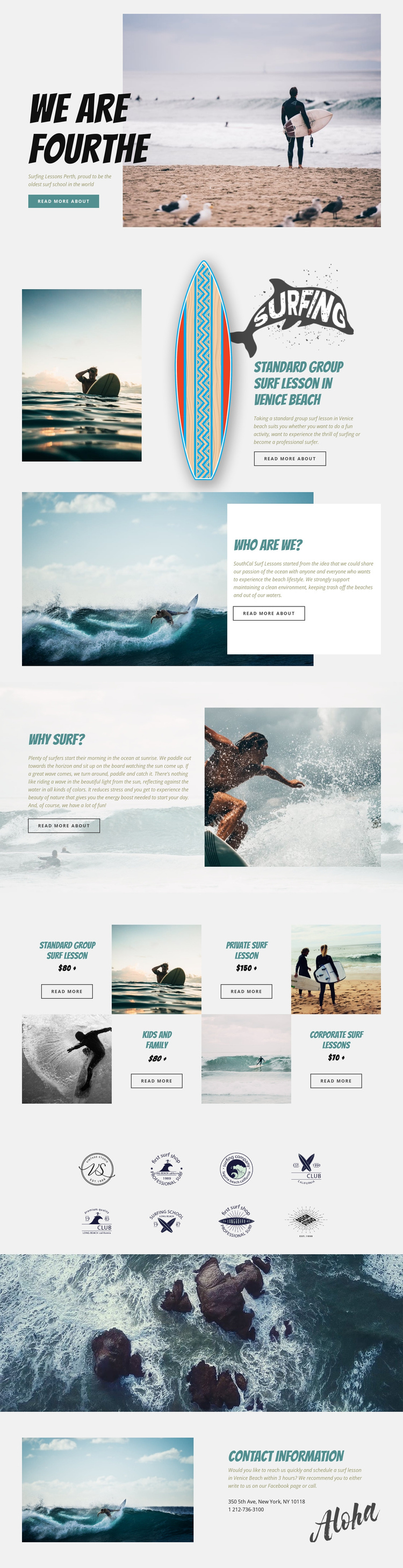
The page has several distinct information destinations even though they share one continuous document. The opening hero introduces the surf school, and the featured group lesson gives the next section a specific service focus. From there, the About Us panel can serve visitors seeking background about the school and its clean-beach message, while the Why Surf section addresses the experience and motivation described in the page content.
The four-item lesson grid forms the central service destination. Standard group, private, kids and family, and corporate surf lessons are presented as parallel choices, allowing visitors to compare the page’s main offerings without moving to separate service pages. The repeated image-and-text tiles create a clear change from the alternating editorial panels above, so the long layout remains segmented as visitors move downward.
The eight logo images add a dedicated brand or partner area, followed by a full-width aerial ocean photograph that acts as a visual pause. The final contact block then functions as the practical destination for scheduling information, with a surf image, Venice Beach reference, location text, and telephone information. The design therefore works as a one-page structure through content sequence: introduction, school context, surfing explanation, lesson choices, brand display, visual transition, and contact. Its organization supports exploration of several subjects without requiring the visitor to leave the page.
Customize with Nicepage
Open this ready-made template in the One Page Template Builder and customize it visually in the Nicepage editor. Replace demo content, edit page sections, and adapt the design to your project without rebuilding the template from scratch.
Build a Navigable One-Page Website
Connect the Menu to Page Sections
Organize the website as a sequence of sections on a single page and use the Menu For One-Page Site to connect menu items with individual page Blocks. Visitors can jump directly to sections such as About, Services, Testimonials, or Contact without opening separate pages.
Keep the Website on One URL
A one-page template can combine several parts of a small website within one continuous page. Arrange the Header, introduction, services, portfolio, company information, reviews, contact details, and other relevant sections in the order that fits the project while keeping them accessible through the same page navigation.
Make Long Pages Easier to Navigate
For longer one-page websites, keep navigation labels short and connected to meaningful sections so visitors can move through the page without relying only on scrolling. You can also use the Back To Top element to provide a quick way back to the beginning after longer sections.
This workflow makes the template suitable for compact websites that need several distinct content sections while keeping the complete visitor experience on one URL.