Multi-functional sport center One Page Template



Edit Template Offline
2. Create new page and search for id 412904
Edit Template Online
Create Awesome Websites


Free Nicepage Builder
Keywords
Welcome, Training, Classes, and Contact Work as One Continuous Journey
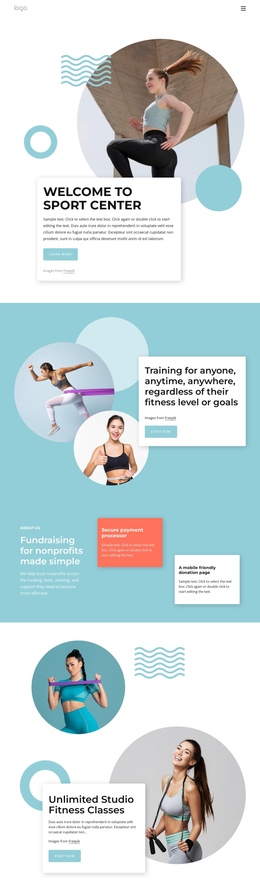
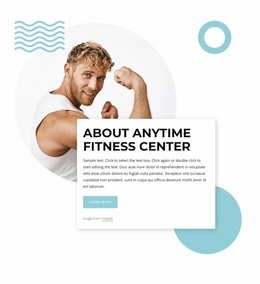
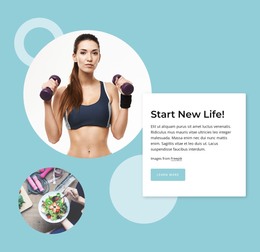
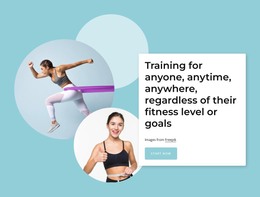
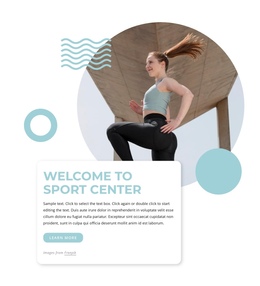
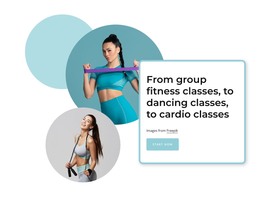
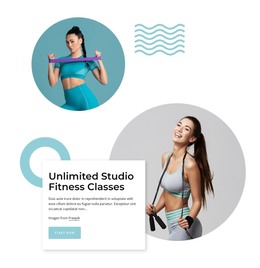
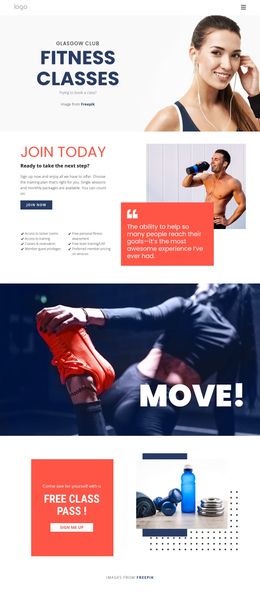
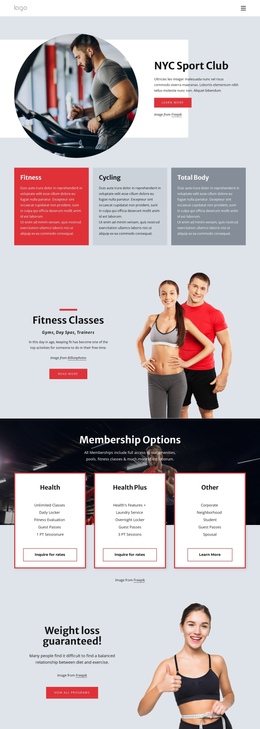
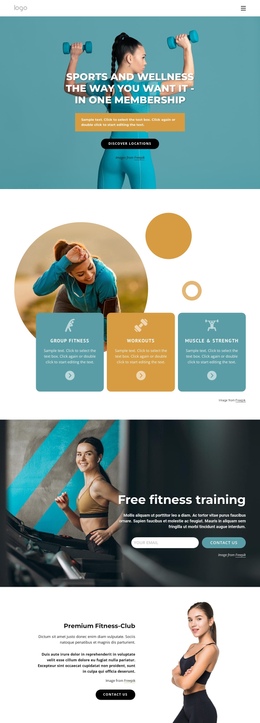
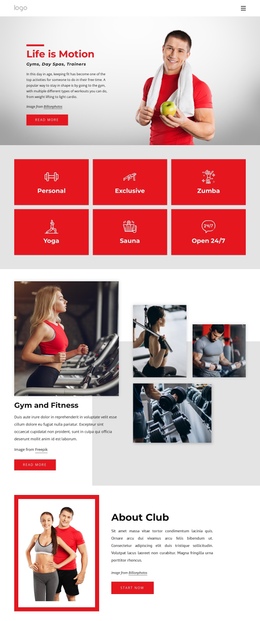
The page has a clear sequence of destinations even though the content remains in one document. Visitors first encounter the Welcome to Sport Center introduction, then move into a broader training message that addresses different fitness levels and goals. The Unlimited Studio Fitness Classes section adds a more specific content stop, while Start New Life Now shifts the emphasis toward lifestyle motivation and personal change.
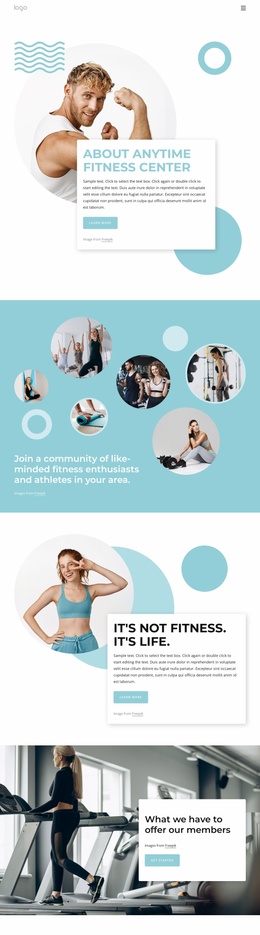
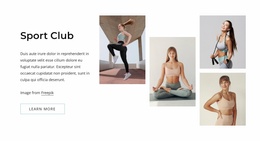
The feature area creates another distinct point in the sequence. Its fundraising heading and two supporting cards interrupt the image-led rhythm with compact informational content, showing how a one-page design can include secondary topics without creating another page. The later About Us section returns to the fitness environment and class overview, linking the promotional sections with more descriptive context.
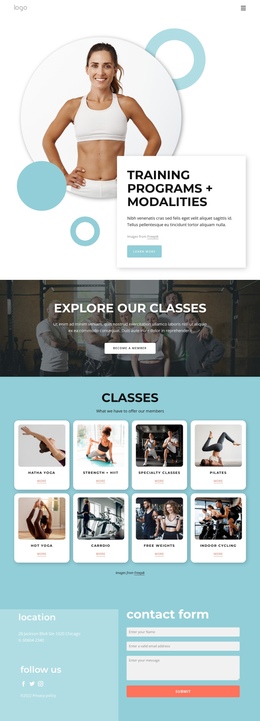
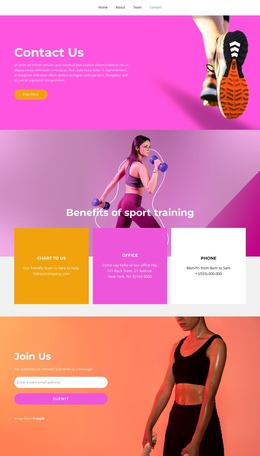
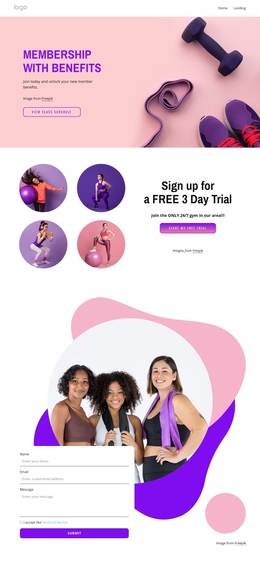
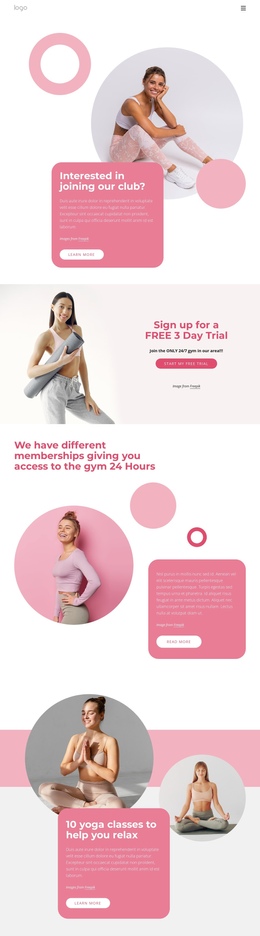
Navigation and mobile navigation can support movement among these meaningful areas, but the verified design does not require a claim that anchor links already exist. The Join Sport Center panel works as a later destination for membership and tour actions, followed by the contact form, location, and social links. This ordering lets visitors explore several aspects of the center before reaching practical response and closing information on the same page.
Customize with Nicepage
Open this ready-made template in the One Page Template Builder and customize it visually in the Nicepage editor. Replace demo content, edit page sections, and adapt the design to your project without rebuilding the template from scratch.
Build a Navigable One-Page Website
Connect the Menu to Page Sections
Organize the website as a sequence of sections on a single page and use the Menu For One-Page Site to connect menu items with individual page Blocks. Visitors can jump directly to sections such as About, Services, Testimonials, or Contact without opening separate pages.
Keep the Website on One URL
A one-page template can combine several parts of a small website within one continuous page. Arrange the Header, introduction, services, portfolio, company information, reviews, contact details, and other relevant sections in the order that fits the project while keeping them accessible through the same page navigation.
Make Long Pages Easier to Navigate
For longer one-page websites, keep navigation labels short and connected to meaningful sections so visitors can move through the page without relying only on scrolling. You can also use the Back To Top element to provide a quick way back to the beginning after longer sections.
This workflow makes the template suitable for compact websites that need several distinct content sections while keeping the complete visitor experience on one URL.