Design of Architecture Landing Page


Edit Template Offline
2. Create new page and search for id 27023
Edit Template Online
Create Awesome Websites


Free Nicepage Builder
Keywords
A Story Sequence That Ends With More Architecture Reading
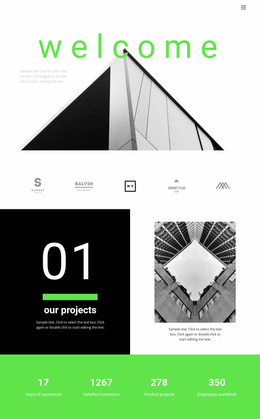
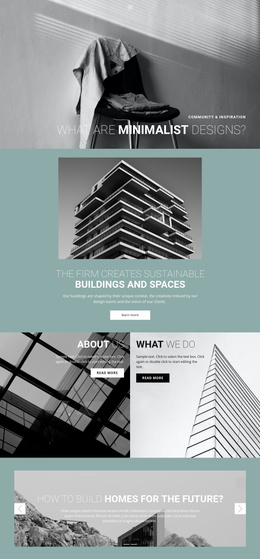
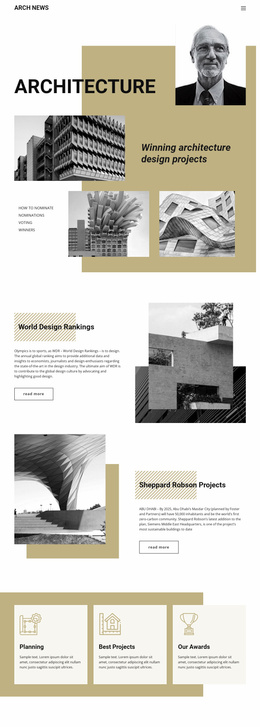
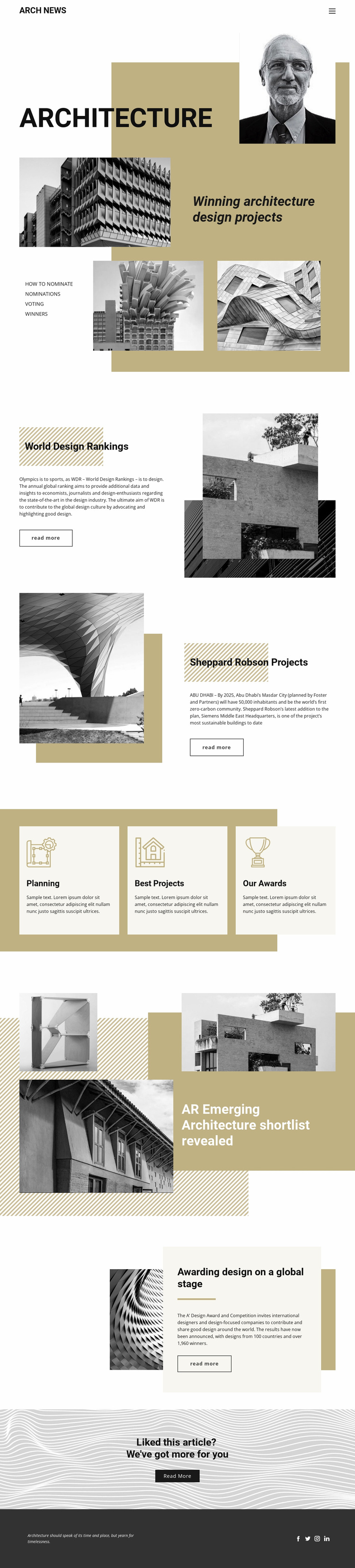
The first Architecture feature establishes the subject quickly through a large title, layered building imagery, and supporting editorial content. Rather than asking visitors to decode a general company offer, the page presents a sequence of specific stories: World Design Rankings, the Siemens Middle East Headquarters project by Sheppard Robson, an emerging architecture shortlist, and the A’ Design Award and Competition. Each feature supplies a reason to continue reading through a distinct headline, image composition, and read-more action.
The three topic cards broaden that path without breaking it. Planning, Best Projects, and Our Awards act as compact content choices that help readers identify related areas, while the larger article panels provide the deeper editorial stops. This creates a progression from broad architecture interest to individual rankings, projects, and award coverage. The use of monochrome photography, bold black type, muted gold accents, and strong section transitions supports the sense that the visitor is moving through one curated publication experience.
The final centered prompt—“Liked this article? We’ve got more for you”—is the clearest response point in the verified design. It can guide readers toward related articles rather than competing with several unrelated offers. In that role, the page’s imagery, category cards, and article features work together as a measured path toward continued exploration.
Customize with Nicepage
Open this ready-made template in the Landing Page Builder and customize it visually in the Nicepage editor. Replace demo content, edit page sections, and adapt the design to your project without rebuilding the template from scratch.
Build a Landing Page Around One Conversion Goal
Focus on One Primary Action
Use the landing page to guide visitors toward one measurable response, such as requesting a quote, registering, subscribing, booking a consultation, applying for a service, or submitting an inquiry. Keep the primary call-to-action consistent across the important sections so the headline, supporting content, form, and CTA buttons work toward the same campaign goal instead of competing for attention.
Capture Leads With a Form
Use the Contact Form Element to add a contact, subscription, application, or other conversion form directly to the landing page. Customize the form fields, layout, labels, inputs, and button to collect the information required for your campaign while keeping the form focused on the action you want visitors to complete.
Nicepage also provides several form submission options. Form submissions can be sent to Email, stored as Leads, added to Google Sheets, passed to a custom URL or server endpoint, or used to populate a MailChimp mailing list. This provides practical options for collecting inquiries, registrations, subscriptions, applications, and other campaign responses.
Manage Leads and Campaign Responses
When submissions are stored as Leads, you can use Contact Form Leads to review the information collected through the landing page and use it for follow-up. Keep the form connected to the same offer and primary CTA presented throughout the page so visitors move from the campaign message to a clear conversion action.
This workflow makes the template suitable for landing pages where the offer, content, call-to-action, form, and lead collection process work together toward one defined conversion goal.

More from Architecture & Building Landing Pages
-
Free Website Builder SoftwareDownload