Answers to all questions Joomla Template


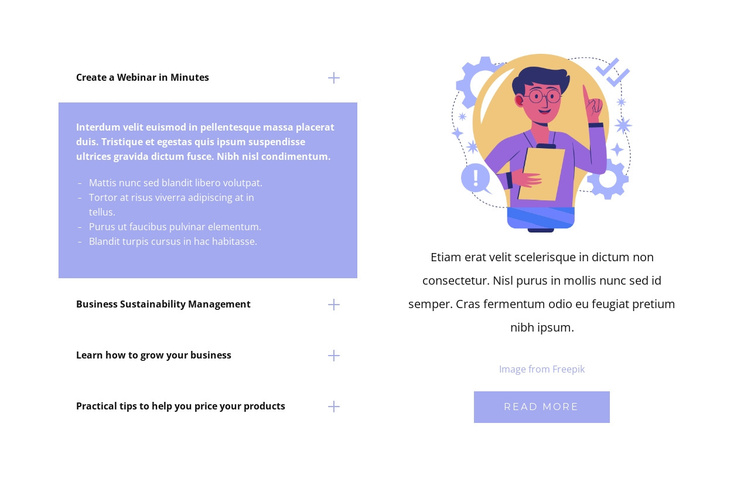
The four-question accordion forms a structured Joomla content region
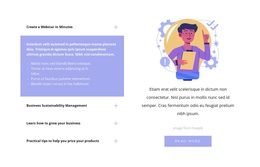
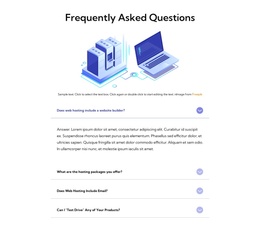
The accordion creates four recognizable information units inside the left side of the block. The displayed item, “Create a Webinar in Minutes,” exposes a paragraph and four bullet points, while the other labels—“Business Sustainability Management,” “Learn how to grow your business,” and “Practical tips to help you price your products”—remain compact until their answers are needed. That arrangement suits a structured content region because related subjects can share one visual section without appearing as one dense article.
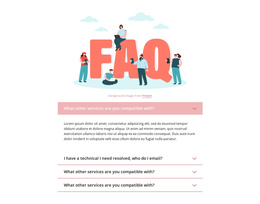
The right side interprets the same section differently from the question list. A single illustrated figure leads into supporting copy, an image credit, and a “read more” action. Together, these elements can provide context around the FAQ content or connect visitors with a deeper information resource, while the accordion remains the main organized answer area. The lavender-blue active panel and white typography also make the current answer easy to distinguish from the closed labels.
Within a Joomla-managed page or site, this block can serve as a stable FAQ or business-information region while the broader project manages surrounding editorial content. It is not a Joomla site or template by itself; its useful role is the reusable combination of structured questions, a visible answer, supporting visual material, and a defined action. A Joomla-oriented workflow can therefore preserve the section’s content grouping without replacing its verified layout with generic CMS features.
Customize with Nicepage
Open this ready-made template in the Joomla Page Builder and customize it visually in the Nicepage editor. Replace demo content, edit page sections, and adapt the design to your project without rebuilding the template from scratch.
Edit Template Offline
2. Create a new page or select existing
3. Click Add new block, search for id 953784 and click enter
Edit Template Online
Create Awesome Websites


Free Nicepage Builder
Keywords
Work With This Template in Joomla
Customize and Install the Joomla Template
Start with this ready-made template instead of building the Joomla design from scratch. Customize its layout, content, typography, images, sections, and other design elements visually in the Nicepage application, then export and install the Joomla Template, Nicepage Extension, and supported content on your Joomla website.
Edit the Template Directly in Joomla
After installation, you can edit the Joomla Template directly in Joomla with the Nicepage Joomla Extension. Customize the Header, Footer, Colors, Fonts, typography, and Page Templates from the Joomla workflow while keeping the site design connected with your CMS content.
Edit Joomla Articles Visually
Use the Nicepage Joomla Extension to open and edit Joomla Articles visually from the Joomla Administrator. Change text, images, sections, layouts, and other page content in the Nicepage editor while continuing to manage the Articles through Joomla.
Joomla Content and Template Integration
Use the customized template together with Joomla Articles, module Positions, menus, forms, Blog Pages, and other supported CMS elements. With the Nicepage Extension used as the Site Style Source, shared design settings can be applied across Joomla Articles while Joomla continues to provide the CMS environment for managing site content.
This workflow combines a ready-made Joomla Template with visual customization, direct template editing in Joomla, and continued content management through the Nicepage Joomla Extension.