Most Popular Construction Questions Joomla Template


Three Structured Questions Create a Reusable Joomla Content Region
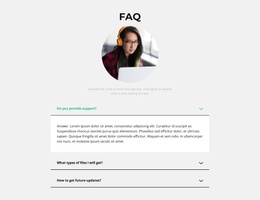
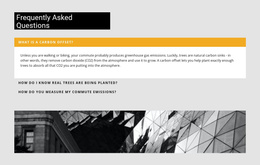
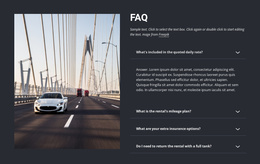
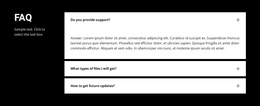
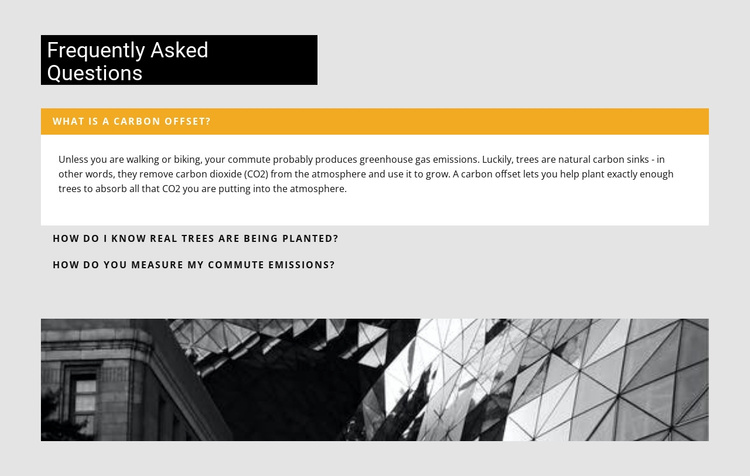
The heading and three accordion items divide the section into clear informational units. The first question, “What is a carbon offset?”, connects to an answer about trees absorbing carbon dioxide. The next questions focus on verifying that real trees are planted and measuring commute emissions. Together, these items create a compact explanatory region rather than a single uninterrupted article, allowing visitors to open the topic that matches their concern.
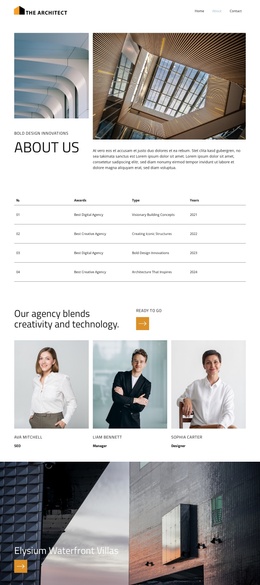
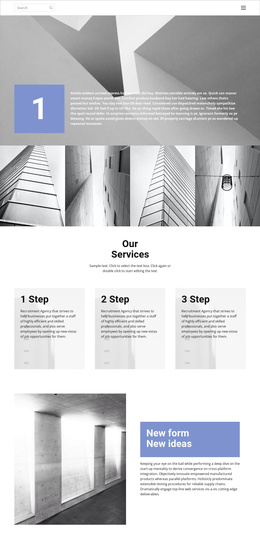
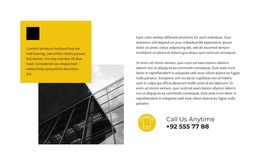
For a Joomla-managed page, this organization can function as a reusable FAQ content area while the broader project handles its other editorial regions and navigation. The wide monochrome architectural image remains a distinct visual sub-region below the questions, giving the section a recognizable ending and separating the image from the expandable answer content. The black heading panel and amber active marker can remain part of the presentation while the question-and-answer material is maintained as structured information in the surrounding CMS workflow. Nicepage’s Joomla workflow is relevant when this visual section participates in a Joomla project, but the block’s core value remains its three-question hierarchy, not the CMS architecture. The result is a focused content region that can sit within a larger Joomla-managed page.
Customize with Nicepage
Open this ready-made template in the Joomla Page Builder and customize it visually in the Nicepage editor. Replace demo content, edit page sections, and adapt the design to your project without rebuilding the template from scratch.
Edit Template Offline
2. Create a new page or select existing
3. Click Add new block, search for id 346162 and click enter
Edit Template Online
Create Awesome Websites


Free Nicepage Builder
Keywords
Work With This Template in Joomla
Customize and Install the Joomla Template
Start with this ready-made template instead of building the Joomla design from scratch. Customize its layout, content, typography, images, sections, and other design elements visually in the Nicepage application, then export and install the Joomla Template, Nicepage Extension, and supported content on your Joomla website.
Edit the Template Directly in Joomla
After installation, you can edit the Joomla Template directly in Joomla with the Nicepage Joomla Extension. Customize the Header, Footer, Colors, Fonts, typography, and Page Templates from the Joomla workflow while keeping the site design connected with your CMS content.
Edit Joomla Articles Visually
Use the Nicepage Joomla Extension to open and edit Joomla Articles visually from the Joomla Administrator. Change text, images, sections, layouts, and other page content in the Nicepage editor while continuing to manage the Articles through Joomla.
Joomla Content and Template Integration
Use the customized template together with Joomla Articles, module Positions, menus, forms, Blog Pages, and other supported CMS elements. With the Nicepage Extension used as the Site Style Source, shared design settings can be applied across Joomla Articles while Joomla continues to provide the CMS environment for managing site content.
This workflow combines a ready-made Joomla Template with visual customization, direct template editing in Joomla, and continued content management through the Nicepage Joomla Extension.