Relaxation in a spa studio Joomla Template



Facility Details Form a Structured Spa Introduction
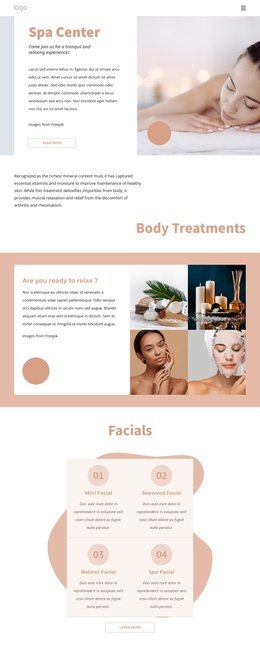
The “SPA Center” heading establishes the subject immediately, while the paragraph beneath it groups a wide range of wellness facilities into one readable informational area. Indoor and kiddy pools, a jacuzzi, steam room, sauna, Turkish bath, massage rooms, and coiffeurs give the section substantial descriptive content without requiring separate cards or interactive controls. The three social media links provide a distinct secondary group below the description rather than interrupting the main introduction.
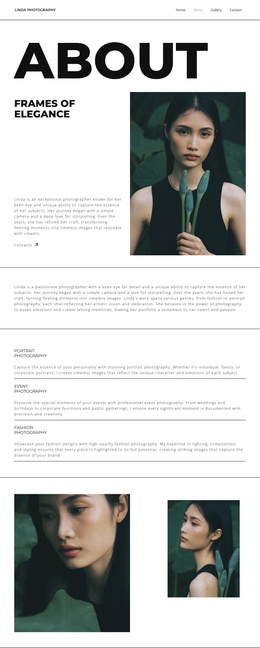
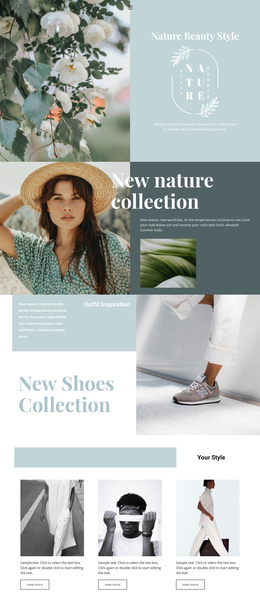
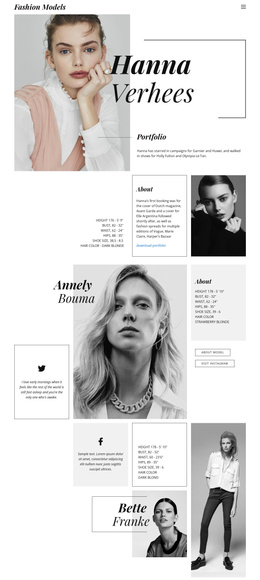
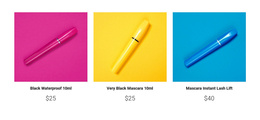
Within a Joomla-managed page, this arrangement can work as a stable content region for presenting the center’s facilities alongside broader site content. The block is especially suited to page-oriented information that needs a clear heading, a substantial description, and a visual setting connected to wellness. The large spa still-life image on the left supplies immediate atmosphere, while the right-aligned text on the pale vertical-texture background keeps the written information orderly. Dark heading and body text contrast with the light setting, and pink social icons add a small accent without competing with the facility description.
The section can therefore introduce the spa before more detailed service, booking, or contact content appears elsewhere in the Joomla-managed page. Its role is an informative visual section, with social links extending the introduction rather than acting as the block’s primary purpose.
Customize with Nicepage
Open this ready-made template in the Joomla Page Builder and customize it visually in the Nicepage editor. Replace demo content, edit page sections, and adapt the design to your project without rebuilding the template from scratch.
Edit Template Offline
2. Create a new page or select existing
3. Click Add new block, search for id 68855 and click enter
Edit Template Online
Create Awesome Websites


Free Nicepage Builder
Keywords
Work With This Template in Joomla
Customize and Install the Joomla Template
Start with this ready-made template instead of building the Joomla design from scratch. Customize its layout, content, typography, images, sections, and other design elements visually in the Nicepage application, then export and install the Joomla Template, Nicepage Extension, and supported content on your Joomla website.
Edit the Template Directly in Joomla
After installation, you can edit the Joomla Template directly in Joomla with the Nicepage Joomla Extension. Customize the Header, Footer, Colors, Fonts, typography, and Page Templates from the Joomla workflow while keeping the site design connected with your CMS content.
Edit Joomla Articles Visually
Use the Nicepage Joomla Extension to open and edit Joomla Articles visually from the Joomla Administrator. Change text, images, sections, layouts, and other page content in the Nicepage editor while continuing to manage the Articles through Joomla.
Joomla Content and Template Integration
Use the customized template together with Joomla Articles, module Positions, menus, forms, Blog Pages, and other supported CMS elements. With the Nicepage Extension used as the Site Style Source, shared design settings can be applied across Joomla Articles while Joomla continues to provide the CMS environment for managing site content.
This workflow combines a ready-made Joomla Template with visual customization, direct template editing in Joomla, and continued content management through the Nicepage Joomla Extension.