Privacy that works for you Joomla Template


Edit Template Offline
2. Create new page and search for id 6542710
Edit Template Online
Create Awesome Websites


Free Nicepage Builder
Keywords
Structured policy regions suit CMS-managed legal content
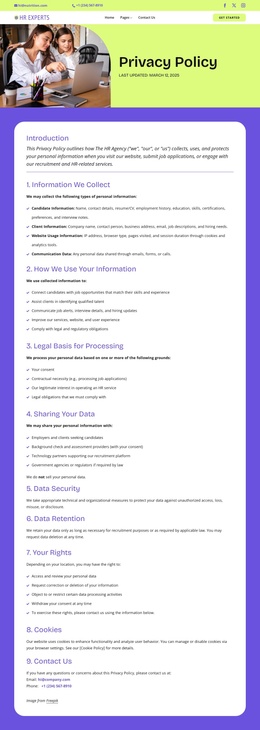
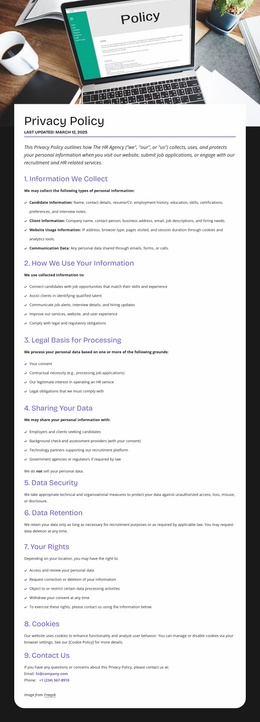
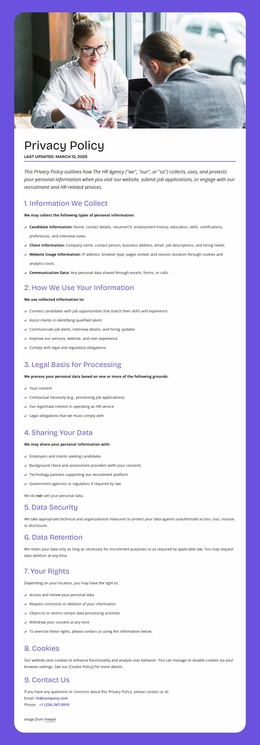
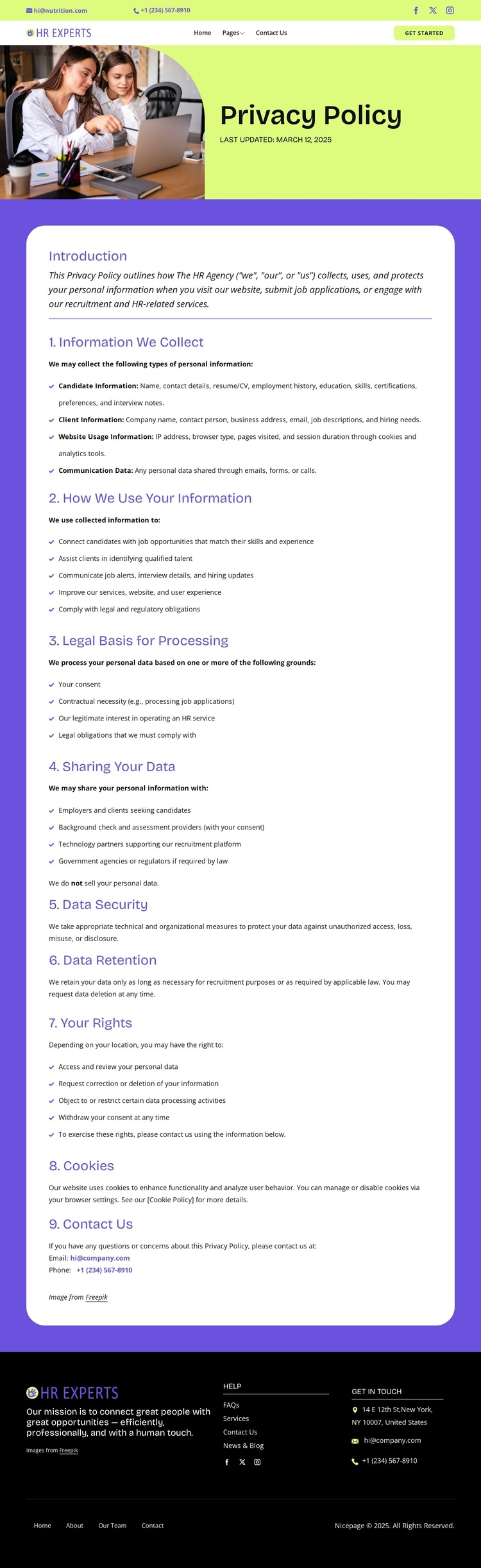
The page divides its legal information into recognizable content regions that can be understood as separate managed areas within a Joomla site. The opening panel introduces the policy, while the first long panel covers information collection, use, legal basis, sharing, and security. The second continues with retention, rights, cookies, and contact details. This progression is useful for a CMS-oriented implementation because recurring policy content remains grouped by subject instead of being presented as one unstructured text field.
Navigation and shared site regions provide a second layer of organization. The two-band header contains the brand, contact channels, social links, and primary navigation, while the dark footer brings together help links, social links, address, email, and phone information. Those areas can support a consistent Joomla site structure around the policy content, while the page’s actual legal wording remains specific to the organization and its data practices. The design also distinguishes recruitment-related information, such as candidate and client data, from website-usage and communication data, giving editors clear subject boundaries when maintaining the copy. A Joomla project could therefore use this layout as a coordinated content presentation rather than merely replacing text inside a generic legal page.
Customize with Nicepage
Open this ready-made template in the Joomla Page Builder and customize it visually in the Nicepage editor. Replace demo content, edit page sections, and adapt the design to your project without rebuilding the template from scratch.
Work With This Template in Joomla
Customize and Install the Joomla Template
Start with this ready-made template instead of building the Joomla design from scratch. Customize its layout, content, typography, images, sections, and other design elements visually in the Nicepage application, then export and install the Joomla Template, Nicepage Extension, and supported content on your Joomla website.
Edit the Template Directly in Joomla
After installation, you can edit the Joomla Template directly in Joomla with the Nicepage Joomla Extension. Customize the Header, Footer, Colors, Fonts, typography, and Page Templates from the Joomla workflow while keeping the site design connected with your CMS content.
Edit Joomla Articles Visually
Use the Nicepage Joomla Extension to open and edit Joomla Articles visually from the Joomla Administrator. Change text, images, sections, layouts, and other page content in the Nicepage editor while continuing to manage the Articles through Joomla.
Joomla Content and Template Integration
Use the customized template together with Joomla Articles, module Positions, menus, forms, Blog Pages, and other supported CMS elements. With the Nicepage Extension used as the Site Style Source, shared design settings can be applied across Joomla Articles while Joomla continues to provide the CMS environment for managing site content.
This workflow combines a ready-made Joomla Template with visual customization, direct template editing in Joomla, and continued content management through the Nicepage Joomla Extension.