Web hosting services Website Template



Edit Template Offline
2. Create new page and search for id 6375292
Edit Template Online
Create Awesome Websites


Free Nicepage Builder
Keywords
Service Categories and Support Areas Establish a Website Foundation
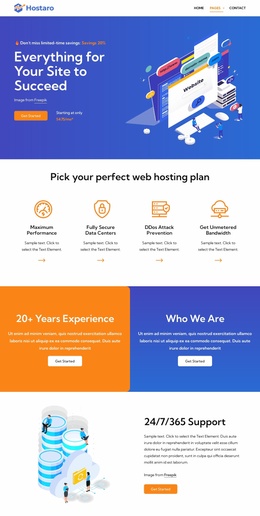
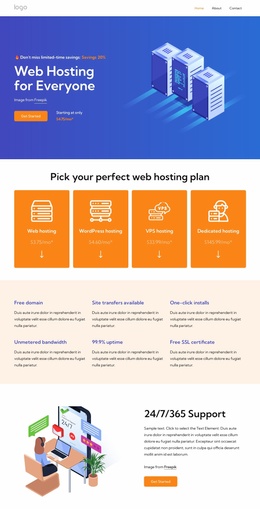
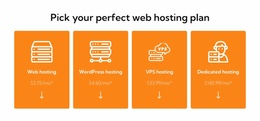
The design already defines several major content areas for a hosting project. The hero introduces the broad service, while the four category cards distinguish web, WordPress, VPS, and dedicated hosting as separate routes through the offer. That creates an initial information structure for a wider website without requiring the project to begin with an undefined homepage concept.
The six benefit callouts and the dedicated-server operating-system list provide two different kinds of supporting content. Benefits such as a free domain, unlimited bandwidth, 99% uptime, and free SSL certificate summarize general value, while Debian, Ubuntu, CentOS, Red Hat, AlmaLinux, and Fedora give the technical side of the service a dedicated area. The migration promotion adds another project-relevant topic, particularly for visitors considering a move to a dedicated server.
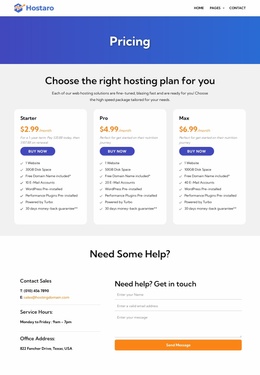
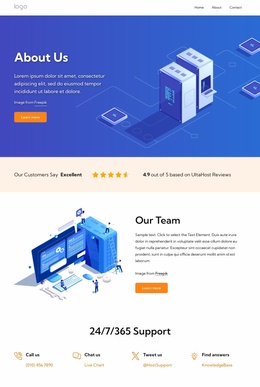
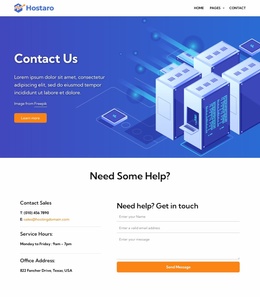
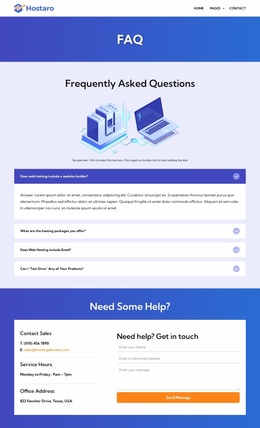
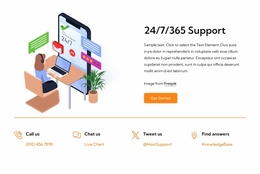
Support and communication are equally prominent. The 24/7/365 support section, four contact shortcuts, FAQ rows, testimonial cards, and closing message form create reusable content roles that could inform future service or support pages. The three named pricing plans and their selection buttons give the project a commercial core, while the shared gradient, card, heading, and button treatments provide continuity for related pages. Although the analysis confirms one detailed page rather than a complete multi-page set, its categories, technical content, assistance areas, and contact structure offer a credible foundation for expanding a broader hosting website.
Customize with Nicepage
Open this ready-made template in the Website Template Builder and customize it visually in the Nicepage editor. Replace demo content, edit page sections, and adapt the design to your project without rebuilding the template from scratch.
Build a Complete Website From This Template
Customize the Website Visually
Use this ready-made website template as a starting point for your project and adapt its pages visually in Nicepage. Change content, images, typography, navigation, sections, and other design elements while keeping the website together as a single editable project.
Manage Website Pages in One Project
Use the Pages panel to open, add, duplicate, and manage the pages of your website. Work on individual pages while keeping navigation and the overall site structure accessible from the same project, making it easier to develop a complete website instead of managing separate page files.
Expand the Website With Matching Designs
When you need additional pages or sections, use Page Design Sets to find Page and Block Designs created in the same visual style. Design Sets group matching designs together, making it easier to expand the website with new content while maintaining a consistent look across its pages and sections.
Organize Larger Multi-Page Websites
As the website grows, use Page Folders to organize related pages and keep larger multi-page projects easier to navigate in the editor. This is especially useful for websites with separate service pages, company information, contacts, landing pages, and other content areas.
This workflow makes the template a practical foundation for building and expanding a complete website while managing its pages, content, and visual design within one Nicepage project.