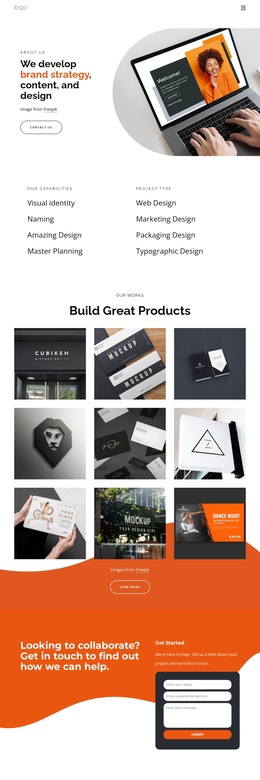
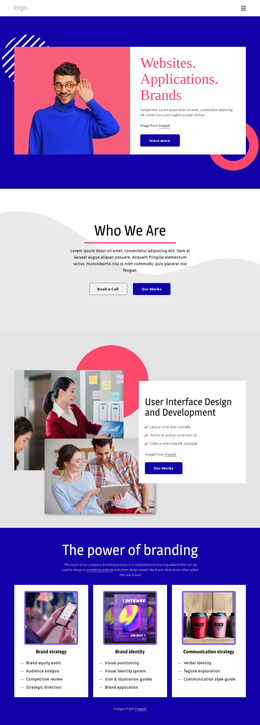
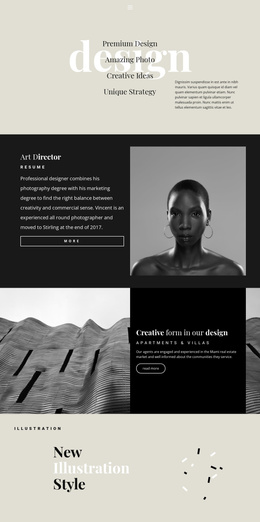
AI Transforming Industries Joomla Template


Edit Template Offline
2. Create new page and search for id 6381677
Edit Template Online
Create Awesome Websites


Free Nicepage Builder
Keywords
Service Topics, FAQ Content, and Contact Regions Suit Structured CMS Organization
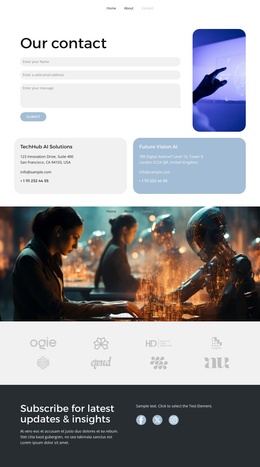
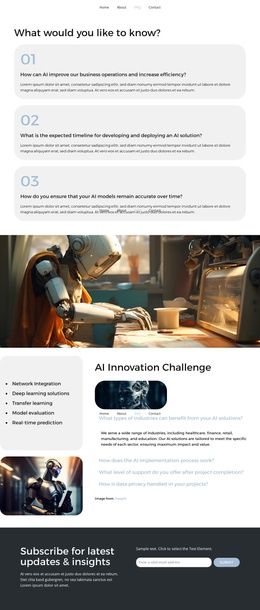
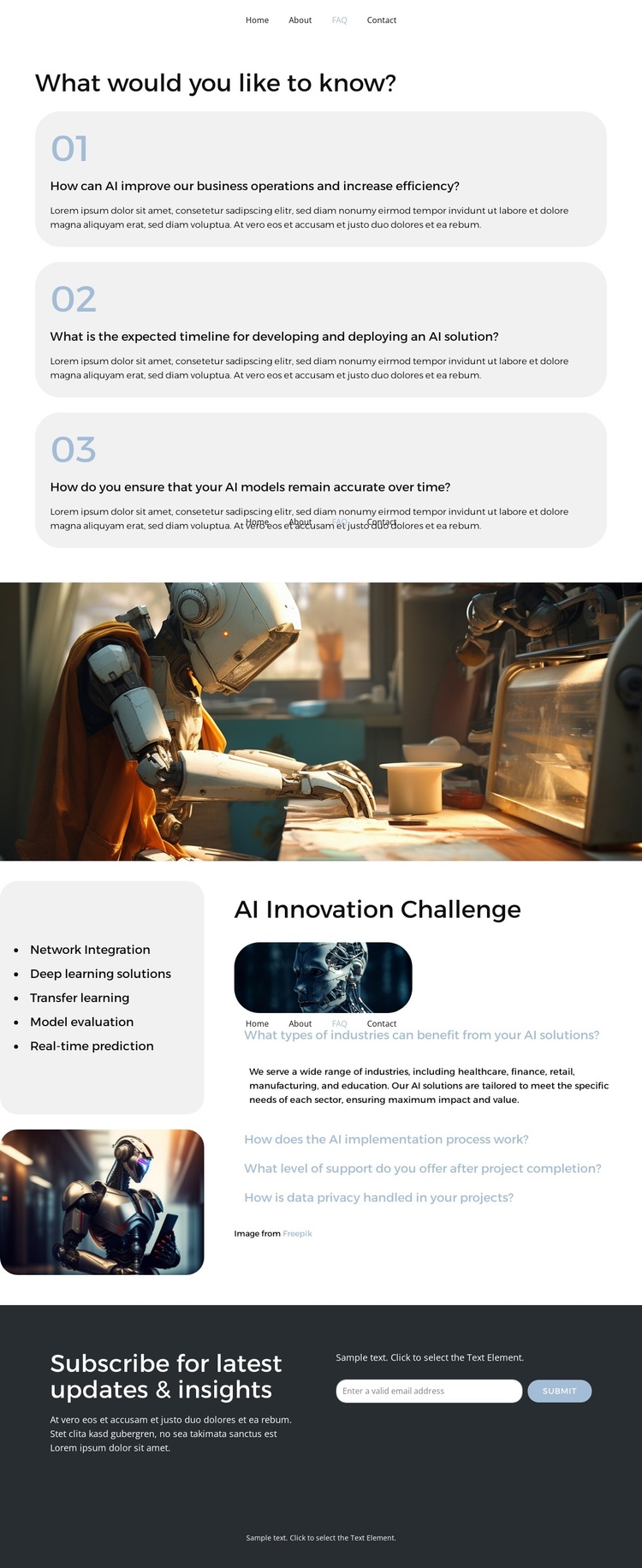
The capabilities list gives the page several clearly defined informational regions: network integration, deep learning solutions, transfer learning, model evaluation, and real-time prediction. These topics can be treated as recurring service-oriented content within a CMS-managed site, while the surrounding navigation keeps Home, About, FAQ, and Contact connected to the broader project. The design does not depend on a single promotional statement; it divides the subject into areas that can be maintained as the site’s information develops.
The FAQ structure adds another useful content relationship. Three numbered question cards introduce the visitor to the subject, and the later accordion contains four expandable questions under “AI Innovation Challenge.” The questions address industry relevance, implementation, post-project support, and data privacy, including a reference to GDPR. This makes the accordion a natural region for organized explanatory content rather than merely a decorative interaction.
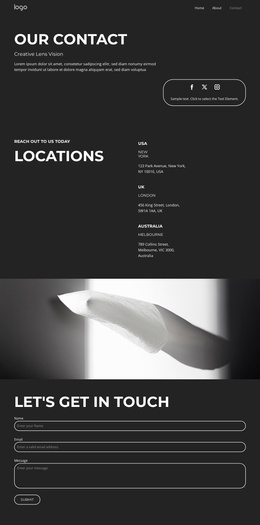
The closing dark band contains a subscription heading, supporting copy, an email field, and a Submit action. In a Joomla project, that contact-oriented region can sit alongside the informational FAQ content as a distinct response area, while the shared navigation and footer preserve visual continuity. The full-width image and two supporting images remain part of the presentation system, helping structured content retain the page’s AI-focused visual character as the site grows.
Customize with Nicepage
Open this ready-made template in the Joomla Page Builder and customize it visually in the Nicepage editor. Replace demo content, edit page sections, and adapt the design to your project without rebuilding the template from scratch.
Work With This Template in Joomla
Customize and Install the Joomla Template
Start with this ready-made template instead of building the Joomla design from scratch. Customize its layout, content, typography, images, sections, and other design elements visually in the Nicepage application, then export and install the Joomla Template, Nicepage Extension, and supported content on your Joomla website.
Edit the Template Directly in Joomla
After installation, you can edit the Joomla Template directly in Joomla with the Nicepage Joomla Extension. Customize the Header, Footer, Colors, Fonts, typography, and Page Templates from the Joomla workflow while keeping the site design connected with your CMS content.
Edit Joomla Articles Visually
Use the Nicepage Joomla Extension to open and edit Joomla Articles visually from the Joomla Administrator. Change text, images, sections, layouts, and other page content in the Nicepage editor while continuing to manage the Articles through Joomla.
Joomla Content and Template Integration
Use the customized template together with Joomla Articles, module Positions, menus, forms, Blog Pages, and other supported CMS elements. With the Nicepage Extension used as the Site Style Source, shared design settings can be applied across Joomla Articles while Joomla continues to provide the CMS environment for managing site content.
This workflow combines a ready-made Joomla Template with visual customization, direct template editing in Joomla, and continued content management through the Nicepage Joomla Extension.