The charity projects Joomla Template


Edit Template Offline
2. Create new page and search for id 6477901
Edit Template Online
Create Awesome Websites


Free Nicepage Builder
Keywords
Project Categories Give Joomla Content Areas a Clear Shape
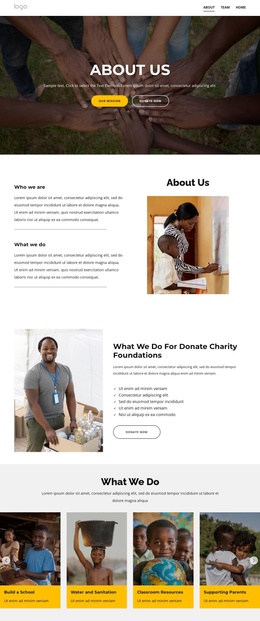
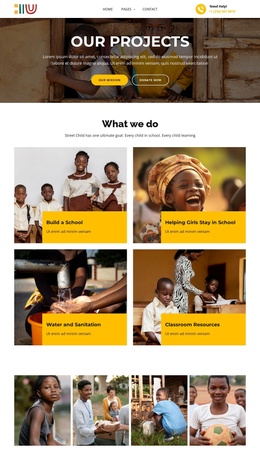
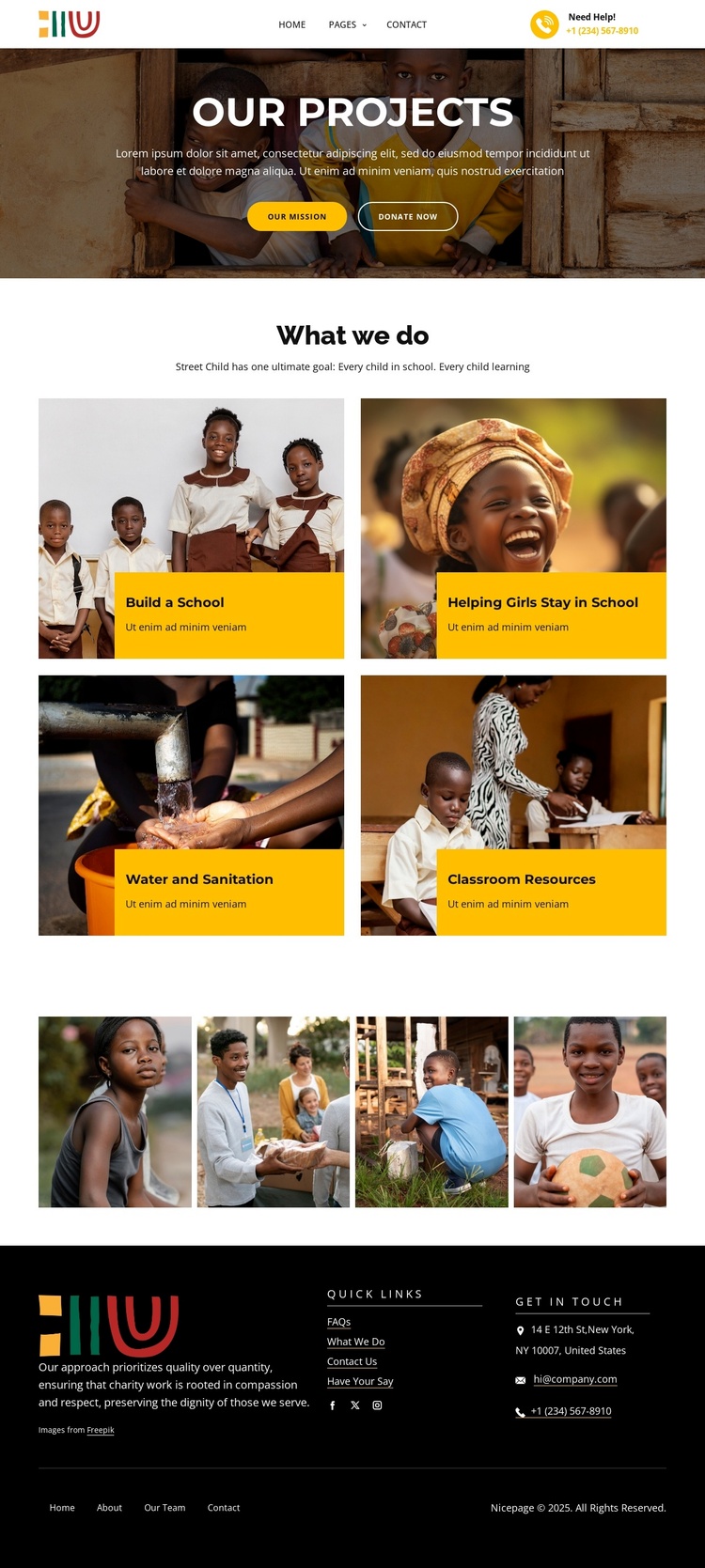
The four labeled project cards divide the page into structured informational areas that can remain recognizable as the charity’s content develops. “Build a School,” “Helping Girls Stay in School,” “Water and Sanitation,” and “Classroom Resources” are not interchangeable labels; together they describe the main categories visitors need to understand before responding to the campaign. Their repeated image-and-panel format gives those areas a coordinated presentation.
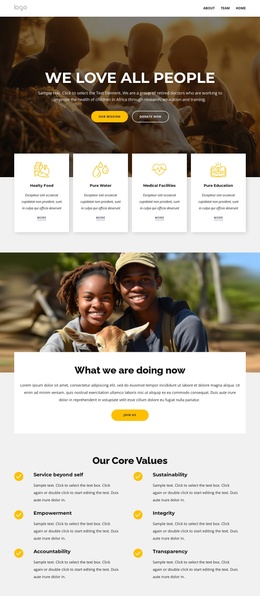
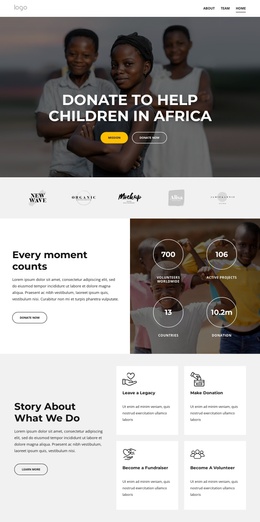
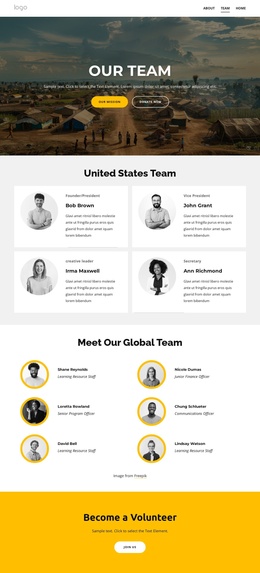
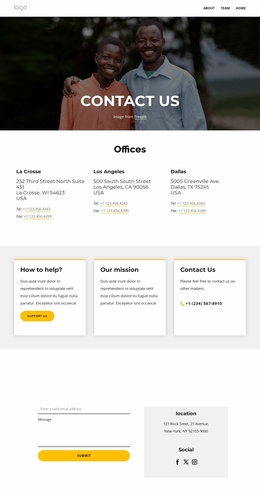
The hero and footer provide shared regions around that content. The “Our Projects” heading, introductory copy, “Our Mission” action, and “Donate now” action establish the page’s entry point, while the footer gathers quick links, social links, organization information, and contact channels. In a Joomla-managed project, this separation can help distinguish primary campaign content from reusable navigation and communication regions without claiming that specific Joomla Articles or modules already exist in the template.
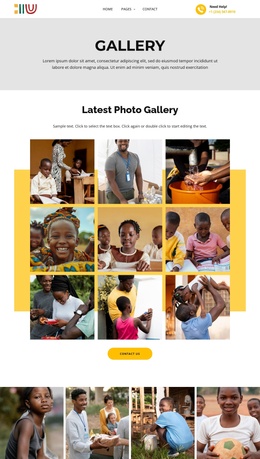
The four-image gallery offers a further structured media area for supporting project evidence. It can sit alongside the category content as a visual record rather than replacing the explanatory cards. The design’s value for Joomla is therefore its clear division of subject areas, shared page regions, and contact information. Those relationships provide an orderly CMS-oriented foundation while keeping the original charity visual direction intact.
Customize with Nicepage
Open this ready-made template in the Joomla Page Builder and customize it visually in the Nicepage editor. Replace demo content, edit page sections, and adapt the design to your project without rebuilding the template from scratch.
Work With This Template in Joomla
Customize and Install the Joomla Template
Start with this ready-made template instead of building the Joomla design from scratch. Customize its layout, content, typography, images, sections, and other design elements visually in the Nicepage application, then export and install the Joomla Template, Nicepage Extension, and supported content on your Joomla website.
Edit the Template Directly in Joomla
After installation, you can edit the Joomla Template directly in Joomla with the Nicepage Joomla Extension. Customize the Header, Footer, Colors, Fonts, typography, and Page Templates from the Joomla workflow while keeping the site design connected with your CMS content.
Edit Joomla Articles Visually
Use the Nicepage Joomla Extension to open and edit Joomla Articles visually from the Joomla Administrator. Change text, images, sections, layouts, and other page content in the Nicepage editor while continuing to manage the Articles through Joomla.
Joomla Content and Template Integration
Use the customized template together with Joomla Articles, module Positions, menus, forms, Blog Pages, and other supported CMS elements. With the Nicepage Extension used as the Site Style Source, shared design settings can be applied across Joomla Articles while Joomla continues to provide the CMS environment for managing site content.
This workflow combines a ready-made Joomla Template with visual customization, direct template editing in Joomla, and continued content management through the Nicepage Joomla Extension.