Learning is a lifelong process Joomla Template



Edit Template Offline
2. Create new page and search for id 254603
Edit Template Online
Create Awesome Websites


Free Nicepage Builder
Keywords
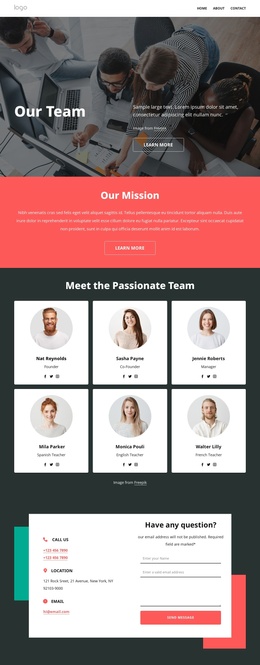
Teaching, Resources, and Contact Content Divide the Education Site Clearly
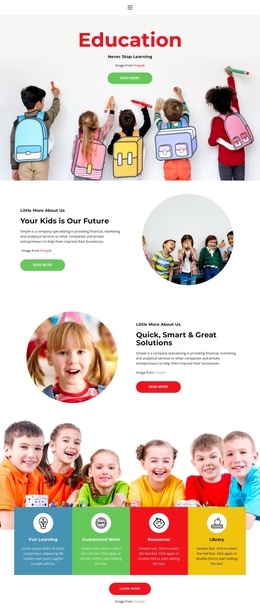
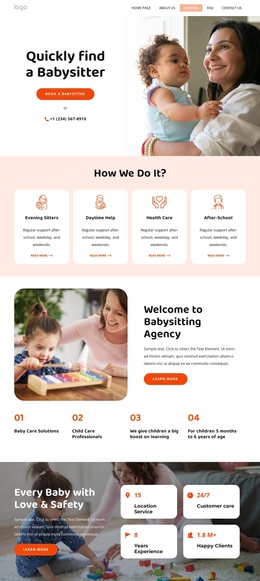
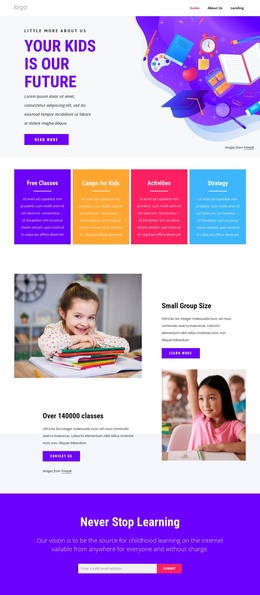
The template separates its education subject into several structured content regions that can remain understandable as site content changes. The opening “Learn Everyday” section introduces the broad learning theme, while “Join online courses today” and “Train Your Brain Today!” provide more specific course-oriented areas. Together, these sections create a natural top-level path from general educational interest to course information without requiring the page to rely on placeholder names or sample institutional details.
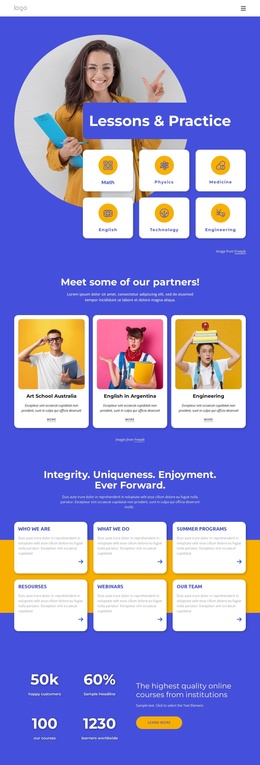
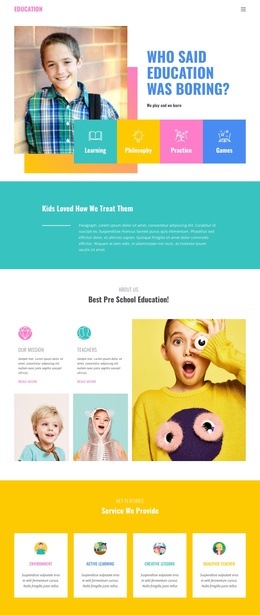
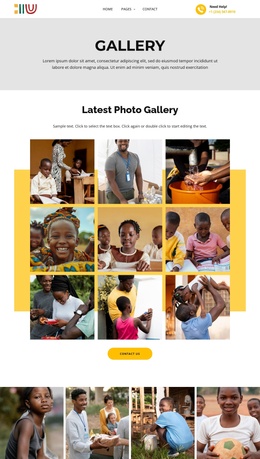
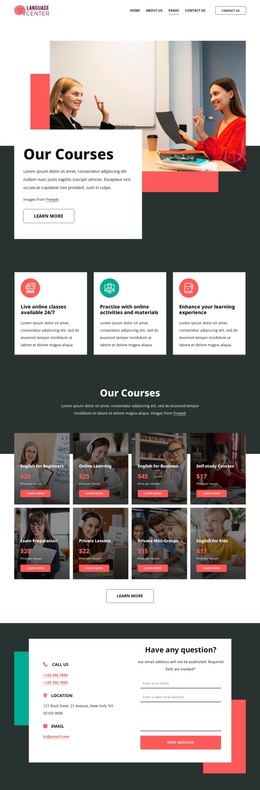
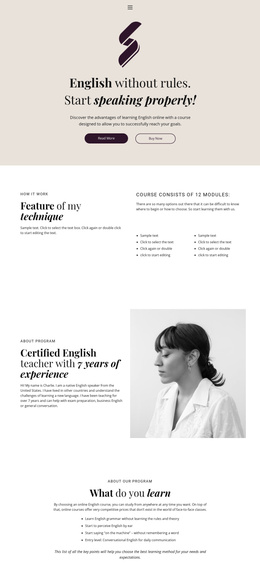
The middle content offers additional regions for organized educational material. The Online Learning panel pairs explanatory copy with a large photograph, and the Innovations in Online Learning collage includes labels such as Virtual Classroom and Modern Education. The four repeated cards then provide a compact category layer for Teaching, Innovations, Students, and Resources. In a Joomla project, these distinct areas can correspond to structured site content and menu destinations while retaining a coordinated visual presentation. The template does not prove that Joomla Articles or module positions already exist.
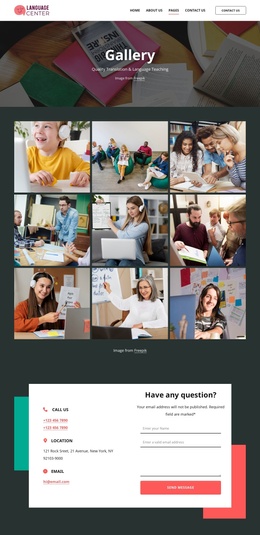
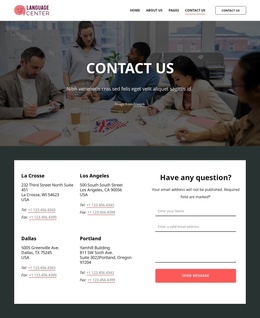
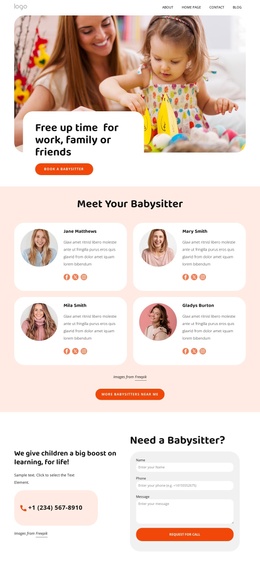
The closing Contact Us section adds a practical information region: an inquiry form sits alongside Call Us, Location, and Business Hours cards, with a portrait image helping connect the interaction to the page’s educational tone. Shared navigation and the dark footer provide continuity around these content areas. This makes the design a useful basis for organizing course, resource, and contact information in a Joomla-managed education site without turning the page description into a CMS workflow tutorial.
Customize with Nicepage
Open this ready-made template in the Joomla Page Builder and customize it visually in the Nicepage editor. Replace demo content, edit page sections, and adapt the design to your project without rebuilding the template from scratch.
Work With This Template in Joomla
Customize and Install the Joomla Template
Start with this ready-made template instead of building the Joomla design from scratch. Customize its layout, content, typography, images, sections, and other design elements visually in the Nicepage application, then export and install the Joomla Template, Nicepage Extension, and supported content on your Joomla website.
Edit the Template Directly in Joomla
After installation, you can edit the Joomla Template directly in Joomla with the Nicepage Joomla Extension. Customize the Header, Footer, Colors, Fonts, typography, and Page Templates from the Joomla workflow while keeping the site design connected with your CMS content.
Edit Joomla Articles Visually
Use the Nicepage Joomla Extension to open and edit Joomla Articles visually from the Joomla Administrator. Change text, images, sections, layouts, and other page content in the Nicepage editor while continuing to manage the Articles through Joomla.
Joomla Content and Template Integration
Use the customized template together with Joomla Articles, module Positions, menus, forms, Blog Pages, and other supported CMS elements. With the Nicepage Extension used as the Site Style Source, shared design settings can be applied across Joomla Articles while Joomla continues to provide the CMS environment for managing site content.
This workflow combines a ready-made Joomla Template with visual customization, direct template editing in Joomla, and continued content management through the Nicepage Joomla Extension.