Charity organization for children Joomla Template



Edit Template Offline
2. Create new page and search for id 6319412
Edit Template Online
Create Awesome Websites


Free Nicepage Builder
Keywords
Program Areas and Shared Navigation Divide the Charity Content Clearly
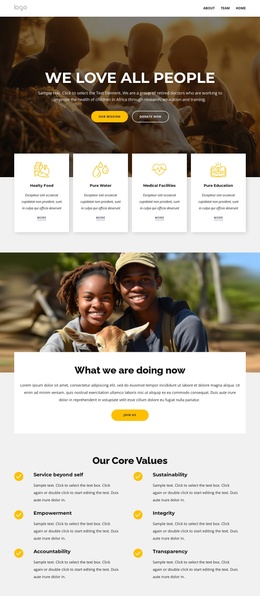
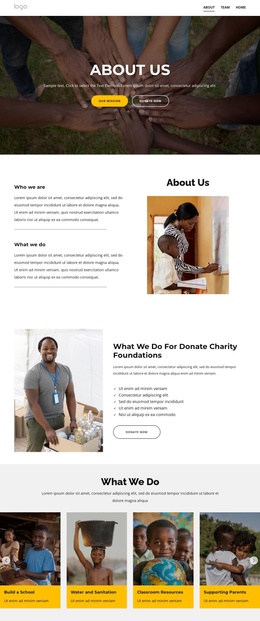
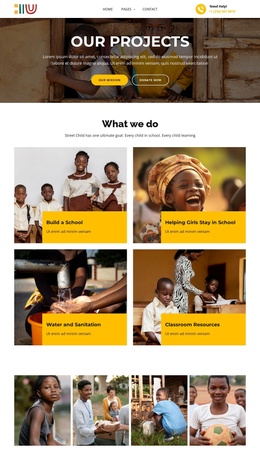
The six program cards provide the strongest structured content grouping on this page. Build a School, Water and Sanitation, Classroom Resources, Supporting Parents, Teach children, and Train children for jobs divide the organization’s activities into recognizable information areas. In a Joomla-managed project, those areas can guide how recurring mission content is organized while the page continues to present them through the same photographic card treatment. The labels are structural evidence; the template does not verify separate Joomla Articles or categories.
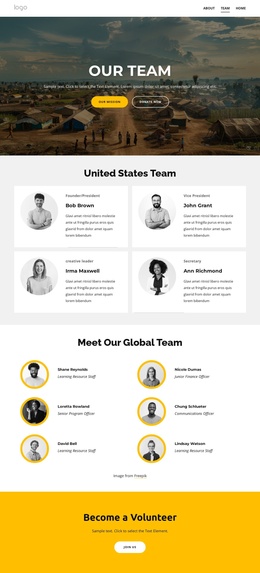
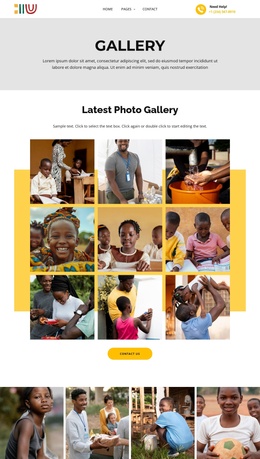
The header and dark footer create shared site regions around the central content. Navigation, Quick Links, social links, contact details, and the lower footer row give visitors repeated routes through the organization’s information, while the United States Team section adds a distinct people-focused region. The two galleries can support visual documentation of education and community activities, but their sample imagery should be replaced with verified project material before publication.
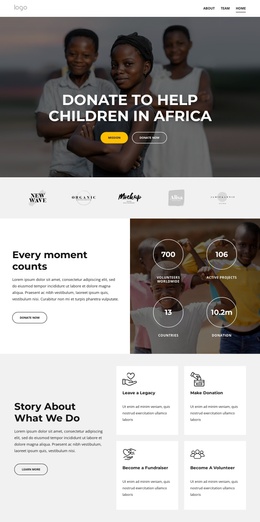
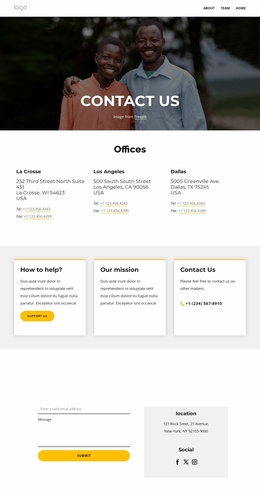
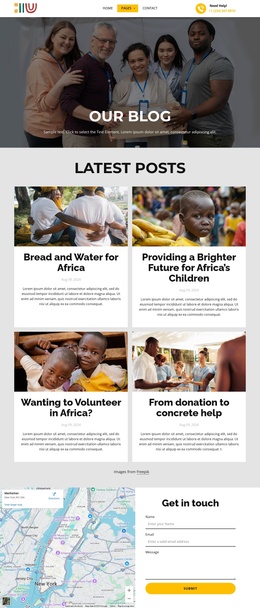
The map and contact form provide a practical closing area for inquiries, while Donate now actions appear earlier in the hero and mission section. This distribution separates general information, program explanation, participation prompts, and contact content. It gives a Joomla project a coherent set of managed content regions without claiming that any specific article, module position, or CMS record already exists in the template.
Customize with Nicepage
Open this ready-made template in the Joomla Page Builder and customize it visually in the Nicepage editor. Replace demo content, edit page sections, and adapt the design to your project without rebuilding the template from scratch.
Work With This Template in Joomla
Customize and Install the Joomla Template
Start with this ready-made template instead of building the Joomla design from scratch. Customize its layout, content, typography, images, sections, and other design elements visually in the Nicepage application, then export and install the Joomla Template, Nicepage Extension, and supported content on your Joomla website.
Edit the Template Directly in Joomla
After installation, you can edit the Joomla Template directly in Joomla with the Nicepage Joomla Extension. Customize the Header, Footer, Colors, Fonts, typography, and Page Templates from the Joomla workflow while keeping the site design connected with your CMS content.
Edit Joomla Articles Visually
Use the Nicepage Joomla Extension to open and edit Joomla Articles visually from the Joomla Administrator. Change text, images, sections, layouts, and other page content in the Nicepage editor while continuing to manage the Articles through Joomla.
Joomla Content and Template Integration
Use the customized template together with Joomla Articles, module Positions, menus, forms, Blog Pages, and other supported CMS elements. With the Nicepage Extension used as the Site Style Source, shared design settings can be applied across Joomla Articles while Joomla continues to provide the CMS environment for managing site content.
This workflow combines a ready-made Joomla Template with visual customization, direct template editing in Joomla, and continued content management through the Nicepage Joomla Extension.