Women’s Quran Classes Joomla Template


Edit Template Offline
2. Create new page and search for id 6659963
Edit Template Online
Create Awesome Websites


Free Nicepage Builder
Keywords
Prayer Schedules and Program Areas Divide the Design into Manageable Content Regions
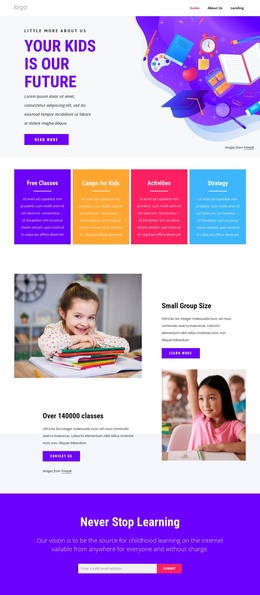
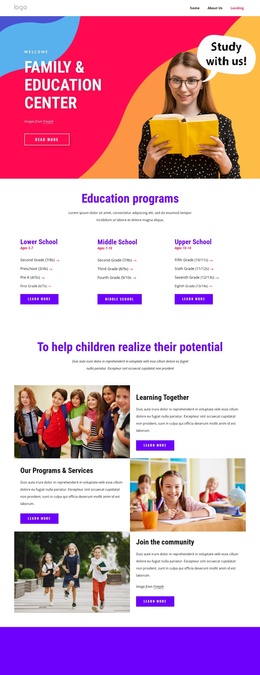
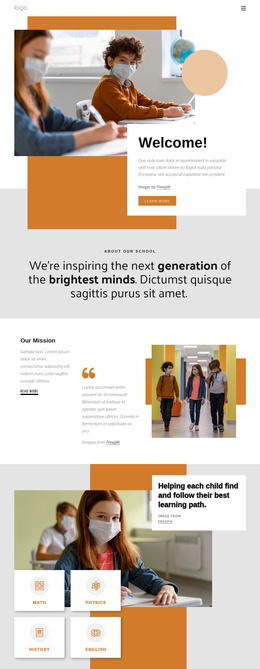
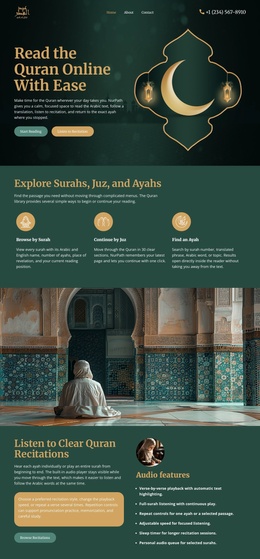
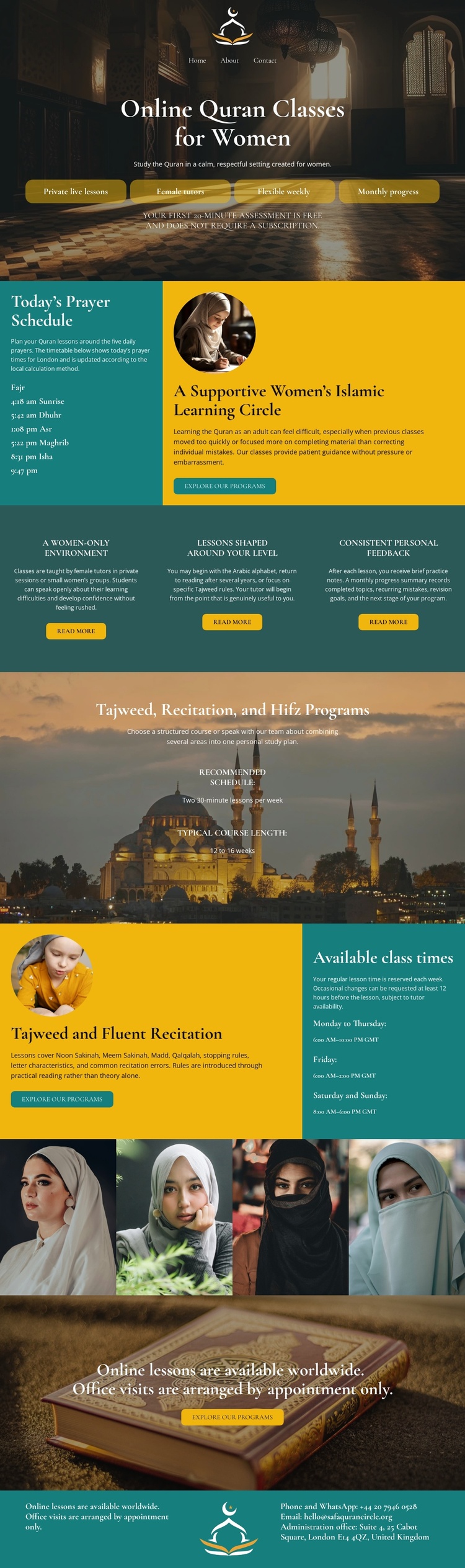
The page’s repeated informational areas create a useful structure for a CMS-managed education site. The opening section introduces online Quran classes for women and places enrollment actions in the first content region. “Today’s Prayer Schedule” then supplies a separate information area, while the adjacent portrait-led panel gives that schedule section a human learning context. The three benefit columns further divide recurring program messages into distinct items: a women-only environment, lessons suited to different levels, and consistent personal feedback.
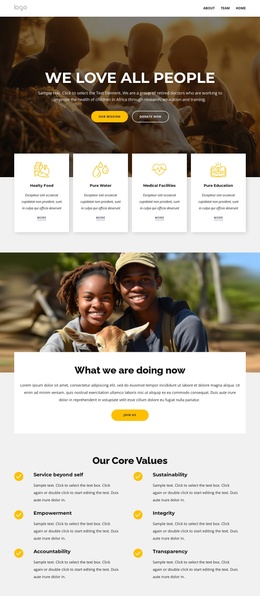
The later program block groups Tajweed, recitation, and Hifz under one clear subject area rather than scattering them across the page. The following class-time section connects that offering with availability information through a split arrangement and a timetable panel. The four portraits form another repeated content region, and the closing booking block provides a natural endpoint for contact-oriented content. Together, these regions can map to Joomla-managed navigation and content areas without claiming that Joomla Articles, categories, or module positions already exist in the template.
The design’s shared visual language also helps recurring content remain coordinated: mosque imagery marks major transitions, teal panels identify practical information, and gold buttons signal enrollment actions. In a Joomla project, that relationship can support organized educational content while preserving the page’s recognizable structure.
Customize with Nicepage
Open this ready-made template in the Joomla Page Builder and customize it visually in the Nicepage editor. Replace demo content, edit page sections, and adapt the design to your project without rebuilding the template from scratch.
Work With This Template in Joomla
Customize and Install the Joomla Template
Start with this ready-made template instead of building the Joomla design from scratch. Customize its layout, content, typography, images, sections, and other design elements visually in the Nicepage application, then export and install the Joomla Template, Nicepage Extension, and supported content on your Joomla website.
Edit the Template Directly in Joomla
After installation, you can edit the Joomla Template directly in Joomla with the Nicepage Joomla Extension. Customize the Header, Footer, Colors, Fonts, typography, and Page Templates from the Joomla workflow while keeping the site design connected with your CMS content.
Edit Joomla Articles Visually
Use the Nicepage Joomla Extension to open and edit Joomla Articles visually from the Joomla Administrator. Change text, images, sections, layouts, and other page content in the Nicepage editor while continuing to manage the Articles through Joomla.
Joomla Content and Template Integration
Use the customized template together with Joomla Articles, module Positions, menus, forms, Blog Pages, and other supported CMS elements. With the Nicepage Extension used as the Site Style Source, shared design settings can be applied across Joomla Articles while Joomla continues to provide the CMS environment for managing site content.
This workflow combines a ready-made Joomla Template with visual customization, direct template editing in Joomla, and continued content management through the Nicepage Joomla Extension.