Law consulting agency Joomla Template

Edit Template Offline
2. Create new page and search for id 6109701
Edit Template Online
Create Awesome Websites


Free Nicepage Builder
Keywords
Services, People, and Contact Regions for Joomla Content
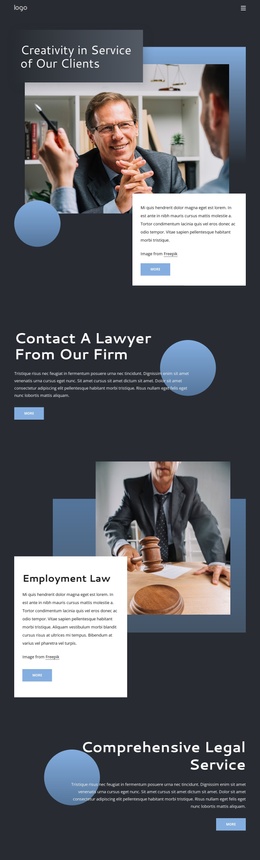
The three resource categories in the Client Resource Center create distinct information areas for a CMS-managed legal site. Global coverage, crisis management, and partnership can be treated as related service or resource content, while the paired calls to action provide clear routes toward more information and contact. The separate Corporate Law spotlight and the three legal-area tiles add another level of organization, allowing the design to distinguish a featured practice from employment and criminal law content.
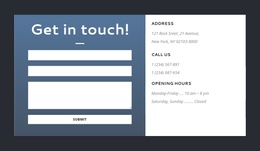
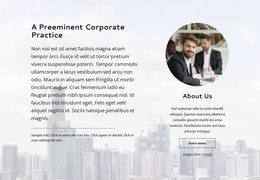
Navigation and shared page framing can connect these areas with the history, people, and contact regions. The History section places three displayed milestones into a horizontal sequence, giving background content its own recognizable destination. Six team profile cards provide a repeatable people-oriented structure, and the Recognition and Culture section separates organizational information from service descriptions. These relationships suit a Joomla project where structured content areas need to remain visually coordinated without collapsing every subject into one text block. The closing contact region is especially useful as a defined communication area: its form sits beside address, telephone, and opening-hours details. The resulting arrangement gives the template a practical content map for a legal practice, with service information, firm background, profiles, organizational evidence, and visitor contact kept in distinct regions.
Customize with Nicepage
Open this ready-made template in the Joomla Page Builder and customize it visually in the Nicepage editor. Replace demo content, edit page sections, and adapt the design to your project without rebuilding the template from scratch.
Work With This Template in Joomla
Customize and Install the Joomla Template
Start with this ready-made template instead of building the Joomla design from scratch. Customize its layout, content, typography, images, sections, and other design elements visually in the Nicepage application, then export and install the Joomla Template, Nicepage Extension, and supported content on your Joomla website.
Edit the Template Directly in Joomla
After installation, you can edit the Joomla Template directly in Joomla with the Nicepage Joomla Extension. Customize the Header, Footer, Colors, Fonts, typography, and Page Templates from the Joomla workflow while keeping the site design connected with your CMS content.
Edit Joomla Articles Visually
Use the Nicepage Joomla Extension to open and edit Joomla Articles visually from the Joomla Administrator. Change text, images, sections, layouts, and other page content in the Nicepage editor while continuing to manage the Articles through Joomla.
Joomla Content and Template Integration
Use the customized template together with Joomla Articles, module Positions, menus, forms, Blog Pages, and other supported CMS elements. With the Nicepage Extension used as the Site Style Source, shared design settings can be applied across Joomla Articles while Joomla continues to provide the CMS environment for managing site content.
This workflow combines a ready-made Joomla Template with visual customization, direct template editing in Joomla, and continued content management through the Nicepage Joomla Extension.