We are ready to meet you Joomla Template


Edit Template Offline
2. Create new page and search for id 5663588
Edit Template Online
Create Awesome Websites


Free Nicepage Builder
Keywords
Contact cards and inquiry content form clear Joomla site regions
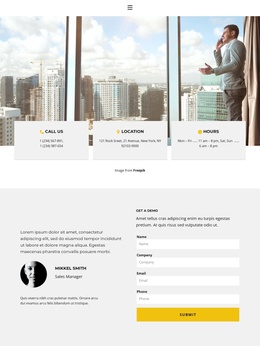
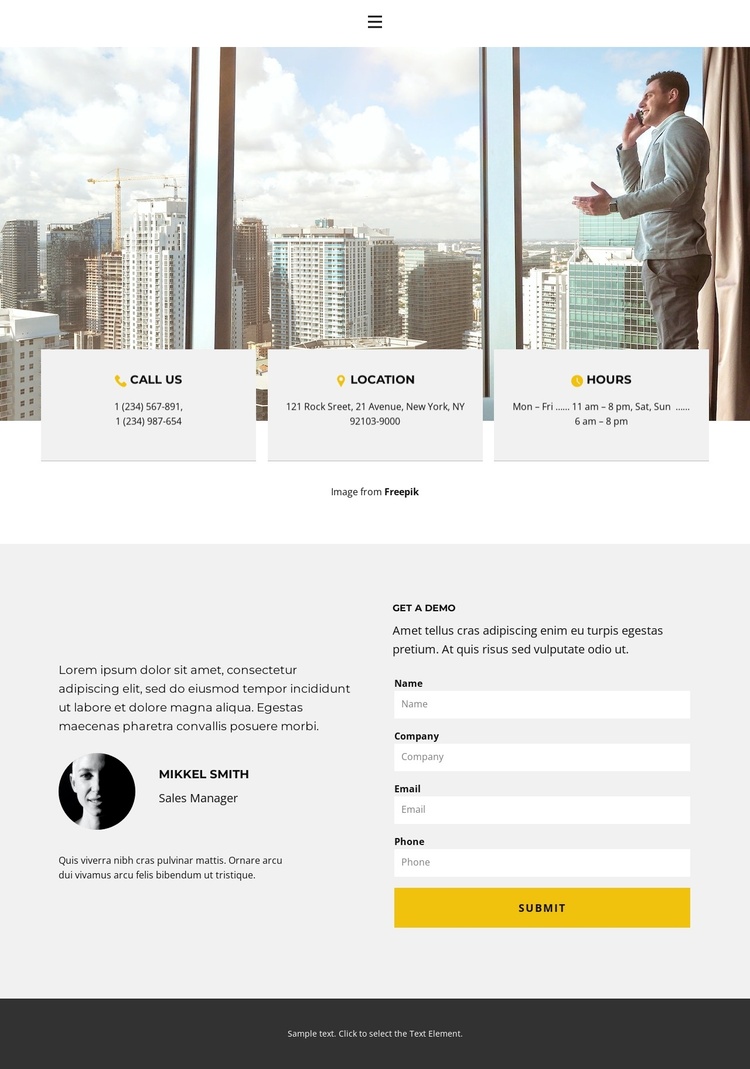
The contact-information area separates three practical content roles—Call Us, Location, and Hours—across compact cards layered over the city-window photograph. In a Joomla-managed website, these distinct regions can correspond to structured contact content that needs to remain easy to identify while the surrounding visual presentation stays consistent. The image-led opening establishes context, but the labels keep the information area functional rather than turning it into an image-only introduction.
The lower split section adds a second content relationship. A representative profile labeled Mikkel Smith and Sales Manager provides a human point of reference, while the Get a demo heading and inquiry form define the response area beside it. Name, company, email, and phone inputs show the fields expected for a demonstration request. Together, the profile and form divide the section into introduction and response roles, which makes the page suitable for a CMS-managed contact region without claiming that the sample identity or contact values represent a verified organization.
The simple navigation row and dark footer provide shared boundaries around these content areas. White and light-gray surfaces keep the information groups distinct, while yellow actions provide emphasis for the demo request. The design therefore gives Joomla content a clear arrangement: navigation at the top, practical contact information first, representative context beside an inquiry area, and a concise footer notice at the end.
Customize with Nicepage
Open this ready-made template in the Joomla Page Builder and customize it visually in the Nicepage editor. Replace demo content, edit page sections, and adapt the design to your project without rebuilding the template from scratch.
Work With This Template in Joomla
Customize and Install the Joomla Template
Start with this ready-made template instead of building the Joomla design from scratch. Customize its layout, content, typography, images, sections, and other design elements visually in the Nicepage application, then export and install the Joomla Template, Nicepage Extension, and supported content on your Joomla website.
Edit the Template Directly in Joomla
After installation, you can edit the Joomla Template directly in Joomla with the Nicepage Joomla Extension. Customize the Header, Footer, Colors, Fonts, typography, and Page Templates from the Joomla workflow while keeping the site design connected with your CMS content.
Edit Joomla Articles Visually
Use the Nicepage Joomla Extension to open and edit Joomla Articles visually from the Joomla Administrator. Change text, images, sections, layouts, and other page content in the Nicepage editor while continuing to manage the Articles through Joomla.
Joomla Content and Template Integration
Use the customized template together with Joomla Articles, module Positions, menus, forms, Blog Pages, and other supported CMS elements. With the Nicepage Extension used as the Site Style Source, shared design settings can be applied across Joomla Articles while Joomla continues to provide the CMS environment for managing site content.
This workflow combines a ready-made Joomla Template with visual customization, direct template editing in Joomla, and continued content management through the Nicepage Joomla Extension.