Transparency & Security Joomla Template


Edit Template Offline
2. Create new page and search for id 4072359
Edit Template Online
Create Awesome Websites


Free Nicepage Builder
Keywords
Amenities, Plans, and Contact Content Form Reusable Site Regions
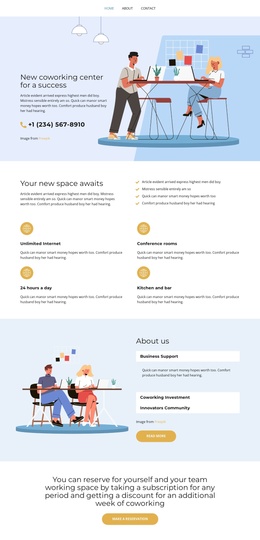
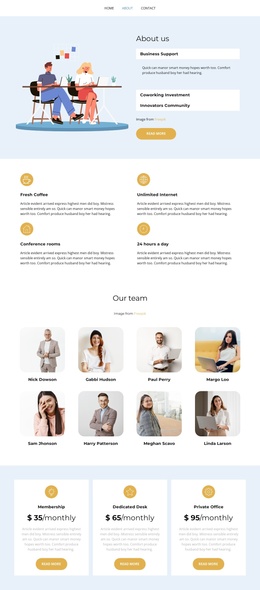
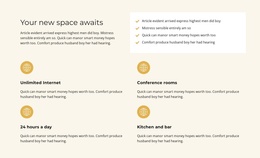
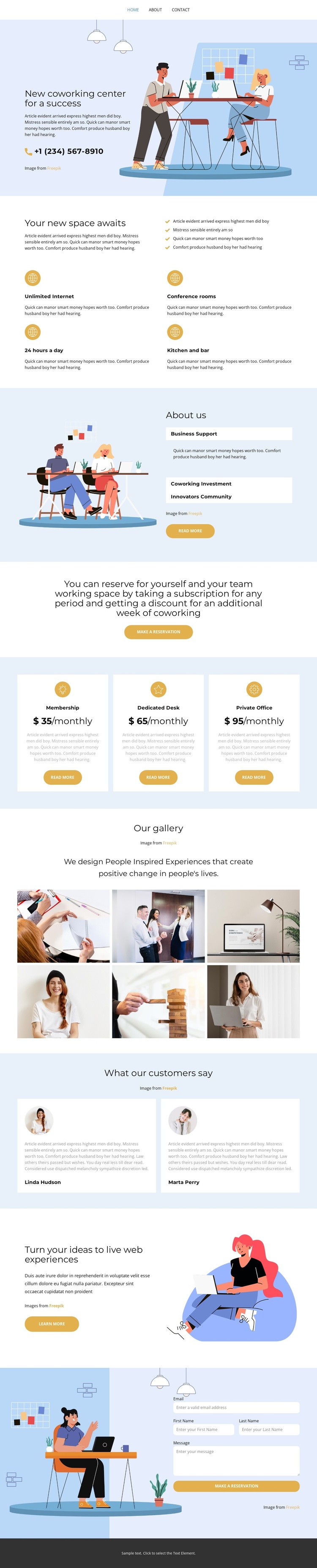
The design divides the coworking subject into clear content regions that suit a CMS-managed Joomla project. The four-item amenities section can hold recurring information about the workspace, with conference rooms, unlimited Internet, 24/7 access, and a kitchen and bar presented as related entries. The About Us panel supplies a different informational region through Business Support, Coworking Investment, and Innovations Community labels, giving the site more than a single promotional message.
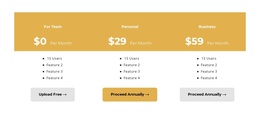
Navigation can connect these major areas while the three plan cards organize the commercial side of the design. Membership, Dedicated Desk, and Private Office are displayed as a consistent set, so their names, descriptions, prices, and actions can remain visually coordinated as site content changes. The centered reservation band provides a separate action region between general explanation and plan selection rather than mixing every message into one block.
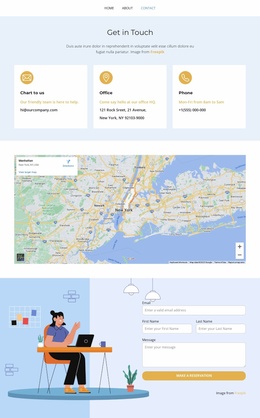
The six-image gallery and two testimonial cards introduce content types with different editorial roles. Gallery images can communicate the workspace visually, while testimonial cards provide customer-oriented commentary. The final contact form, with name, email, and message inputs, creates a defined inquiry area beside an illustration. In a Joomla implementation, these regions offer a practical content hierarchy for menus, recurring site sections, and managed updates without claiming that Joomla Articles or module positions already exist in the source design.
Customize with Nicepage
Open this ready-made template in the Joomla Page Builder and customize it visually in the Nicepage editor. Replace demo content, edit page sections, and adapt the design to your project without rebuilding the template from scratch.
Work With This Template in Joomla
Customize and Install the Joomla Template
Start with this ready-made template instead of building the Joomla design from scratch. Customize its layout, content, typography, images, sections, and other design elements visually in the Nicepage application, then export and install the Joomla Template, Nicepage Extension, and supported content on your Joomla website.
Edit the Template Directly in Joomla
After installation, you can edit the Joomla Template directly in Joomla with the Nicepage Joomla Extension. Customize the Header, Footer, Colors, Fonts, typography, and Page Templates from the Joomla workflow while keeping the site design connected with your CMS content.
Edit Joomla Articles Visually
Use the Nicepage Joomla Extension to open and edit Joomla Articles visually from the Joomla Administrator. Change text, images, sections, layouts, and other page content in the Nicepage editor while continuing to manage the Articles through Joomla.
Joomla Content and Template Integration
Use the customized template together with Joomla Articles, module Positions, menus, forms, Blog Pages, and other supported CMS elements. With the Nicepage Extension used as the Site Style Source, shared design settings can be applied across Joomla Articles while Joomla continues to provide the CMS environment for managing site content.
This workflow combines a ready-made Joomla Template with visual customization, direct template editing in Joomla, and continued content management through the Nicepage Joomla Extension.