Alternative fuels Joomla Template


A Three-Part Product Region for Structured Joomla Content
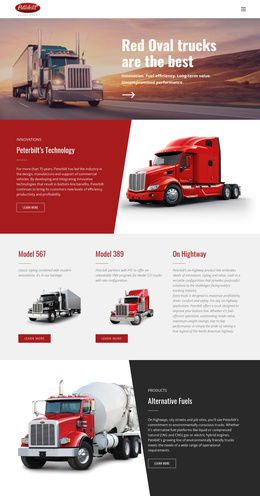
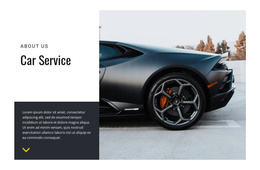
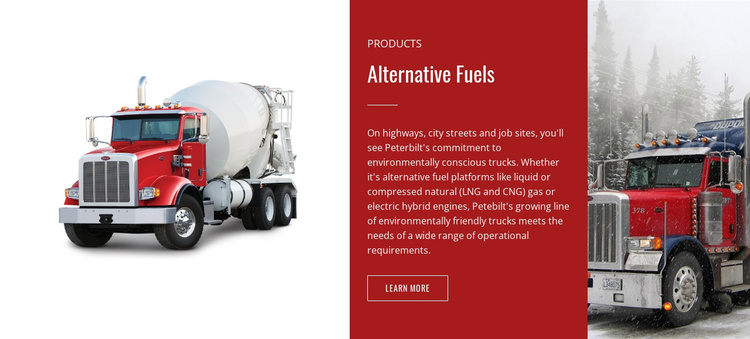
The two truck visuals frame a central product message, giving the section a clear informational unit for a Joomla-managed page. The Products label establishes the content category, and the Alternative Fuels heading names the subject before the supporting description adds context about liquid or compressed natural gas and electric-hybrid engines. Because the text is concentrated in the red middle panel, the photographic sides reinforce the transportation subject without competing with the explanation.
Within a Joomla-oriented project, this arrangement can function as a reusable product-category region alongside other managed content. The Learn More link provides a defined path toward fuller alternative-fuels information, while the block itself remains focused on introducing the category rather than carrying an entire product catalogue. The horizontal sequence also separates visual evidence from editorial content: the left and right truck images create recognition, and the center panel carries the label, heading, description, and onward action.
The dark red background and white typography give this content area a distinct visual boundary that can help separate one category from neighboring sections. Joomla-managed pages can place related product information around it while preserving this block as a stable, recognizable section for alternative-fuel offerings.
Customize with Nicepage
Open this ready-made template in the Joomla Page Builder and customize it visually in the Nicepage editor. Replace demo content, edit page sections, and adapt the design to your project without rebuilding the template from scratch.
Edit Template Offline
2. Create a new page or select existing
3. Click Add new block, search for id 44867 and click enter
Edit Template Online
Create Awesome Websites


Free Nicepage Builder
Keywords
Work With This Template in Joomla
Customize and Install the Joomla Template
Start with this ready-made template instead of building the Joomla design from scratch. Customize its layout, content, typography, images, sections, and other design elements visually in the Nicepage application, then export and install the Joomla Template, Nicepage Extension, and supported content on your Joomla website.
Edit the Template Directly in Joomla
After installation, you can edit the Joomla Template directly in Joomla with the Nicepage Joomla Extension. Customize the Header, Footer, Colors, Fonts, typography, and Page Templates from the Joomla workflow while keeping the site design connected with your CMS content.
Edit Joomla Articles Visually
Use the Nicepage Joomla Extension to open and edit Joomla Articles visually from the Joomla Administrator. Change text, images, sections, layouts, and other page content in the Nicepage editor while continuing to manage the Articles through Joomla.
Joomla Content and Template Integration
Use the customized template together with Joomla Articles, module Positions, menus, forms, Blog Pages, and other supported CMS elements. With the Nicepage Extension used as the Site Style Source, shared design settings can be applied across Joomla Articles while Joomla continues to provide the CMS environment for managing site content.
This workflow combines a ready-made Joomla Template with visual customization, direct template editing in Joomla, and continued content management through the Nicepage Joomla Extension.