Yoga education center Joomla Template


A Teaching Perspective Organized as a Joomla Content Region
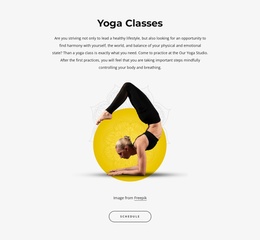
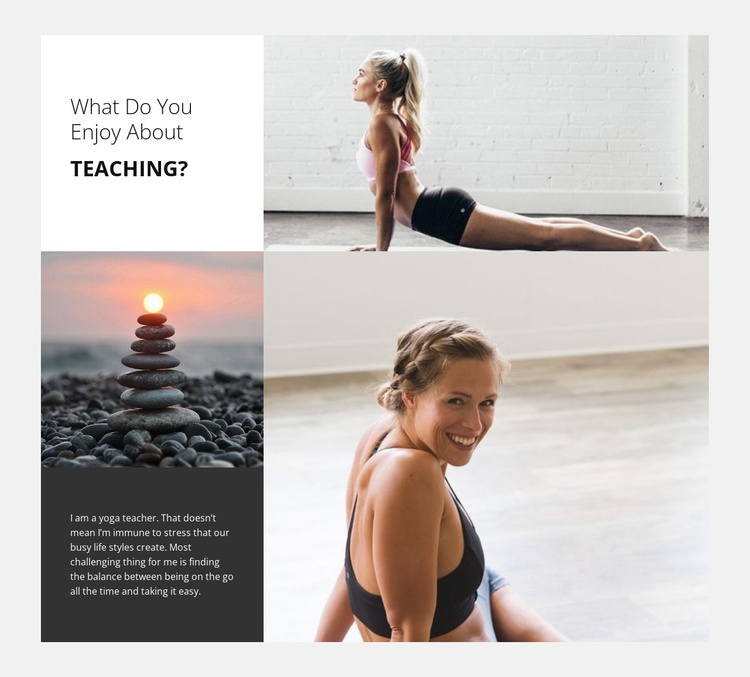
The heading “What do you enjoy about Teaching?” establishes a clear informational entry point, while the accompanying paragraph gives the section an article-like voice. Its subject is specific: yoga teaching, the stress created by a busy lifestyle, and the ongoing effort to balance activity with rest. In a Joomla-managed project, that combination can function as a stable instructor-introduction region rather than as a collection of unrelated promotional fragments.
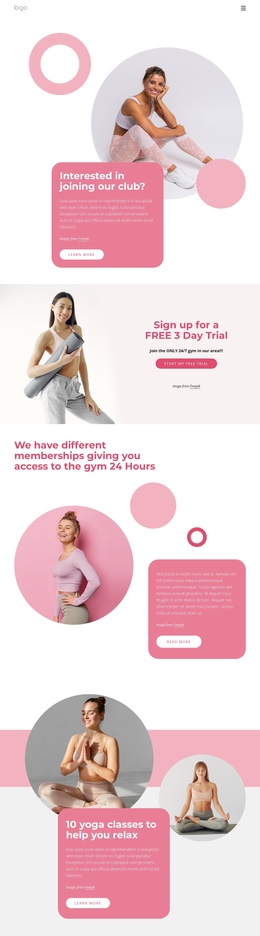
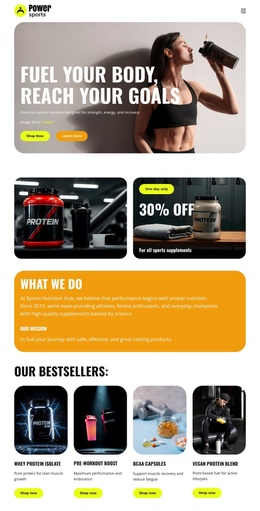
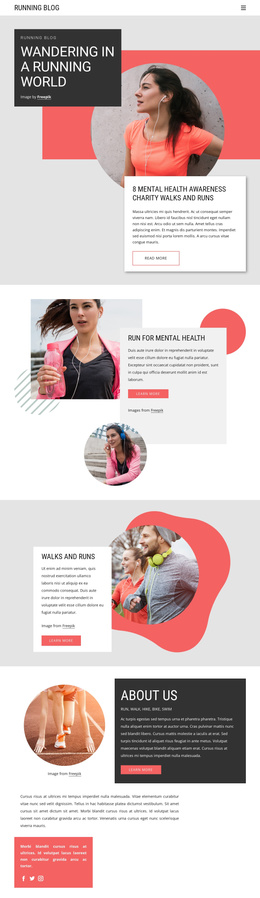
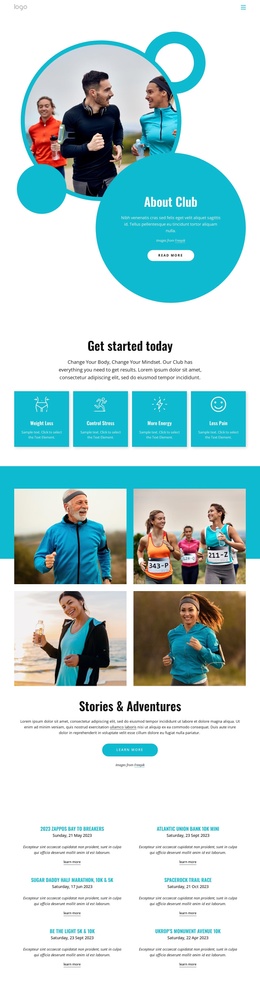
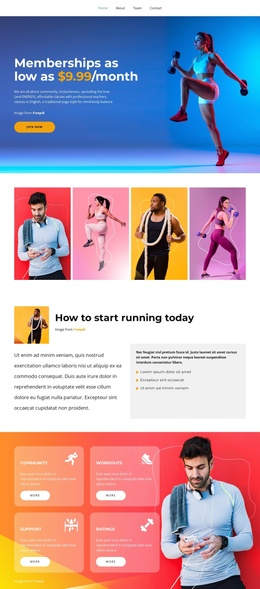
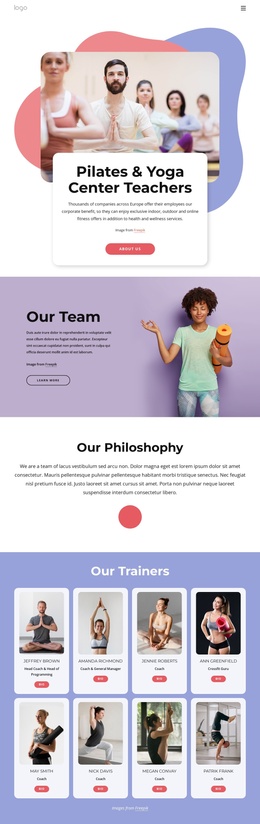
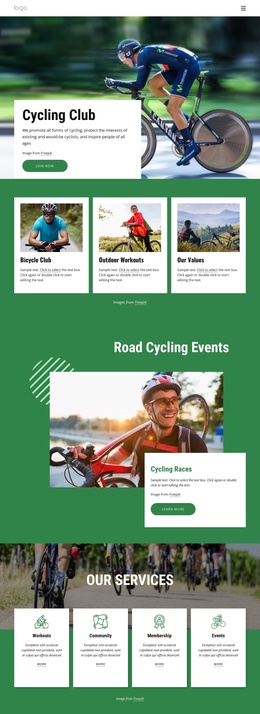
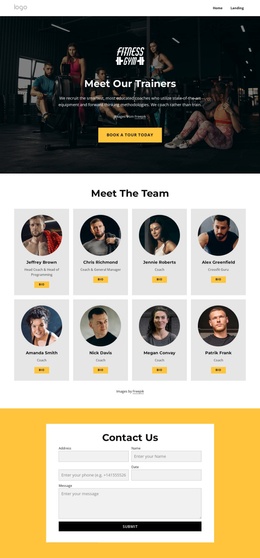
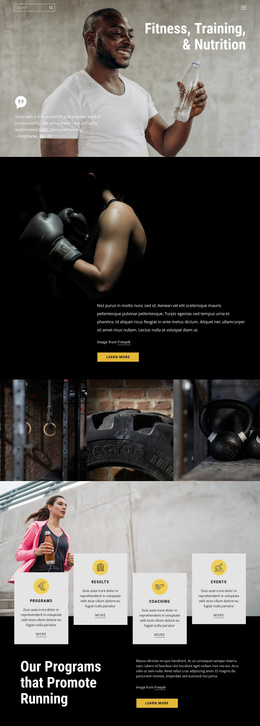
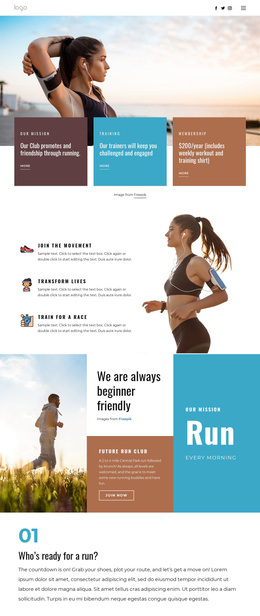
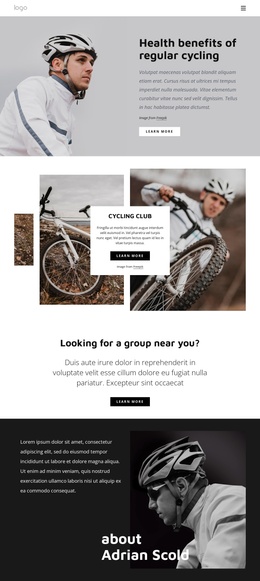
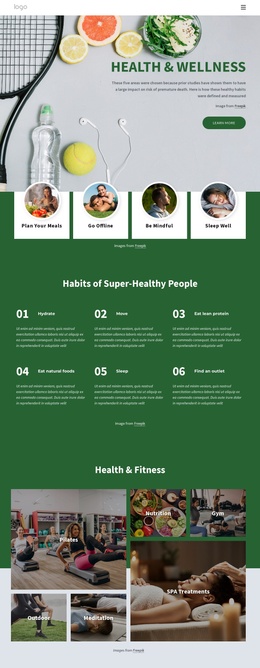
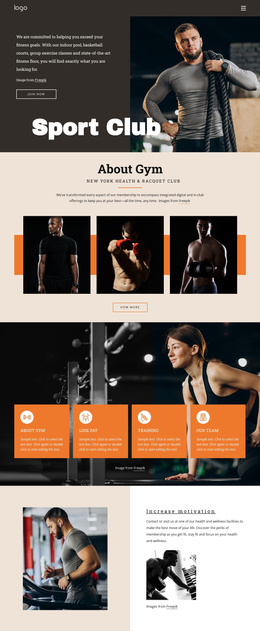
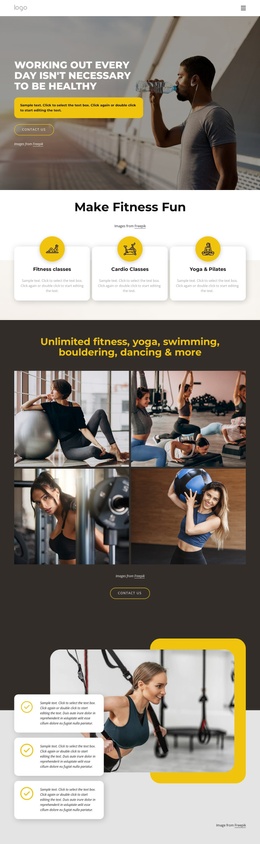
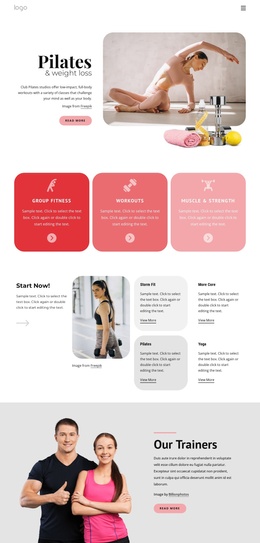
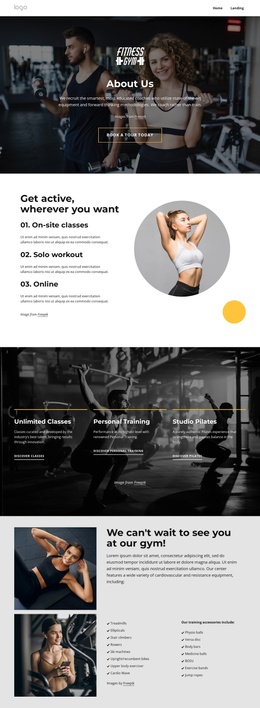
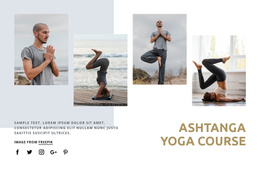
The internal arrangement supports this role through an asymmetric four-panel collage. A white heading panel sits above, a smaller wellness photograph and dark text panel occupy the lower-left side, and a large portrait photograph anchors the lower-right. The three images provide visual context for the teaching perspective without replacing the written explanation. Their different sizes also create a hierarchy between introduction, personal reflection, and portrait-led identity.
This structure can fit a Joomla page where organized information is presented in distinct content regions. Related sections may handle class details, schedules, or contact information elsewhere, while this block remains focused on the person and philosophy behind the instruction. The high-contrast text areas and generous whitespace help preserve readability when the section is maintained as part of a broader CMS-managed wellness site.
Customize with Nicepage
Open this ready-made template in the Joomla Page Builder and customize it visually in the Nicepage editor. Replace demo content, edit page sections, and adapt the design to your project without rebuilding the template from scratch.
Edit Template Offline
2. Create a new page or select existing
3. Click Add new block, search for id 44410 and click enter
Edit Template Online
Create Awesome Websites


Free Nicepage Builder
Keywords
Work With This Template in Joomla
Customize and Install the Joomla Template
Start with this ready-made template instead of building the Joomla design from scratch. Customize its layout, content, typography, images, sections, and other design elements visually in the Nicepage application, then export and install the Joomla Template, Nicepage Extension, and supported content on your Joomla website.
Edit the Template Directly in Joomla
After installation, you can edit the Joomla Template directly in Joomla with the Nicepage Joomla Extension. Customize the Header, Footer, Colors, Fonts, typography, and Page Templates from the Joomla workflow while keeping the site design connected with your CMS content.
Edit Joomla Articles Visually
Use the Nicepage Joomla Extension to open and edit Joomla Articles visually from the Joomla Administrator. Change text, images, sections, layouts, and other page content in the Nicepage editor while continuing to manage the Articles through Joomla.
Joomla Content and Template Integration
Use the customized template together with Joomla Articles, module Positions, menus, forms, Blog Pages, and other supported CMS elements. With the Nicepage Extension used as the Site Style Source, shared design settings can be applied across Joomla Articles while Joomla continues to provide the CMS environment for managing site content.
This workflow combines a ready-made Joomla Template with visual customization, direct template editing in Joomla, and continued content management through the Nicepage Joomla Extension.