Media Marketing Joomla Template



Edit Template Offline
2. Create new page and search for id 4213316
Edit Template Online
Create Awesome Websites


Free Nicepage Builder
Keywords
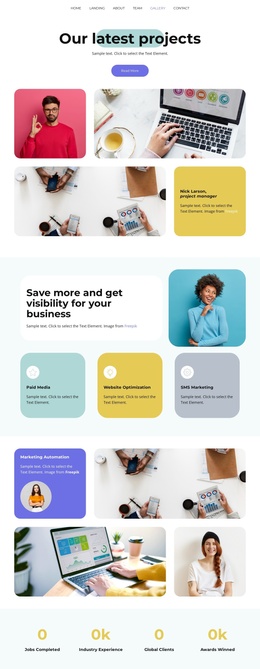
Service cards and support sections create organized Joomla content areas
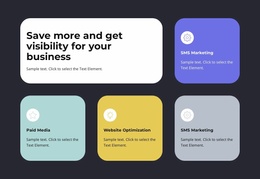
Paid Media, Website Optimization, and SMS Marketing are grouped into one three-card service section, while Marketing Automation, Content Marketing, and Social Media Marketing appear in a second capability area with varied card sizes. This division gives a Joomla-managed project clear content regions for presenting related marketing information without treating the page as one uninterrupted text field. The navigation, repeated Read More actions, and shared dark footer also provide recognizable site regions around those central sections.
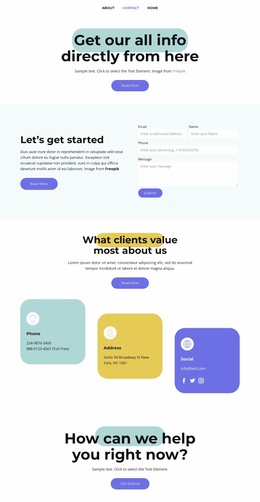
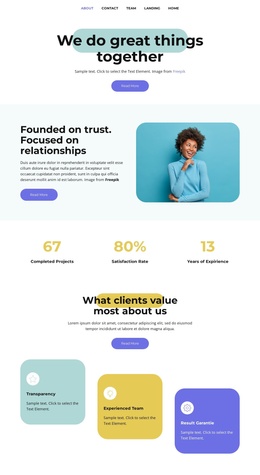
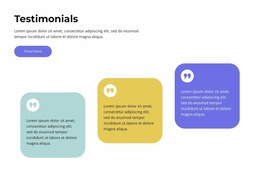
The four displayed performance metrics can introduce a separate highlights area, while the growth and customer support sections give the page additional informational roles. Three customer feedback cards form another repeated content group, and the closing Get Started action connects the presentation to the contact page. These relationships make the design suitable for organizing service descriptions, supporting explanations, feedback content, and contact-oriented navigation within a Joomla site structure. Joomla content can therefore be arranged around the template’s existing visual divisions: an agency introduction, service groups, performance context, customer response, support messaging, and a final contact route. The pastel backgrounds, rounded cards, portrait treatments, and bold dark type keep those areas coordinated as the content is developed.
Customize with Nicepage
Open this ready-made template in the Joomla Page Builder and customize it visually in the Nicepage editor. Replace demo content, edit page sections, and adapt the design to your project without rebuilding the template from scratch.
Work With This Template in Joomla
Customize and Install the Joomla Template
Start with this ready-made template instead of building the Joomla design from scratch. Customize its layout, content, typography, images, sections, and other design elements visually in the Nicepage application, then export and install the Joomla Template, Nicepage Extension, and supported content on your Joomla website.
Edit the Template Directly in Joomla
After installation, you can edit the Joomla Template directly in Joomla with the Nicepage Joomla Extension. Customize the Header, Footer, Colors, Fonts, typography, and Page Templates from the Joomla workflow while keeping the site design connected with your CMS content.
Edit Joomla Articles Visually
Use the Nicepage Joomla Extension to open and edit Joomla Articles visually from the Joomla Administrator. Change text, images, sections, layouts, and other page content in the Nicepage editor while continuing to manage the Articles through Joomla.
Joomla Content and Template Integration
Use the customized template together with Joomla Articles, module Positions, menus, forms, Blog Pages, and other supported CMS elements. With the Nicepage Extension used as the Site Style Source, shared design settings can be applied across Joomla Articles while Joomla continues to provide the CMS environment for managing site content.
This workflow combines a ready-made Joomla Template with visual customization, direct template editing in Joomla, and continued content management through the Nicepage Joomla Extension.