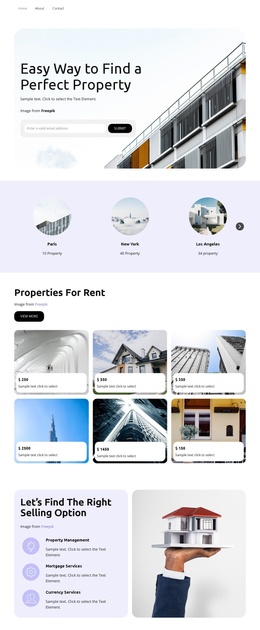
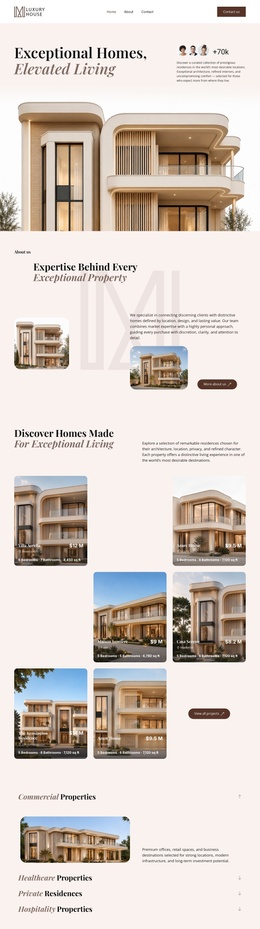
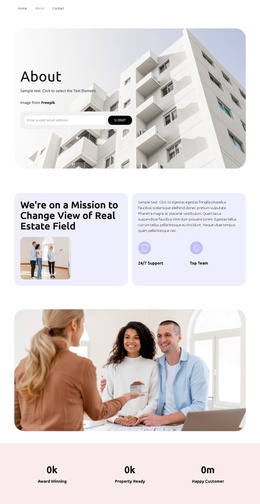
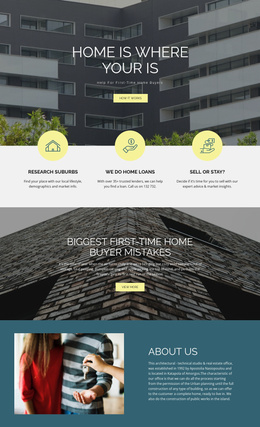
Luxury real estate agency Joomla Template


A vertical project register paired with one coastal image
Meraki Market Parklet, Turner Residence, Tech Office Space, and David Ireland House divide the section into four recognizable project entries. Because each name is presented as a separate link, the left column reads as an organized selection area rather than undifferentiated copy. The large architectural image on the right then gives that selection a shared visual setting: a modern coastal building beside the water. The two-column relationship keeps project references and representative imagery distinct while allowing them to be read together.
In a Joomla-managed page composition, this structure can hold a stable architectural portfolio region alongside other editorial or informational content. The block’s value lies in its compact content model: four named choices provide the text structure, and one wide image supplies visual context without requiring several competing media panels. Its light gray background and muted green labels make the region easy to distinguish while preserving a restrained appearance. Generous whitespace further separates the link list from the image and supports quick scanning.
The static behavior also keeps the content interpretation clear. The section can remain a reusable visual area for selected projects while the surrounding Joomla-oriented page manages broader categories, descriptions, or related information. The block therefore organizes portfolio content into a durable page region without adding a CMS structure that is not visible inside the design.
Customize with Nicepage
Open this ready-made template in the Joomla Page Builder and customize it visually in the Nicepage editor. Replace demo content, edit page sections, and adapt the design to your project without rebuilding the template from scratch.
Edit Template Offline
2. Create a new page or select existing
3. Click Add new block, search for id 40806 and click enter
Edit Template Online
Create Awesome Websites


Free Nicepage Builder
Keywords
Work With This Template in Joomla
Customize and Install the Joomla Template
Start with this ready-made template instead of building the Joomla design from scratch. Customize its layout, content, typography, images, sections, and other design elements visually in the Nicepage application, then export and install the Joomla Template, Nicepage Extension, and supported content on your Joomla website.
Edit the Template Directly in Joomla
After installation, you can edit the Joomla Template directly in Joomla with the Nicepage Joomla Extension. Customize the Header, Footer, Colors, Fonts, typography, and Page Templates from the Joomla workflow while keeping the site design connected with your CMS content.
Edit Joomla Articles Visually
Use the Nicepage Joomla Extension to open and edit Joomla Articles visually from the Joomla Administrator. Change text, images, sections, layouts, and other page content in the Nicepage editor while continuing to manage the Articles through Joomla.
Joomla Content and Template Integration
Use the customized template together with Joomla Articles, module Positions, menus, forms, Blog Pages, and other supported CMS elements. With the Nicepage Extension used as the Site Style Source, shared design settings can be applied across Joomla Articles while Joomla continues to provide the CMS environment for managing site content.
This workflow combines a ready-made Joomla Template with visual customization, direct template editing in Joomla, and continued content management through the Nicepage Joomla Extension.