Join a cycling club Joomla Template


Bicycle Club and Outdoor Workouts Form a Structured Joomla Content Area
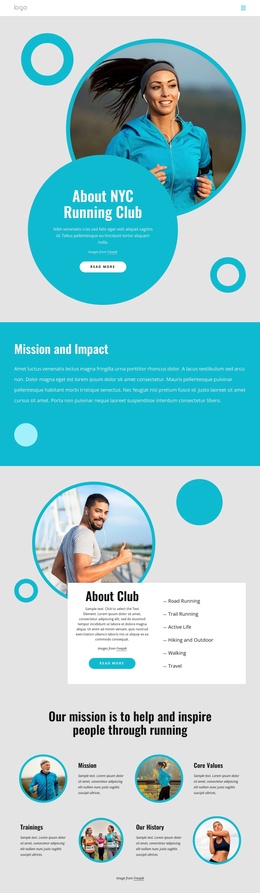
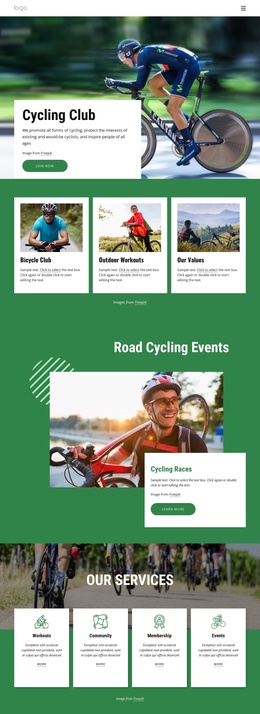
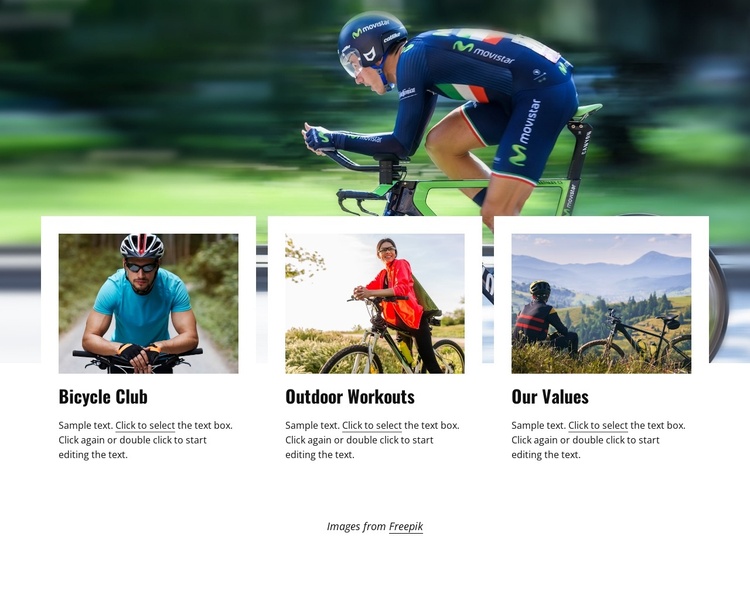
The wide cycling photograph establishes the visual subject before the three cards introduce separate areas of information. Bicycle Club, Outdoor Workouts, and Our Values are presented as parallel categories, each supported by its own image and paragraph. Because the cards share the same three-column arrangement, the content reads as a related group rather than three unrelated announcements. The repeated structure can suit a Joomla-managed sports or recreation page where several informational topics need to remain visually connected.
The white cards create a clear surface for text against the photographic banner, while generous spacing keeps the images, titles, and paragraphs distinct. Dark text and bold condensed display typography make the short category labels easy to identify, and the green-and-blue photographic palette maintains the outdoor association without requiring additional decorative elements. In a Joomla context, this block can act as one reusable content region alongside other page areas that handle navigation, detailed articles, or contact information. Its role is especially clear when the surrounding project needs a compact section for explaining activities, training themes, or club values. The static presentation keeps the three categories visible at once, allowing the section to communicate its information without relying on interactive controls.
Customize with Nicepage
Open this ready-made template in the Joomla Page Builder and customize it visually in the Nicepage editor. Replace demo content, edit page sections, and adapt the design to your project without rebuilding the template from scratch.
Edit Template Offline
2. Create a new page or select existing
3. Click Add new block, search for id 4009267 and click enter
Edit Template Online
Create Awesome Websites


Free Nicepage Builder
Keywords
Work With This Template in Joomla
Customize and Install the Joomla Template
Start with this ready-made template instead of building the Joomla design from scratch. Customize its layout, content, typography, images, sections, and other design elements visually in the Nicepage application, then export and install the Joomla Template, Nicepage Extension, and supported content on your Joomla website.
Edit the Template Directly in Joomla
After installation, you can edit the Joomla Template directly in Joomla with the Nicepage Joomla Extension. Customize the Header, Footer, Colors, Fonts, typography, and Page Templates from the Joomla workflow while keeping the site design connected with your CMS content.
Edit Joomla Articles Visually
Use the Nicepage Joomla Extension to open and edit Joomla Articles visually from the Joomla Administrator. Change text, images, sections, layouts, and other page content in the Nicepage editor while continuing to manage the Articles through Joomla.
Joomla Content and Template Integration
Use the customized template together with Joomla Articles, module Positions, menus, forms, Blog Pages, and other supported CMS elements. With the Nicepage Extension used as the Site Style Source, shared design settings can be applied across Joomla Articles while Joomla continues to provide the CMS environment for managing site content.
This workflow combines a ready-made Joomla Template with visual customization, direct template editing in Joomla, and continued content management through the Nicepage Joomla Extension.