Fully integrated studio Joomla Template



Edit Template Offline
2. Create new page and search for id 31177
Edit Template Online
Create Awesome Websites


Free Nicepage Builder
Keywords
Service Areas and Shared Site Regions Suit Structured Studio Content
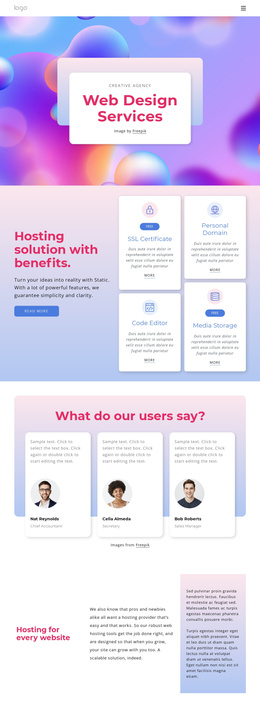
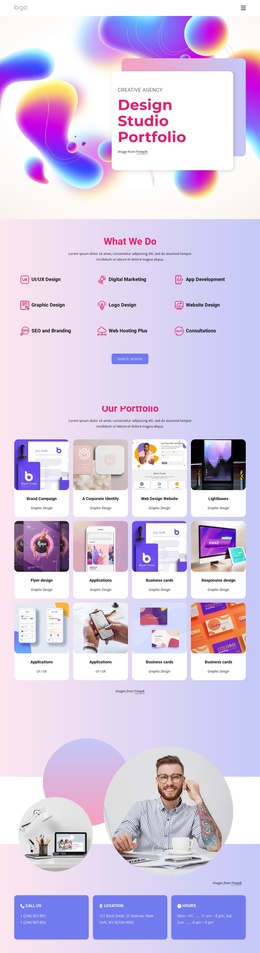
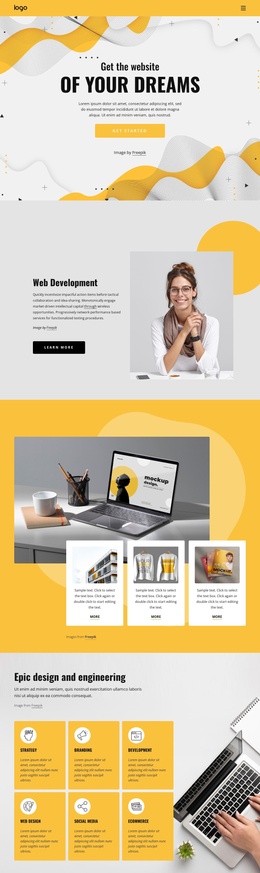
The six service cards divide the studio’s offering into clear informational areas: Web Design, Development, Photography, Branding, Marketing, and Support. That grouping can give a Joomla project a practical content structure for presenting related capabilities while preserving the visual distinction between each service. Earlier mission cards add a more concise layer around Creative, Design, and Team, so the page can introduce the agency’s direction before presenting its wider service coverage.
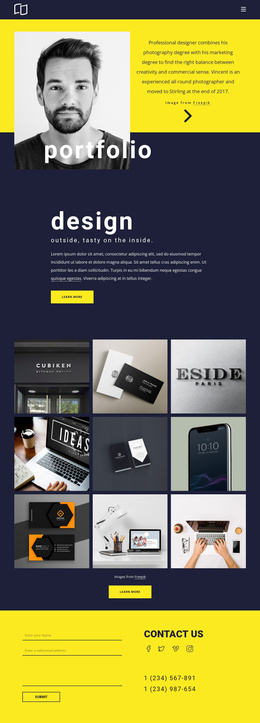
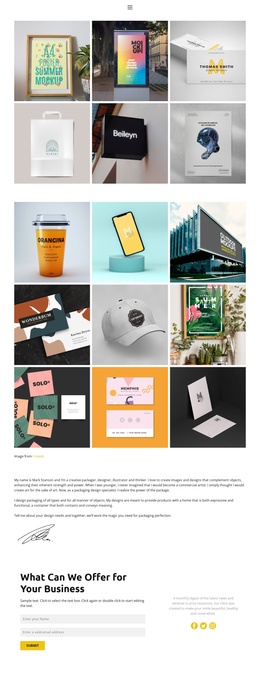
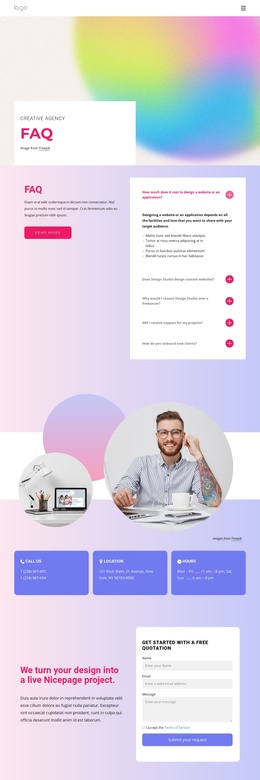
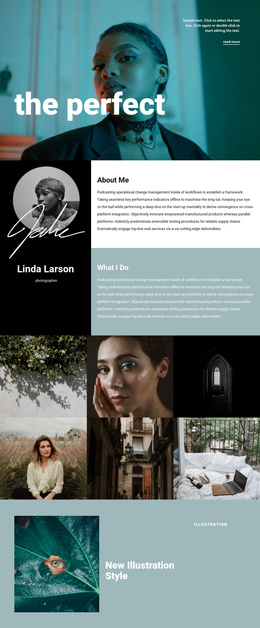
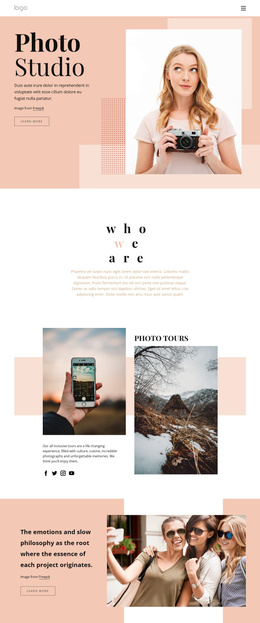
The navigation bar establishes the main routes for Home, Portfolio, and Contacts, while the portfolio collage and second creative-studio showcase provide distinct regions for visual work and supporting project imagery. The three team portraits create another recurring content group, and the contact area gathers an address, phone number, and email into three evenly arranged panels. These relationships are useful when the design is interpreted as structured CMS content: recurring informational areas remain visually coordinated instead of appearing as unrelated additions.
The footer extends that organization with three text columns and links to Facebook, Twitter, Instagram, and LinkedIn. Together with the shared navigation and contact region, it gives the page reusable site-wide areas around its central studio content. A Joomla implementation can therefore use this design as a visual framework for maintaining agency information, service descriptions, portfolio material, and contact content, without claiming that the sample address, phone number, email, or placeholder copy represents a verified organization.
Customize with Nicepage
Open this ready-made template in the Joomla Page Builder and customize it visually in the Nicepage editor. Replace demo content, edit page sections, and adapt the design to your project without rebuilding the template from scratch.
Work With This Template in Joomla
Customize and Install the Joomla Template
Start with this ready-made template instead of building the Joomla design from scratch. Customize its layout, content, typography, images, sections, and other design elements visually in the Nicepage application, then export and install the Joomla Template, Nicepage Extension, and supported content on your Joomla website.
Edit the Template Directly in Joomla
After installation, you can edit the Joomla Template directly in Joomla with the Nicepage Joomla Extension. Customize the Header, Footer, Colors, Fonts, typography, and Page Templates from the Joomla workflow while keeping the site design connected with your CMS content.
Edit Joomla Articles Visually
Use the Nicepage Joomla Extension to open and edit Joomla Articles visually from the Joomla Administrator. Change text, images, sections, layouts, and other page content in the Nicepage editor while continuing to manage the Articles through Joomla.
Joomla Content and Template Integration
Use the customized template together with Joomla Articles, module Positions, menus, forms, Blog Pages, and other supported CMS elements. With the Nicepage Extension used as the Site Style Source, shared design settings can be applied across Joomla Articles while Joomla continues to provide the CMS environment for managing site content.
This workflow combines a ready-made Joomla Template with visual customization, direct template editing in Joomla, and continued content management through the Nicepage Joomla Extension.