For future business project Joomla Template

Edit Template Offline
2. Create new page and search for id 2951677
Edit Template Online
Create Awesome Websites


Free Nicepage Builder
Keywords
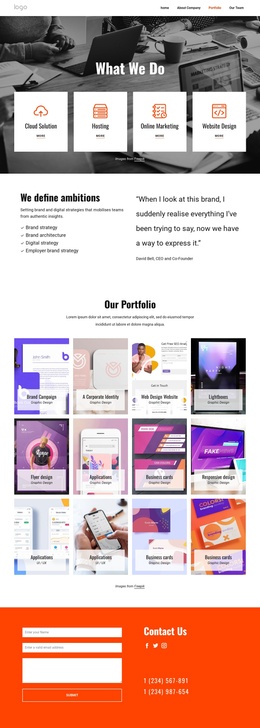
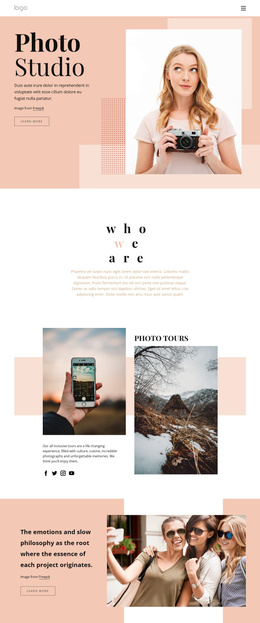
Six service cards connect creative content with Joomla site regions
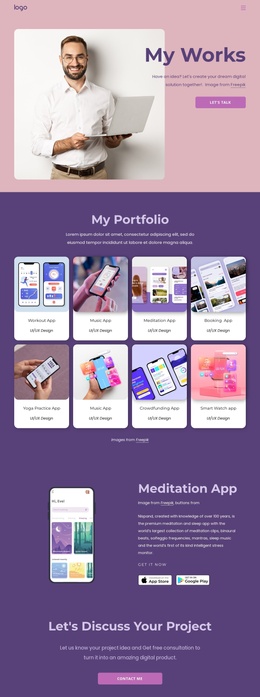
The six feature cards provide a clear content group for the core creative services, while the two illustrated introduction sections give the page broader context before visitors reach that overview. This division is useful for a Joomla project because the design already separates introductory messaging, service-related information, work-process content, customer commentary, and contact details into recognizable regions rather than presenting one undifferentiated block of copy.
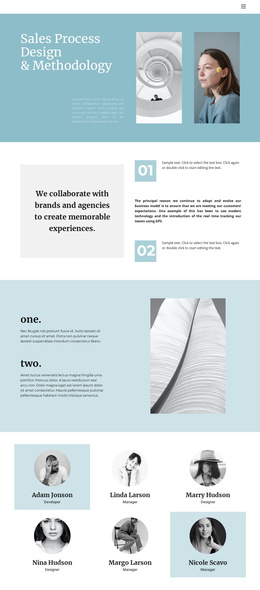
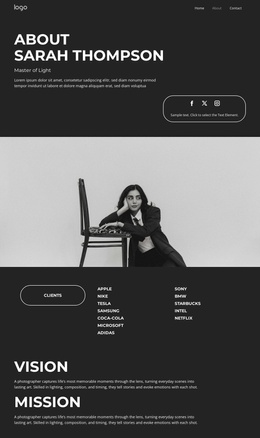
The four testimonial cards and the separate featured testimonial create two levels of customer-focused content. The repeated cards can support a fuller set of structured testimonials, while the standalone quote can remain a highlighted statement within the same visual direction. The work-process section adds another recurring information area through its four displayed numeric tiles, although the sample values should be replaced with verified project content before publication.
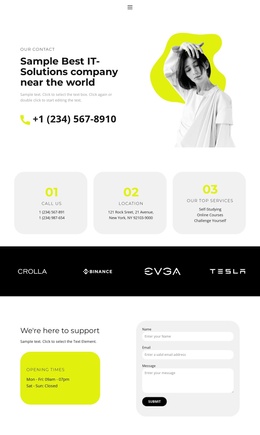
Navigation, shared promotional styling, and the closing contact form give these content areas a consistent site framework. The form and phone panel provide a practical destination for inquiries after visitors have reviewed services, process information, and testimonials. In Joomla, this arrangement can serve as a foundation for organizing managed content across menus and reusable site regions without claiming that the sample names, phone numbers, testimonials, or metrics represent real business data.
Customize with Nicepage
Open this ready-made template in the Joomla Page Builder and customize it visually in the Nicepage editor. Replace demo content, edit page sections, and adapt the design to your project without rebuilding the template from scratch.
Work With This Template in Joomla
Customize and Install the Joomla Template
Start with this ready-made template instead of building the Joomla design from scratch. Customize its layout, content, typography, images, sections, and other design elements visually in the Nicepage application, then export and install the Joomla Template, Nicepage Extension, and supported content on your Joomla website.
Edit the Template Directly in Joomla
After installation, you can edit the Joomla Template directly in Joomla with the Nicepage Joomla Extension. Customize the Header, Footer, Colors, Fonts, typography, and Page Templates from the Joomla workflow while keeping the site design connected with your CMS content.
Edit Joomla Articles Visually
Use the Nicepage Joomla Extension to open and edit Joomla Articles visually from the Joomla Administrator. Change text, images, sections, layouts, and other page content in the Nicepage editor while continuing to manage the Articles through Joomla.
Joomla Content and Template Integration
Use the customized template together with Joomla Articles, module Positions, menus, forms, Blog Pages, and other supported CMS elements. With the Nicepage Extension used as the Site Style Source, shared design settings can be applied across Joomla Articles while Joomla continues to provide the CMS environment for managing site content.
This workflow combines a ready-made Joomla Template with visual customization, direct template editing in Joomla, and continued content management through the Nicepage Joomla Extension.