SEO agency Joomla Template



Edit Template Offline
2. Create new page and search for id 3817113
Edit Template Online
Create Awesome Websites


Free Nicepage Builder
Keywords
Services, resources, and contact regions suit structured Joomla content
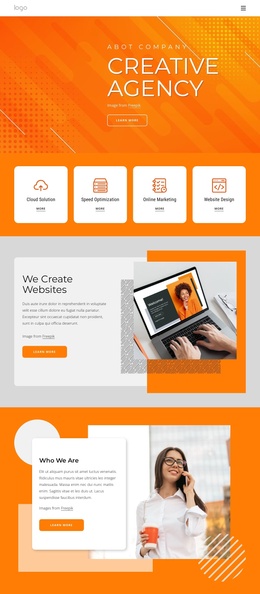
The six service cards give the design a strong set of recurring informational areas: Anti-Crisis, Startups, Strategy, Consultations, Marketing, and Investment. Their equal arrangement makes each category easy to treat as a distinct content region while keeping the visual relationship consistent. The hero and navigation provide the shared entry point, and the split image-and-text block can add supporting company information without interrupting the service overview.
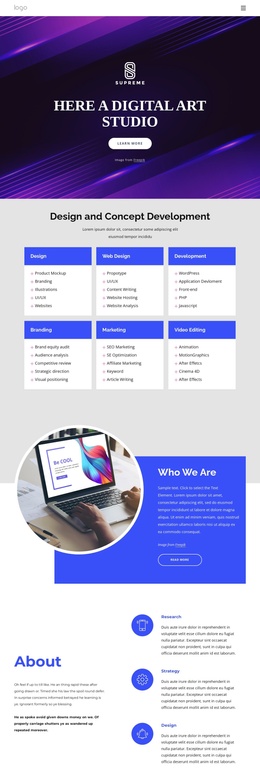
The learning center adds a different kind of structured content. Four linked resource cards create a compact destination for information, while the values section groups Safety, Excellence, and Accountability into three comparable statements. Together, these areas can support a company presentation in which service information, educational material, and organizational principles remain visibly connected rather than appearing as unrelated modules.
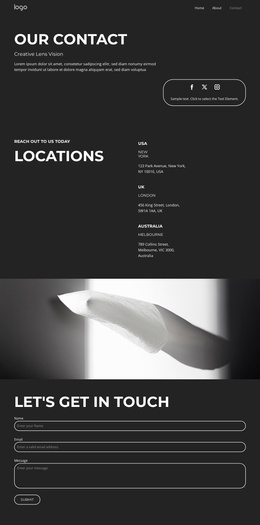
The signup area and Contact Us section give the design clear communication regions. The signup content is paired with six logo tiles, while the final contact form is placed over a photographic and geometric composition. In a Joomla-managed project, these areas can be interpreted as coordinated site content and navigation regions, with recurring information kept within the same visual language. The template therefore supports structured business content without requiring the page to be reduced to a generic CMS layout.
Customize with Nicepage
Open this ready-made template in the Joomla Page Builder and customize it visually in the Nicepage editor. Replace demo content, edit page sections, and adapt the design to your project without rebuilding the template from scratch.
Work With This Template in Joomla
Customize and Install the Joomla Template
Start with this ready-made template instead of building the Joomla design from scratch. Customize its layout, content, typography, images, sections, and other design elements visually in the Nicepage application, then export and install the Joomla Template, Nicepage Extension, and supported content on your Joomla website.
Edit the Template Directly in Joomla
After installation, you can edit the Joomla Template directly in Joomla with the Nicepage Joomla Extension. Customize the Header, Footer, Colors, Fonts, typography, and Page Templates from the Joomla workflow while keeping the site design connected with your CMS content.
Edit Joomla Articles Visually
Use the Nicepage Joomla Extension to open and edit Joomla Articles visually from the Joomla Administrator. Change text, images, sections, layouts, and other page content in the Nicepage editor while continuing to manage the Articles through Joomla.
Joomla Content and Template Integration
Use the customized template together with Joomla Articles, module Positions, menus, forms, Blog Pages, and other supported CMS elements. With the Nicepage Extension used as the Site Style Source, shared design settings can be applied across Joomla Articles while Joomla continues to provide the CMS environment for managing site content.
This workflow combines a ready-made Joomla Template with visual customization, direct template editing in Joomla, and continued content management through the Nicepage Joomla Extension.