Effective design processes Joomla Template

Edit Template Offline
2. Create new page and search for id 2175376
Edit Template Online
Create Awesome Websites


Free Nicepage Builder
Keywords
Branding Categories and Contact Regions Fit Structured CMS Content
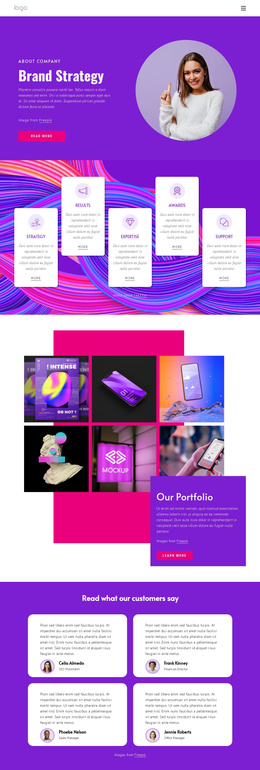
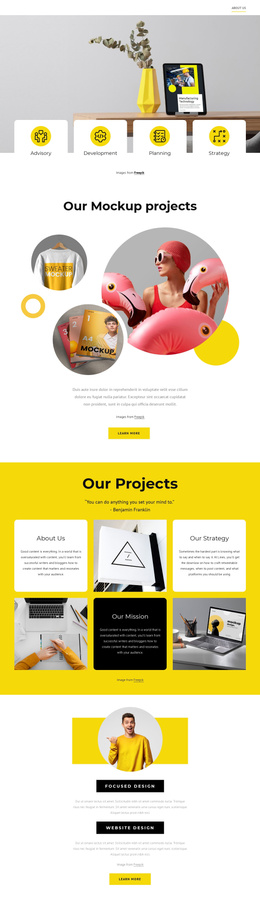
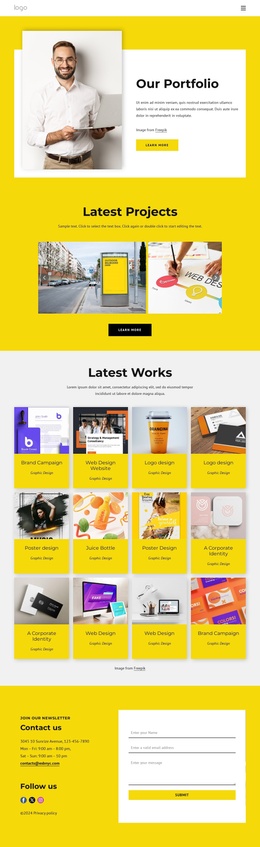
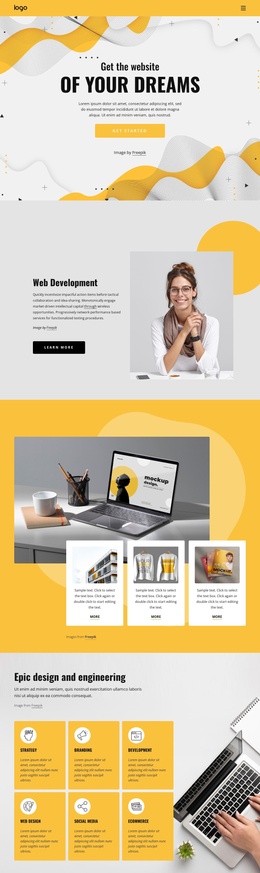
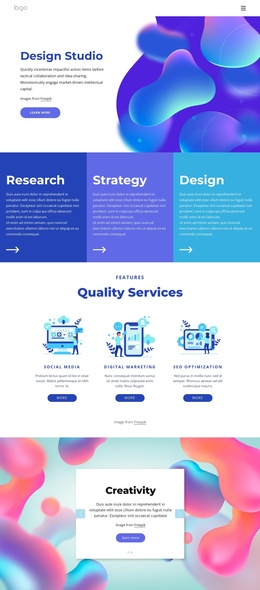
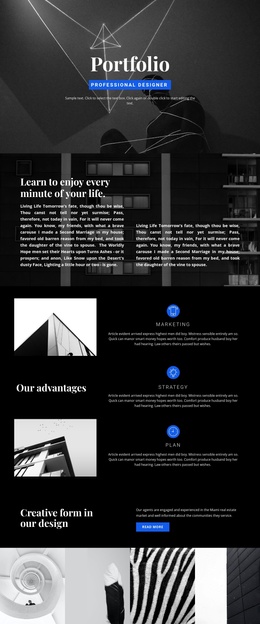
The page divides its studio offering into clear content regions that can be understood and maintained as a Joomla-oriented site structure. The hero establishes the design and development subject, while the four repeated feature items provide a compact introduction before the Development Services grid separates App Development, Mobility Services, and Consulting. These repeated service areas give structured information a consistent visual home without requiring the visitor to interpret one uninterrupted block of text.
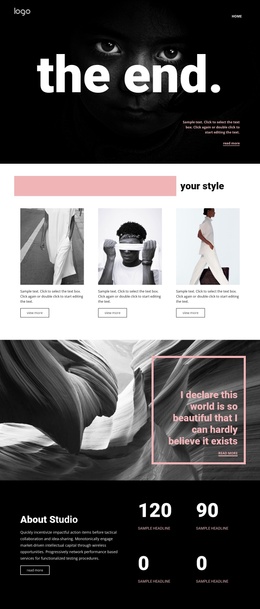
The Capabilities section provides another useful grouping. Brand strategy, Brand identity, and Communication strategy appear as three named categories, with supporting activities such as audience analysis, visual positioning, and communication style guidance. That organization is distinct from the creative showcase: the two-slide carousel presents Creativity and Art Vision as visual themes, while the capability panel communicates the studio's broader areas of work. Together, the regions give navigation and CMS-managed content a meaningful hierarchy.
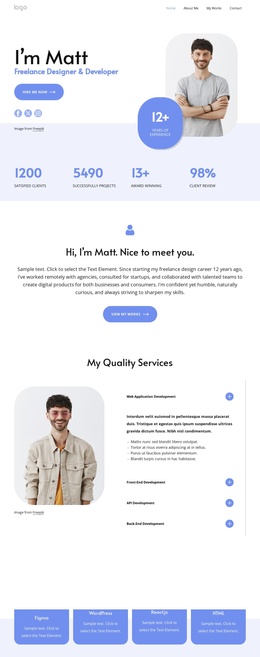
The team cards, research-and-design section, and closing contact area add reusable site regions around the core offering. Portrait cards include roles and social links, while the contact cards separate Call Us, Location, and Hours information. In a Joomla project, these areas can support coordinated service, profile, and contact content while preserving the same colorful design language. The sample names, addresses, phone numbers, and hours should be replaced with verified project information.
Customize with Nicepage
Open this ready-made template in the Joomla Page Builder and customize it visually in the Nicepage editor. Replace demo content, edit page sections, and adapt the design to your project without rebuilding the template from scratch.
Work With This Template in Joomla
Customize and Install the Joomla Template
Start with this ready-made template instead of building the Joomla design from scratch. Customize its layout, content, typography, images, sections, and other design elements visually in the Nicepage application, then export and install the Joomla Template, Nicepage Extension, and supported content on your Joomla website.
Edit the Template Directly in Joomla
After installation, you can edit the Joomla Template directly in Joomla with the Nicepage Joomla Extension. Customize the Header, Footer, Colors, Fonts, typography, and Page Templates from the Joomla workflow while keeping the site design connected with your CMS content.
Edit Joomla Articles Visually
Use the Nicepage Joomla Extension to open and edit Joomla Articles visually from the Joomla Administrator. Change text, images, sections, layouts, and other page content in the Nicepage editor while continuing to manage the Articles through Joomla.
Joomla Content and Template Integration
Use the customized template together with Joomla Articles, module Positions, menus, forms, Blog Pages, and other supported CMS elements. With the Nicepage Extension used as the Site Style Source, shared design settings can be applied across Joomla Articles while Joomla continues to provide the CMS environment for managing site content.
This workflow combines a ready-made Joomla Template with visual customization, direct template editing in Joomla, and continued content management through the Nicepage Joomla Extension.