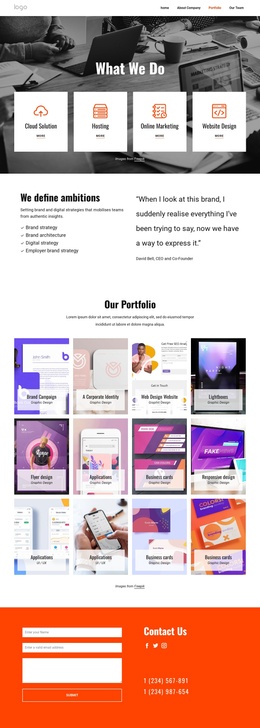
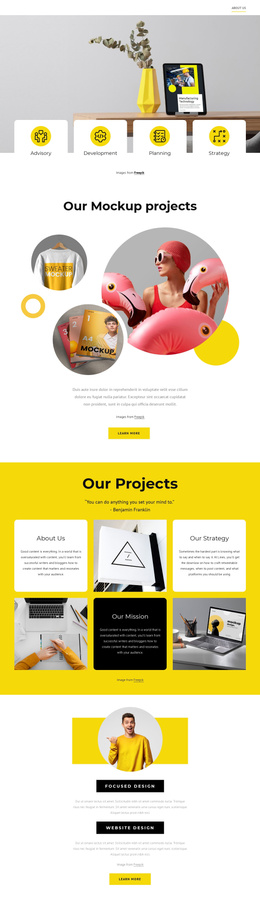
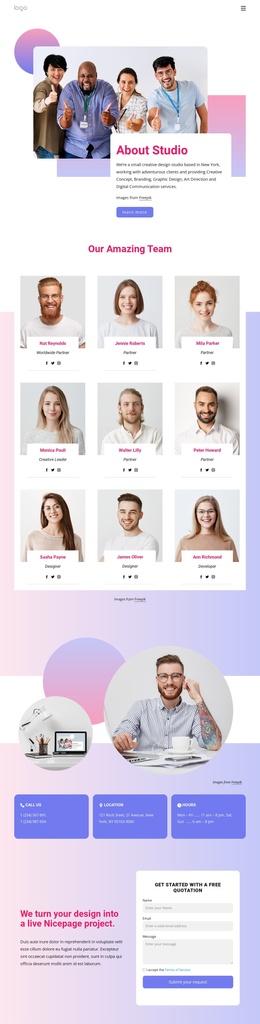
Powering Intelligent Growth Joomla Template


Edit Template Offline
2. Create new page and search for id 6369818
Edit Template Online
Create Awesome Websites


Free Nicepage Builder
Keywords
New York, London, and Inquiry Areas Create Clear CMS Content Regions
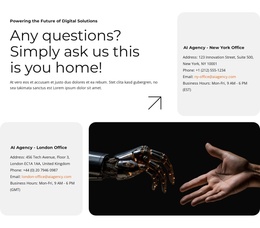
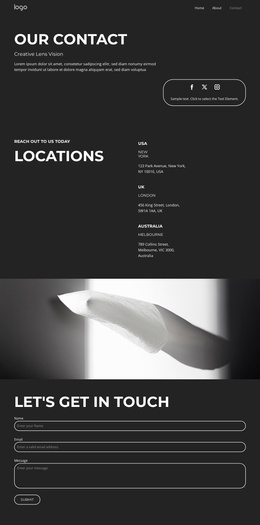
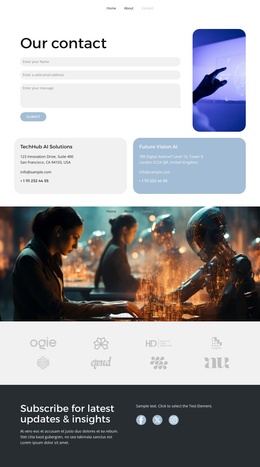
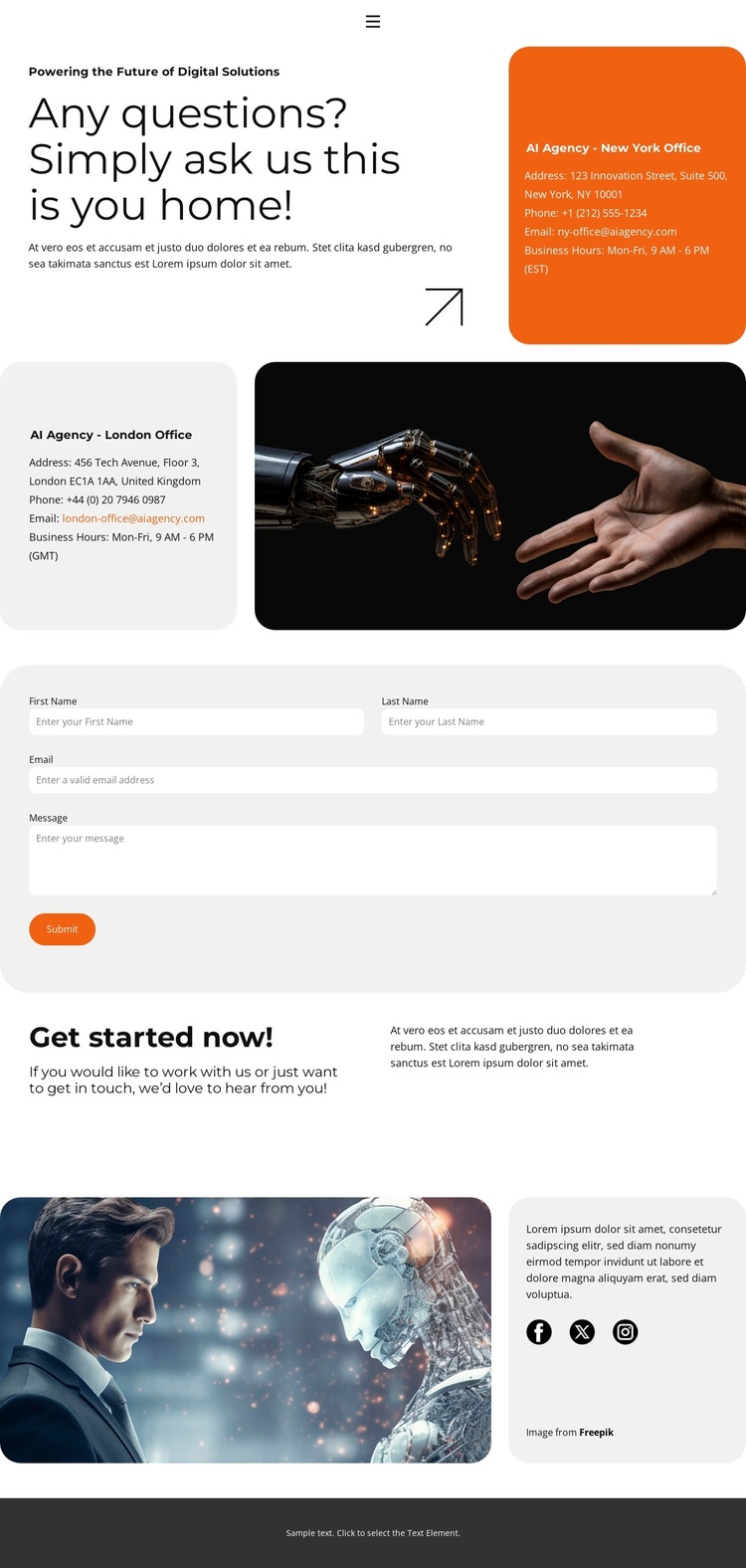
The two office cards divide the page into structured location content: New York and London are presented as separate contact regions, with their respective business hours and time-zone references helping distinguish the information. This organization is useful for a Joomla-managed contact page because the locations, hours, and supporting descriptions can be treated as separate editorial areas while remaining within one coordinated layout.
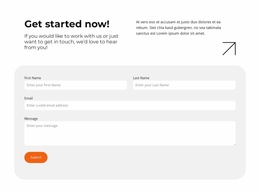
The contact form adds a second type of structured content. Name, email, and message inputs create a defined inquiry region beneath the office information, and the Submit action gives that region a clear purpose. Navigation at the top connects the contact page with Home, About, and Portfolio destinations, while Facebook, Twitter, and Instagram links extend the closing area into a broader site presence. Together, these parts establish recognizable content regions instead of presenting contact details as one undifferentiated text block.
The visual system supports that organization through rounded cards, strong black-and-white typography, orange accents, light-gray areas, and deliberate spacing. A Joomla project could preserve those relationships while managing the office information, contact content, and shared navigation as CMS-oriented site material. The page therefore offers a structured contact foundation without claiming that Joomla-specific articles or modules already exist in the template.
Customize with Nicepage
Open this ready-made template in the Joomla Page Builder and customize it visually in the Nicepage editor. Replace demo content, edit page sections, and adapt the design to your project without rebuilding the template from scratch.
Work With This Template in Joomla
Customize and Install the Joomla Template
Start with this ready-made template instead of building the Joomla design from scratch. Customize its layout, content, typography, images, sections, and other design elements visually in the Nicepage application, then export and install the Joomla Template, Nicepage Extension, and supported content on your Joomla website.
Edit the Template Directly in Joomla
After installation, you can edit the Joomla Template directly in Joomla with the Nicepage Joomla Extension. Customize the Header, Footer, Colors, Fonts, typography, and Page Templates from the Joomla workflow while keeping the site design connected with your CMS content.
Edit Joomla Articles Visually
Use the Nicepage Joomla Extension to open and edit Joomla Articles visually from the Joomla Administrator. Change text, images, sections, layouts, and other page content in the Nicepage editor while continuing to manage the Articles through Joomla.
Joomla Content and Template Integration
Use the customized template together with Joomla Articles, module Positions, menus, forms, Blog Pages, and other supported CMS elements. With the Nicepage Extension used as the Site Style Source, shared design settings can be applied across Joomla Articles while Joomla continues to provide the CMS environment for managing site content.
This workflow combines a ready-made Joomla Template with visual customization, direct template editing in Joomla, and continued content management through the Nicepage Joomla Extension.