SPA and massage Joomla Template


Edit Template Offline
2. Create new page and search for id 20413
Edit Template Online
Create Awesome Websites


Free Nicepage Builder
Keywords
Service Groups and Contact Regions Suit Structured CMS Content
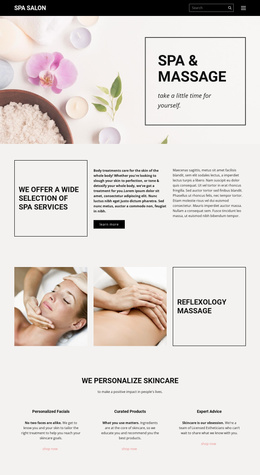
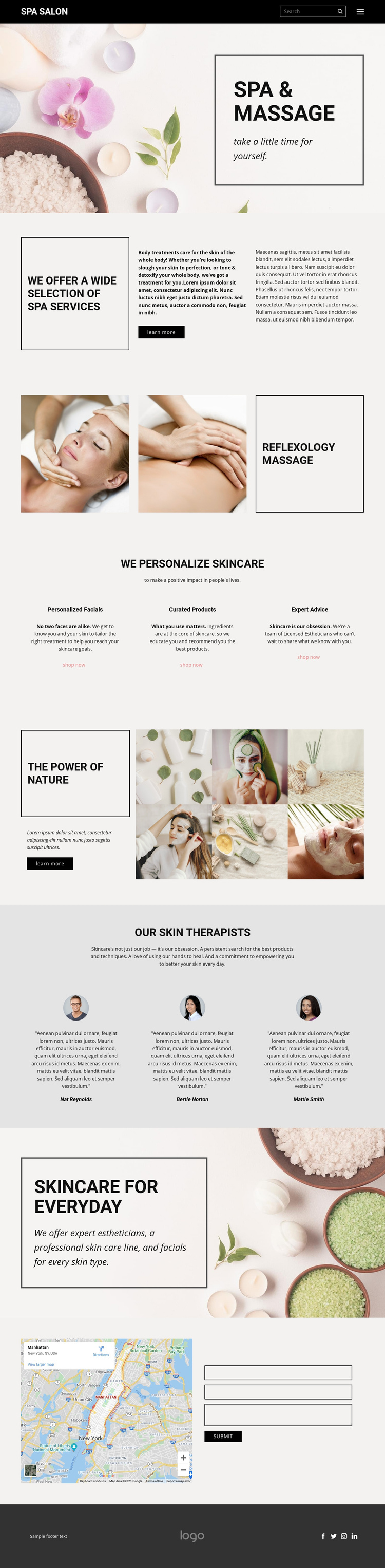
The page divides its subject matter into clear informational areas that can be understood as managed site content. The broad spa-services section introduces body treatments, while the separate Reflexology Massage block gives one treatment its own visual and editorial emphasis. This distinction makes the design suitable for organizing general service information alongside a more focused treatment description without losing the shared page style.
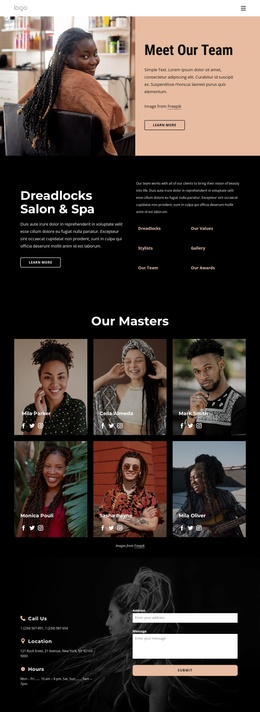
The skincare section provides another structured group through three aligned items: Personalized Facials, Curated Products, and Expert Advice. Their repeated card format gives recurring information a consistent region, while the Power Of Nature collage can support a separate visual content area connected to skincare products and nature-inspired presentation. The therapist section adds three profile-style items with portraits and quote-like text, creating a people-focused region that is visibly different from the service cards.
Navigation, mobile navigation, the map, and the contact inquiry form extend the page beyond promotional content. They establish routes and practical site regions around which CMS-managed information can be organized. In a Joomla project, the design could therefore keep services, skincare information, therapist material, and contact content visually coordinated while the site’s menus and editable content remain structured through the CMS. The map and form should be treated as verified interface areas, not as proof of a particular real-world location or business address.
Customize with Nicepage
Open this ready-made template in the Joomla Page Builder and customize it visually in the Nicepage editor. Replace demo content, edit page sections, and adapt the design to your project without rebuilding the template from scratch.
Work With This Template in Joomla
Customize and Install the Joomla Template
Start with this ready-made template instead of building the Joomla design from scratch. Customize its layout, content, typography, images, sections, and other design elements visually in the Nicepage application, then export and install the Joomla Template, Nicepage Extension, and supported content on your Joomla website.
Edit the Template Directly in Joomla
After installation, you can edit the Joomla Template directly in Joomla with the Nicepage Joomla Extension. Customize the Header, Footer, Colors, Fonts, typography, and Page Templates from the Joomla workflow while keeping the site design connected with your CMS content.
Edit Joomla Articles Visually
Use the Nicepage Joomla Extension to open and edit Joomla Articles visually from the Joomla Administrator. Change text, images, sections, layouts, and other page content in the Nicepage editor while continuing to manage the Articles through Joomla.
Joomla Content and Template Integration
Use the customized template together with Joomla Articles, module Positions, menus, forms, Blog Pages, and other supported CMS elements. With the Nicepage Extension used as the Site Style Source, shared design settings can be applied across Joomla Articles while Joomla continues to provide the CMS environment for managing site content.
This workflow combines a ready-made Joomla Template with visual customization, direct template editing in Joomla, and continued content management through the Nicepage Joomla Extension.