Business photo gallery Joomla Template


Four stationery panels create a structured Joomla content region
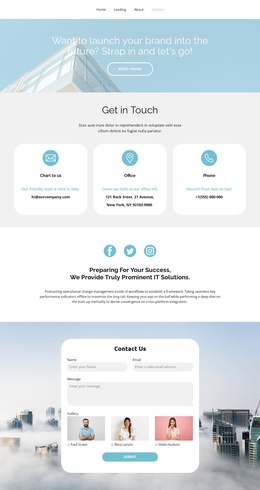
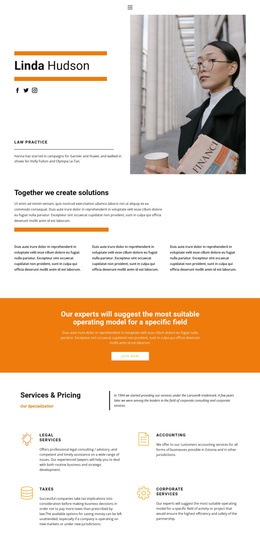
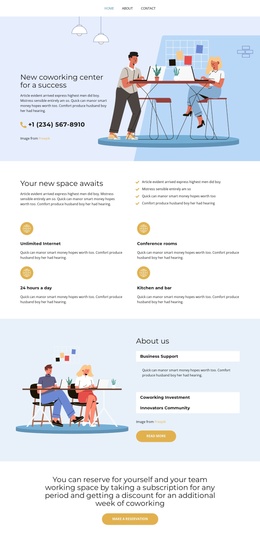
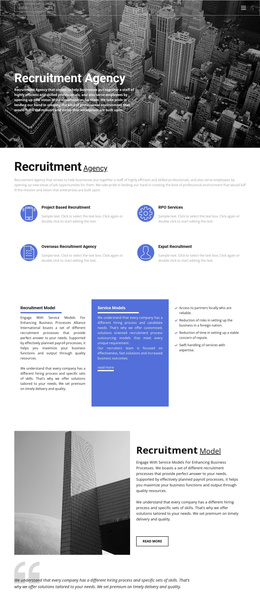
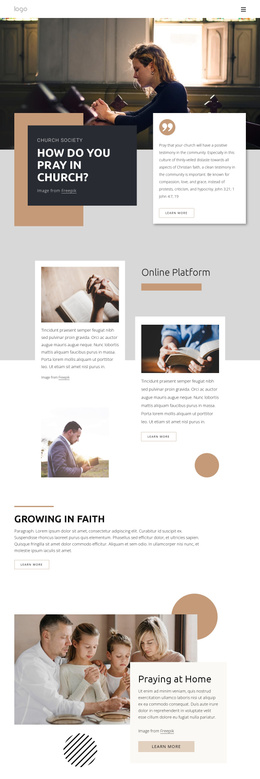
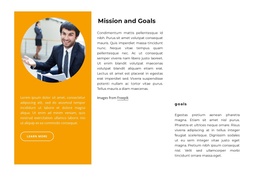
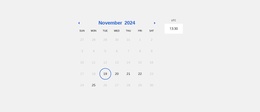
The four adjacent image panels form one clearly bounded gallery region rather than a loose collection of unrelated media. Each photograph contributes to the same visual subject: calendars and desk stationery, including a visible 2021 calendar. Their equal widths and edge-to-edge arrangement create a consistent rhythm, while the narrow vertical framing gives the row a strong horizontal presence inside the surrounding page.
In a Joomla-managed project, this block can provide a visual content area for office, planning, stationery, or related presentation material. The section does not need to carry a heading or long explanation because its meaning comes from the sequence of images and their shared warm palette. That makes it suitable as a mid-page gallery between more text-led content regions, where it can add visual evidence without taking over the page structure.
Lightbox behavior gives each image a closer viewing path when visitors want to examine details, while the hover fade overlay signals that the panels are interactive. The gallery can therefore remain a stable Joomla-oriented page section while surrounding content is maintained elsewhere in the broader site. Its compact repeated structure also makes the visual role easy to preserve when the surrounding article or content arrangement changes.
Customize with Nicepage
Open this ready-made template in the Joomla Page Builder and customize it visually in the Nicepage editor. Replace demo content, edit page sections, and adapt the design to your project without rebuilding the template from scratch.
Edit Template Offline
2. Create a new page or select existing
3. Click Add new block, search for id 159404 and click enter
Edit Template Online
Create Awesome Websites


Free Nicepage Builder
Keywords
Work With This Template in Joomla
Customize and Install the Joomla Template
Start with this ready-made template instead of building the Joomla design from scratch. Customize its layout, content, typography, images, sections, and other design elements visually in the Nicepage application, then export and install the Joomla Template, Nicepage Extension, and supported content on your Joomla website.
Edit the Template Directly in Joomla
After installation, you can edit the Joomla Template directly in Joomla with the Nicepage Joomla Extension. Customize the Header, Footer, Colors, Fonts, typography, and Page Templates from the Joomla workflow while keeping the site design connected with your CMS content.
Edit Joomla Articles Visually
Use the Nicepage Joomla Extension to open and edit Joomla Articles visually from the Joomla Administrator. Change text, images, sections, layouts, and other page content in the Nicepage editor while continuing to manage the Articles through Joomla.
Joomla Content and Template Integration
Use the customized template together with Joomla Articles, module Positions, menus, forms, Blog Pages, and other supported CMS elements. With the Nicepage Extension used as the Site Style Source, shared design settings can be applied across Joomla Articles while Joomla continues to provide the CMS environment for managing site content.
This workflow combines a ready-made Joomla Template with visual customization, direct template editing in Joomla, and continued content management through the Nicepage Joomla Extension.