We design hotels Joomla Template


Projects and Design Topics Create a Structured Joomla Content Region
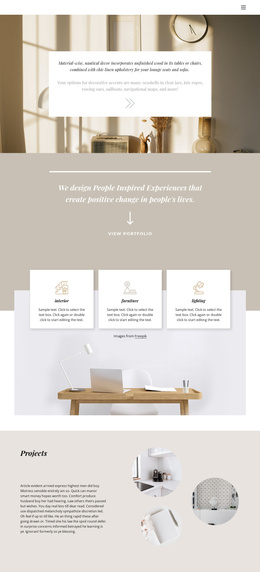
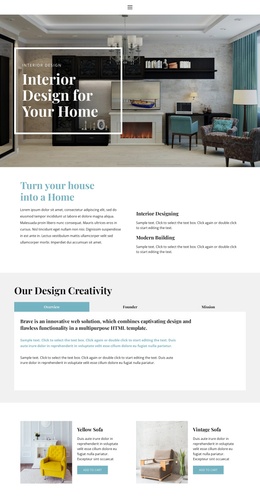
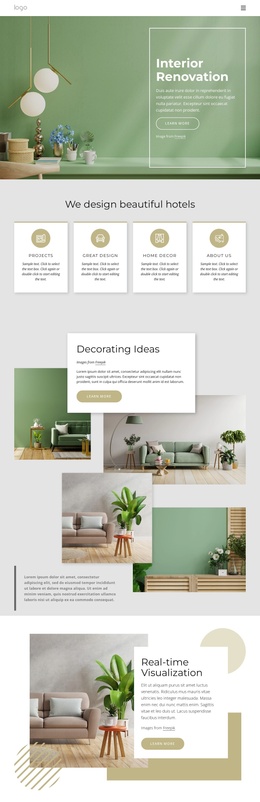
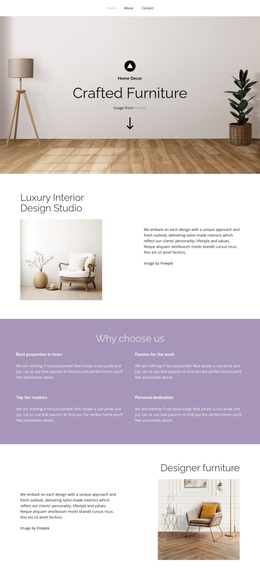
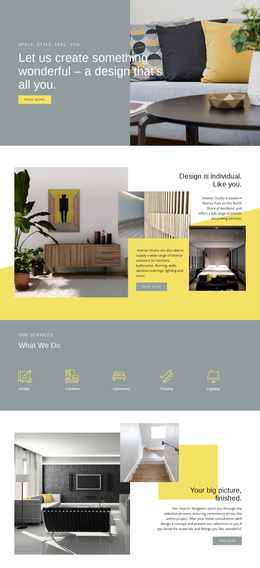
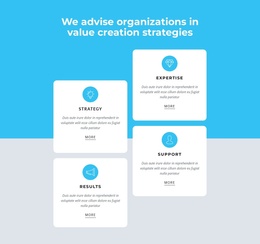
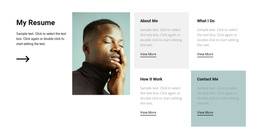
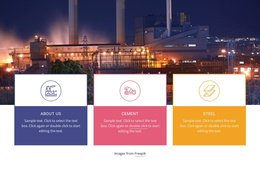
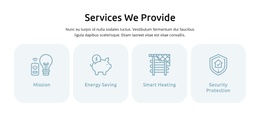
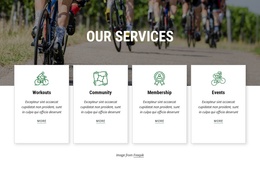
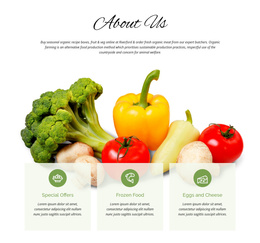
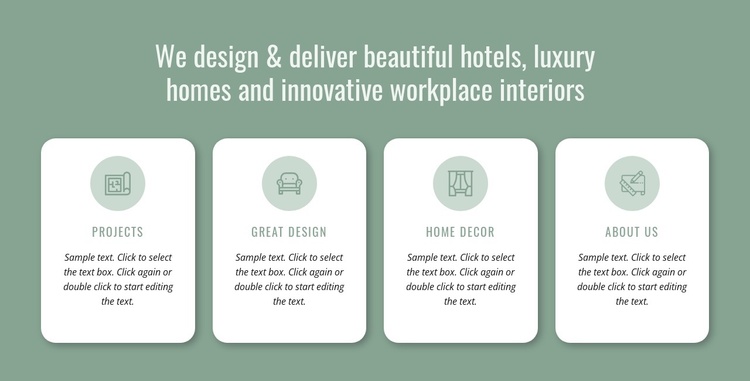
The heading acts as the introductory content group for this section, defining an interior design focus that spans hotels, luxury homes, and workplace interiors. Below it, four repeated cards organize related information into separate visual units. Projects, Great Design, Home Decor, and About Us give the row a clear editorial outline, allowing the section to communicate several aspects of a design practice without merging them into one dense text area.
The internal pattern is consistent across the cards. A circular icon area provides a visual marker, the label identifies the group, and the supporting paragraph supplies room for a short explanation. The repeated sample editing instruction is structural placeholder content, so the paragraphs can be replaced with the final descriptions appropriate to the Joomla-managed page. The cards remain a stable visual region while broader site content can handle related articles, navigation, or deeper service information.
A Joomla-oriented project can use this block as a structured capabilities section within a page, with the heading and card groups maintaining their existing relationships. The single horizontal row makes the hierarchy easy to recognize: one subject statement followed by four parallel items. The muted sage-green field separates the region from adjacent content, while white rounded cards and soft shadows distinguish each repeated group without introducing additional interaction. The block therefore works as a self-contained informational area inside a CMS-managed page, not as the site structure itself.
Customize with Nicepage
Open this ready-made template in the Joomla Page Builder and customize it visually in the Nicepage editor. Replace demo content, edit page sections, and adapt the design to your project without rebuilding the template from scratch.
Edit Template Offline
2. Create a new page or select existing
3. Click Add new block, search for id 1491989 and click enter
Edit Template Online
Create Awesome Websites


Free Nicepage Builder
Keywords
Work With This Template in Joomla
Customize and Install the Joomla Template
Start with this ready-made template instead of building the Joomla design from scratch. Customize its layout, content, typography, images, sections, and other design elements visually in the Nicepage application, then export and install the Joomla Template, Nicepage Extension, and supported content on your Joomla website.
Edit the Template Directly in Joomla
After installation, you can edit the Joomla Template directly in Joomla with the Nicepage Joomla Extension. Customize the Header, Footer, Colors, Fonts, typography, and Page Templates from the Joomla workflow while keeping the site design connected with your CMS content.
Edit Joomla Articles Visually
Use the Nicepage Joomla Extension to open and edit Joomla Articles visually from the Joomla Administrator. Change text, images, sections, layouts, and other page content in the Nicepage editor while continuing to manage the Articles through Joomla.
Joomla Content and Template Integration
Use the customized template together with Joomla Articles, module Positions, menus, forms, Blog Pages, and other supported CMS elements. With the Nicepage Extension used as the Site Style Source, shared design settings can be applied across Joomla Articles while Joomla continues to provide the CMS environment for managing site content.
This workflow combines a ready-made Joomla Template with visual customization, direct template editing in Joomla, and continued content management through the Nicepage Joomla Extension.