HR-Funktionen Website design


Mit Nicepage anpassen
Wenn Sie Website Design Builder verwenden, können Sie Farben, Schriftarten, Kopf- und Fußzeilen, Layout, Spalten und andere Designelemente sowie Inhalte und Bilder anpassen.
Vorlage offline bearbeiten
2. Erstellen Sie eine neue Seite oder wählen Sie eine vorhandene aus
3. Klicken Sie auf Neuen Block hinzufügen, suchen Sie nach der ID 6521334 und klicken Sie auf die Eingabetaste
Vorlage online bearbeiten
Erstellen Sie fantastische Websites


Kostenloser Nicepage Builder
Schlüsselwörter
Einheitliches Design für die gesamte Website
Visuellen Stil für die gesamte Website definieren
Legen Sie mit den Theme-Einstellungen die visuelle Grundlage Ihrer Website für alle Seiten und Bereiche fest. Definieren Sie globale Farben, Schriftarten und Typografie, damit die gesamte Website ein einheitliches Design verfolgt, anstatt jede Seite einzeln zu gestalten.
Farben und Typografie abstimmen
Wählen Sie ein Farbschema und eine Schriftart, die zum Charakter Ihrer Website passen, und optimieren Sie anschließend Überschriften (H1–H6), Fließtext, Links, Schaltflächen, Zitate, Listen und andere Typografiestile. Die konsequente Verwendung dieser Einstellungen trägt zu einer klaren visuellen Hierarchie bei und sorgt dafür, dass wiederkehrende Designelemente auf der gesamten Website wiedererkennbar sind.
Bewegung und Interaktion hinzufügen
Verwenden Sie Animationseffekte, um Ihre Website dynamischer und interaktiver zu gestalten. Elemente und Container können Effekte wie „Beim Anzeigen ausführen“, „Animation beim Überfahren mit der Maus“ und „Animation beim Scrollen synchronisieren“ nutzen, um Inhalte einzublenden, während Besucher durch die Website navigieren oder auf Nutzerinteraktionen reagieren. Animationsvoreinstellungen bieten vorgefertigte Effekte, die an den visuellen Stil der Website angepasst werden können.
Visuelle Konsistenz der Website gewährleisten
Wenden Sie dieselbe Designrichtung auf gemeinsam genutzte Website-Elemente wie Header, Menü und Footer an. Das Theme-Einstellungsfeld bündelt die gängigen, seitenweiten Styling-Steuerelemente und erleichtert so die Beibehaltung eines einheitlichen Erscheinungsbilds, auch wenn die Website auf mehrere Seiten erweitert wird.
Dieser Workflow macht die Vorlage zu einem idealen Ausgangspunkt für die Erstellung einer Website mit konsistenter visueller Identität, abgestimmten Farben und Typografie, einheitlichen Designregeln und interaktiven Effekten auf allen Seiten.

Design-Set (28)
-
EN

-
EN
-
EN
-
EN
-
EN
-
EN
-
EN
-
EN
-
EN
-
EN
-
EN
-
EN
-
EN
-
EN
-
EN
-
EN
-
EN
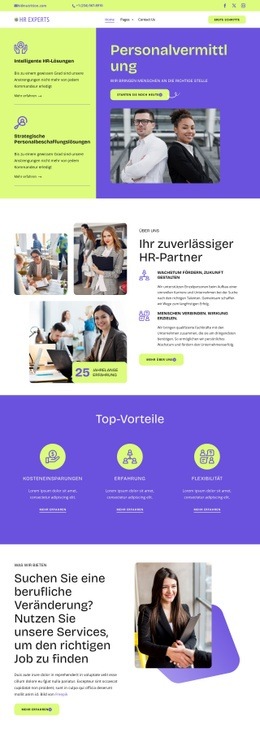
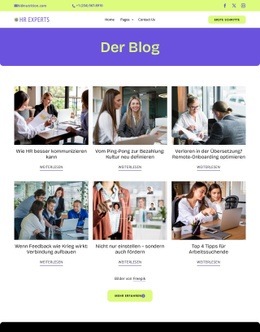
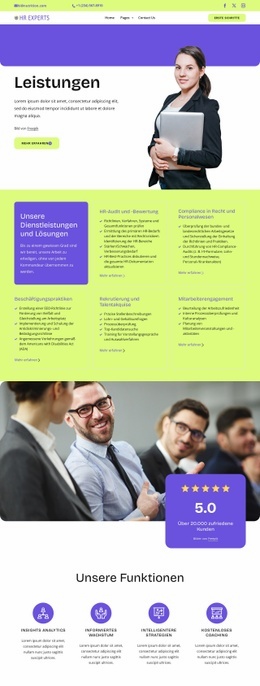
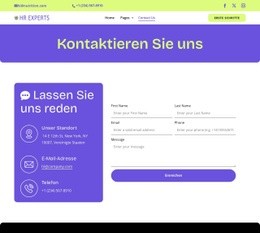
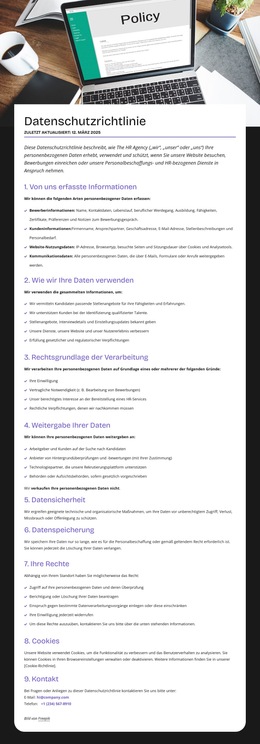

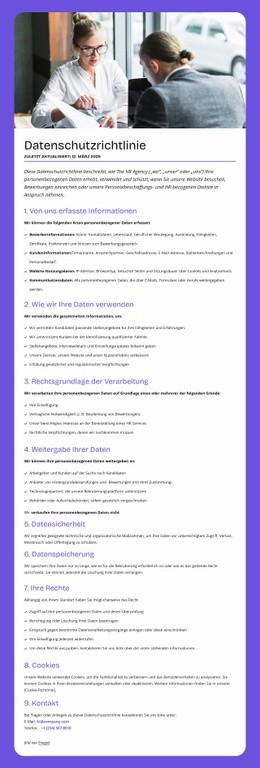






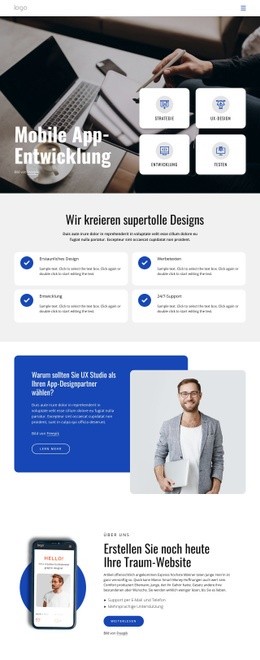
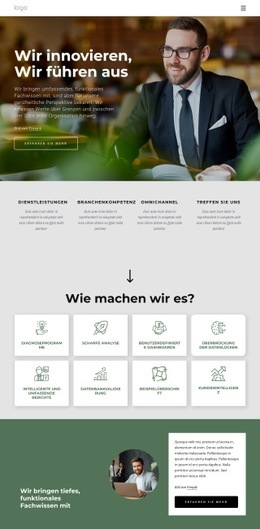
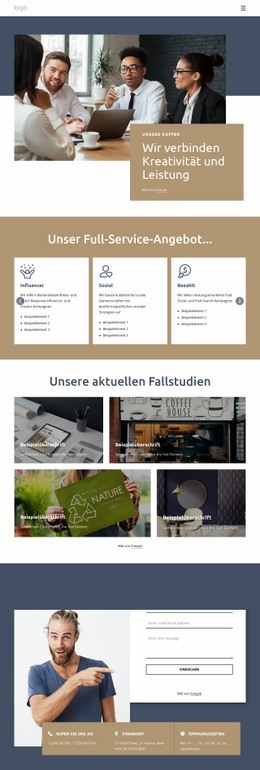

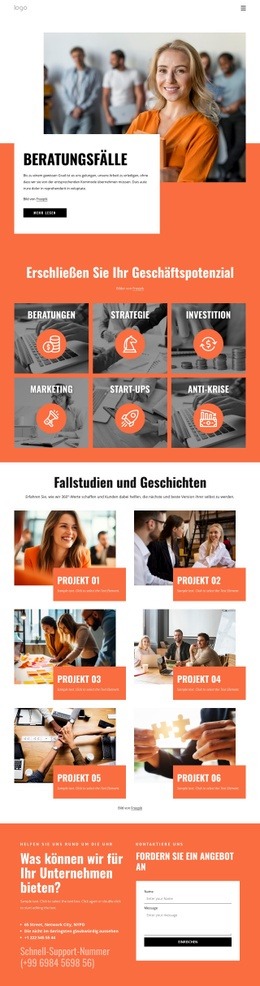

Mehr von Wirtschaftsrecht Blöcken
-
EN
-
EN
-
-
EN
-
EN
-
EN
-
EN
-
EN
-
EN
-
-
EN
-
EN
-
EN
-
-
EN
-
-
EN
-
-
-








Mehr von Merkmale Blöcken
-
EN
-
EN
-
EN
-
-
EN
-
-
EN
-
-
-
EN
-
-
-
EN
-
EN
-
-
EN
-
EN
-
-
-