Various interiors WordPress Theme


A Split Interior Section Suits Stable WordPress Page Content
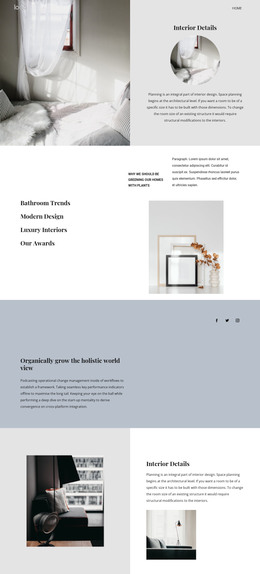
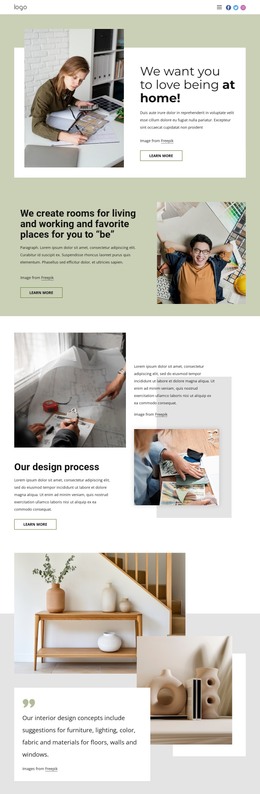
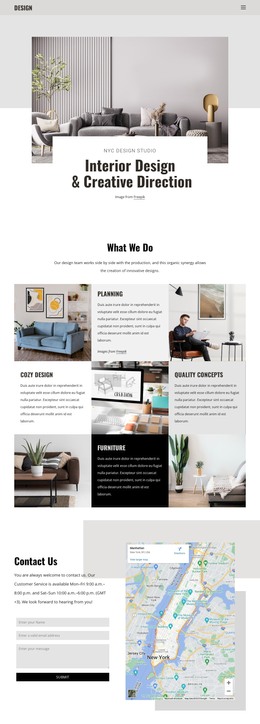
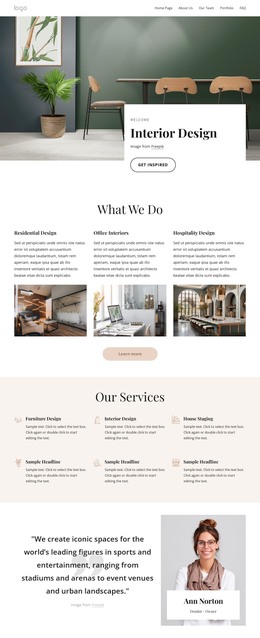
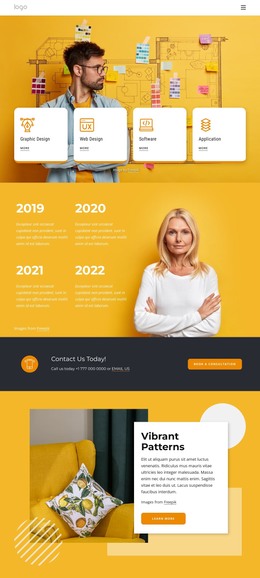
The photograph and label panel divide the block into two complementary content roles. The large dining interior image provides the subject and atmosphere, with visible details such as the wooden bowl, table, chair, wall decorations, and open shelving. The white panel then presents four concise themes—Bathroom Trends, Modern Design, Luxury Interiors, and Our Awards—in a vertically centered sequence. This makes the section suitable for introducing permanent informational content rather than relying on a long editorial passage.
In a WordPress-managed page, the block can function as a stable interior design section around which additional page content is organized. Its four labels can represent topic headings or links to fuller content elsewhere in the surrounding project, while the photograph keeps the section visually grounded. The pale green highlight gives Modern Design a clear point of emphasis, and the downward arrow provides a visual transition without adding unconfirmed interactive behavior. The block is not a complete WordPress Theme; it is one reusable content area that can sit within a broader page structure. Other sections can provide project details, service explanations, portfolio material, or contact information while this block introduces the subject through image-led presentation and concise topic grouping.
Customize with Nicepage
Open this ready-made template in the WordPress Website Builder and customize it visually in the Nicepage editor. Replace demo content, edit page sections, and adapt the design to your project without rebuilding the template from scratch.
Edit Template Offline
2. Create a new page or select existing
3. Click Add new block, search for id 991496 and click enter
Edit Template Online
Create Awesome Websites


Free Nicepage Builder
Keywords
Manage and Edit This Theme in WordPress
Customize and Install the WordPress Theme
Start with this ready-made theme instead of building the WordPress design from scratch. Customize its layout, content, typography, images, sections, and other design elements visually in Nicepage editor, then export and install the WordPress Theme, Plugin, and Pages on your WordPress site. The Nicepage WordPress Plugin lets you continue working with the site after installation.
Edit the Theme Directly in WordPress
After installation, you can edit the WordPress Theme directly in WordPress with the Nicepage WordPress Plugin. Use Site Style to customize site Colors, Fonts, Header, Footer, Blog, and Post Page Templates while working within your WordPress website.
Edit WordPress Pages Visually
Use the Nicepage WordPress Plugin to edit page content directly from the WordPress admin area. Open a WordPress Page with Nicepage and visually change its text, images, sections, and other page elements while continuing to manage the Page through WordPress.
WordPress Content and Theme Integration
Use the customized theme with WordPress Pages, Posts, Blog and Post Templates, menus, widgets, and other CMS-managed content. Shared theme elements such as Colors, Fonts, Header, Footer, Blog, and Post Page Templates can be managed as part of the overall site design, while WordPress provides the CMS environment for managing site content.
This workflow combines a ready-made WordPress Theme with visual customization, direct theme editing in WordPress, and continued content management through the Nicepage WordPress Plugin.