A team of four designers WordPress Theme


Portraits and a Quotation Form Stable Page Content
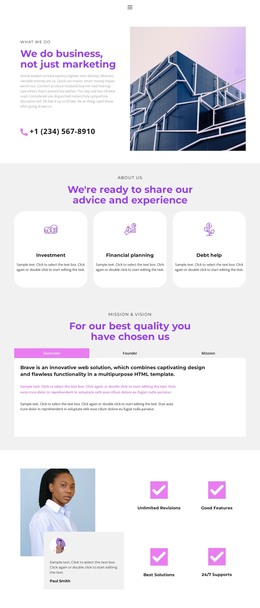
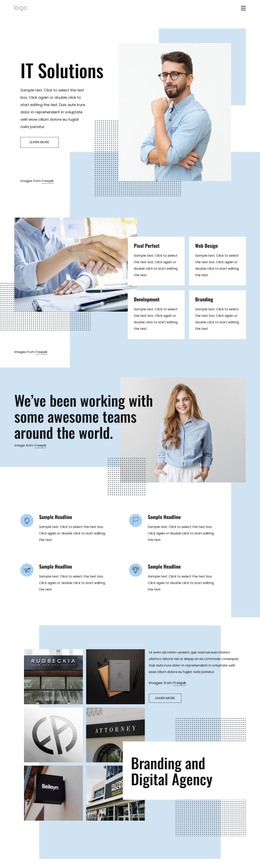
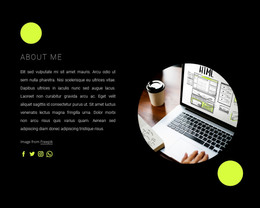
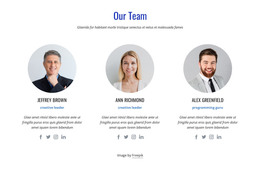
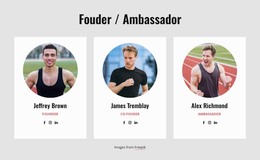
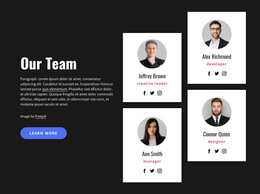
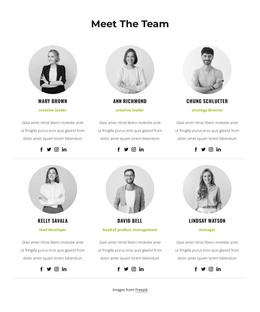
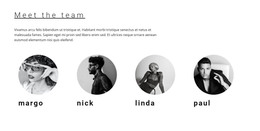
The four portrait images read as stable page content for a team or people-focused area. Their single horizontal row keeps the group visually unified, which is different from a collection of separate article entries or a dense directory. The centered quotation beneath them adds a shared statement rather than assigning separate biographies to each portrait. This makes the block well suited to permanent content on a WordPress-managed page where the surrounding project can provide more detailed information elsewhere.
The internal relationship is deliberately simple. The portrait gallery carries the visual introduction, then generous whitespace creates distance before the quotation becomes the next point of attention. Two horizontal rules enclose the statement and repeat its muted rose accent, giving the text region a clear boundary against the white background. The confirmed lightbox behavior belongs to the images, so visitors can examine the portraits while the quotation and its position remain unchanged.
In a WordPress-oriented project, the section can remain a reusable visual content area within a broader page or site. It can support a team introduction, a studio presentation, or another people-centered message, while other page content handles navigation, biographies, services, or contact details. The block supplies a defined portrait-and-statement arrangement; the wider WordPress environment supplies the surrounding publishing context.
Customize with Nicepage
Open this ready-made template in the WordPress Website Builder and customize it visually in the Nicepage editor. Replace demo content, edit page sections, and adapt the design to your project without rebuilding the template from scratch.
Edit Template Offline
2. Create a new page or select existing
3. Click Add new block, search for id 746203 and click enter
Edit Template Online
Create Awesome Websites


Free Nicepage Builder
Keywords
Use This Block in a WordPress-Managed Website
Keep the Block as Page Content
Use the block as one content/layout section inside a WordPress-oriented site rather than treating the Block ID as a complete WordPress Theme. Its verified text, images, repeated items, forms, galleries, or other elements can remain part of permanent page content while WordPress manages the wider site.
Work With Nicepage and WordPress
A Nicepage WordPress project can be installed using the WordPress Theme, Plugin, and Pages workflow. After installation, the same visual section can participate in WordPress-managed pages as part of the broader theme/site structure.
Continue Editing in WordPress
Nicepage supports editing the WordPress Theme directly in WordPress. Use WordPress Pages, Posts, Blog structures, and other CMS concepts only when they are relevant to the surrounding project; their existence must not be inferred from the analyzed block alone.
This workflow keeps the block's verified section function separate from the WordPress theme architecture while allowing it to participate in a CMS-managed website.