
Serving Citizens with Transparency WordPress Theme


A Long Civic Statement as Stable Page Content
The speaker heading and long quotation create a stable content area that can fit naturally within a WordPress-managed page. The section presents one featured statement rather than a feed of posts, a set of profiles, or a collection of changing testimonials. Its left column gives the written message priority, while the thin orange rule separates the quotation visually from the surrounding white space and helps the reader recognize its boundaries.
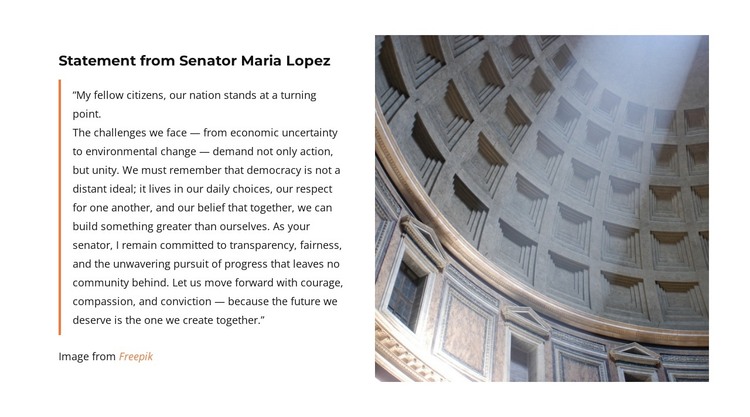
The supporting image gives the statement a distinct visual counterpart. Its tall crop shows a curved architectural interior with repeating recessed details, introducing neutral gray and brown tones without adding another competing message. This balance makes the block suitable for an institutional, civic, or public-service content area where a substantial quotation needs context and visual presence. The attribution link remains attached to the image relationship, while the broader WordPress project can provide other page content around the section.
As a WordPress-oriented section, the block is best understood as reusable permanent page content that can be placed within a larger editorial structure. The containing site may handle navigation, related information, and additional sections separately; this block continues to perform one focused role: presenting a prominent written statement beside one supporting image.
Customize with Nicepage
Open this ready-made template in the WordPress Website Builder and customize it visually in the Nicepage editor. Replace demo content, edit page sections, and adapt the design to your project without rebuilding the template from scratch.
Edit Template Offline
2. Create a new page or select existing
3. Click Add new block, search for id 6575498 and click enter
Edit Template Online
Create Awesome Websites


Free Nicepage Builder
Keywords
Manage and Edit This Theme in WordPress
Customize and Install the WordPress Theme
Start with this ready-made theme instead of building the WordPress design from scratch. Customize its layout, content, typography, images, sections, and other design elements visually in Nicepage editor, then export and install the WordPress Theme, Plugin, and Pages on your WordPress site. The Nicepage WordPress Plugin lets you continue working with the site after installation.
Edit the Theme Directly in WordPress
After installation, you can edit the WordPress Theme directly in WordPress with the Nicepage WordPress Plugin. Use Site Style to customize site Colors, Fonts, Header, Footer, Blog, and Post Page Templates while working within your WordPress website.
Edit WordPress Pages Visually
Use the Nicepage WordPress Plugin to edit page content directly from the WordPress admin area. Open a WordPress Page with Nicepage and visually change its text, images, sections, and other page elements while continuing to manage the Page through WordPress.
WordPress Content and Theme Integration
Use the customized theme with WordPress Pages, Posts, Blog and Post Templates, menus, widgets, and other CMS-managed content. Shared theme elements such as Colors, Fonts, Header, Footer, Blog, and Post Page Templates can be managed as part of the overall site design, while WordPress provides the CMS environment for managing site content.
This workflow combines a ready-made WordPress Theme with visual customization, direct theme editing in WordPress, and continued content management through the Nicepage WordPress Plugin.





















