We prioritize WordPress Theme


Edit Template Offline
2. Create new page and search for id 5733887
Edit Template Online
Create Awesome Websites


Free Nicepage Builder
Keywords
Service Labels and Editorial Regions for WordPress Content
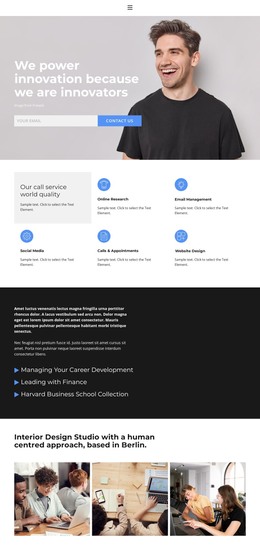
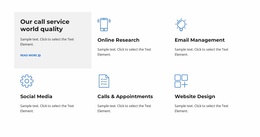
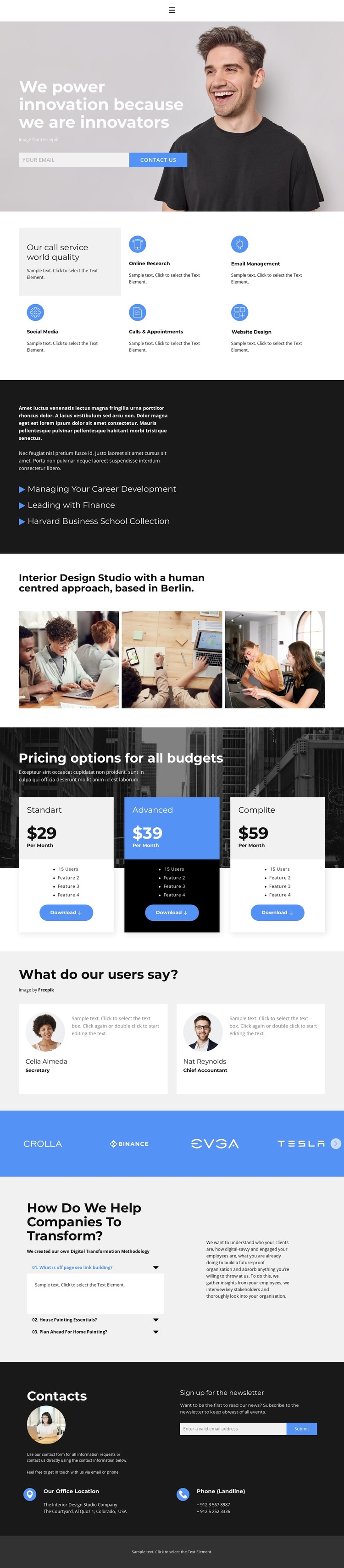
The compact capability area gives the design a strong page-oriented content structure. Online Research, Email Management, Social Media, Calls & Appointments, and Website Design are presented as five named service areas after the introductory hero, allowing permanent company information to remain distinct from the opening message. The hero itself combines a large background photograph with an email form and contact action, creating a separate introductory region rather than mixing the response element into the service list.
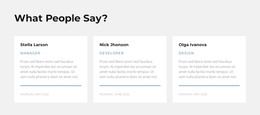
The pricing section provides another clear content group: three monthly plans are displayed as vertically structured cards with feature lists and download actions. This arrangement can hold plan descriptions that need to remain visually comparable. The gallery gives the interior design studio positioning its own image-led region, while the testimonial cards and horizontal logo strip create repeatable areas for user feedback and brand marks. The displayed names, roles, and logos are sample content evidence and should be replaced or verified before publication.
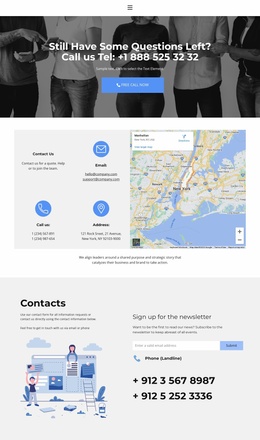
The transformation block adds a more editorial layer through methodology copy and three expandable questions. It can support explanatory or regularly updated material without changing the page’s service-oriented sequence. Finally, the dark contact region combines newsletter signup, contact messaging, location information, and phone details. These distinct page areas allow a WordPress-managed site to keep permanent company content and future editorial additions within one coherent visual system.
Customize with Nicepage
Open this ready-made template in the WordPress Website Builder and customize it visually in the Nicepage editor. Replace demo content, edit page sections, and adapt the design to your project without rebuilding the template from scratch.
Manage and Edit This Theme in WordPress
Customize and Install the WordPress Theme
Start with this ready-made theme instead of building the WordPress design from scratch. Customize its layout, content, typography, images, sections, and other design elements visually in Nicepage editor, then export and install the WordPress Theme, Plugin, and Pages on your WordPress site. The Nicepage WordPress Plugin lets you continue working with the site after installation.
Edit the Theme Directly in WordPress
After installation, you can edit the WordPress Theme directly in WordPress with the Nicepage WordPress Plugin. Use Site Style to customize site Colors, Fonts, Header, Footer, Blog, and Post Page Templates while working within your WordPress website.
Edit WordPress Pages Visually
Use the Nicepage WordPress Plugin to edit page content directly from the WordPress admin area. Open a WordPress Page with Nicepage and visually change its text, images, sections, and other page elements while continuing to manage the Page through WordPress.
WordPress Content and Theme Integration
Use the customized theme with WordPress Pages, Posts, Blog and Post Templates, menus, widgets, and other CMS-managed content. Shared theme elements such as Colors, Fonts, Header, Footer, Blog, and Post Page Templates can be managed as part of the overall site design, while WordPress provides the CMS environment for managing site content.
This workflow combines a ready-made WordPress Theme with visual customization, direct theme editing in WordPress, and continued content management through the Nicepage WordPress Plugin.